
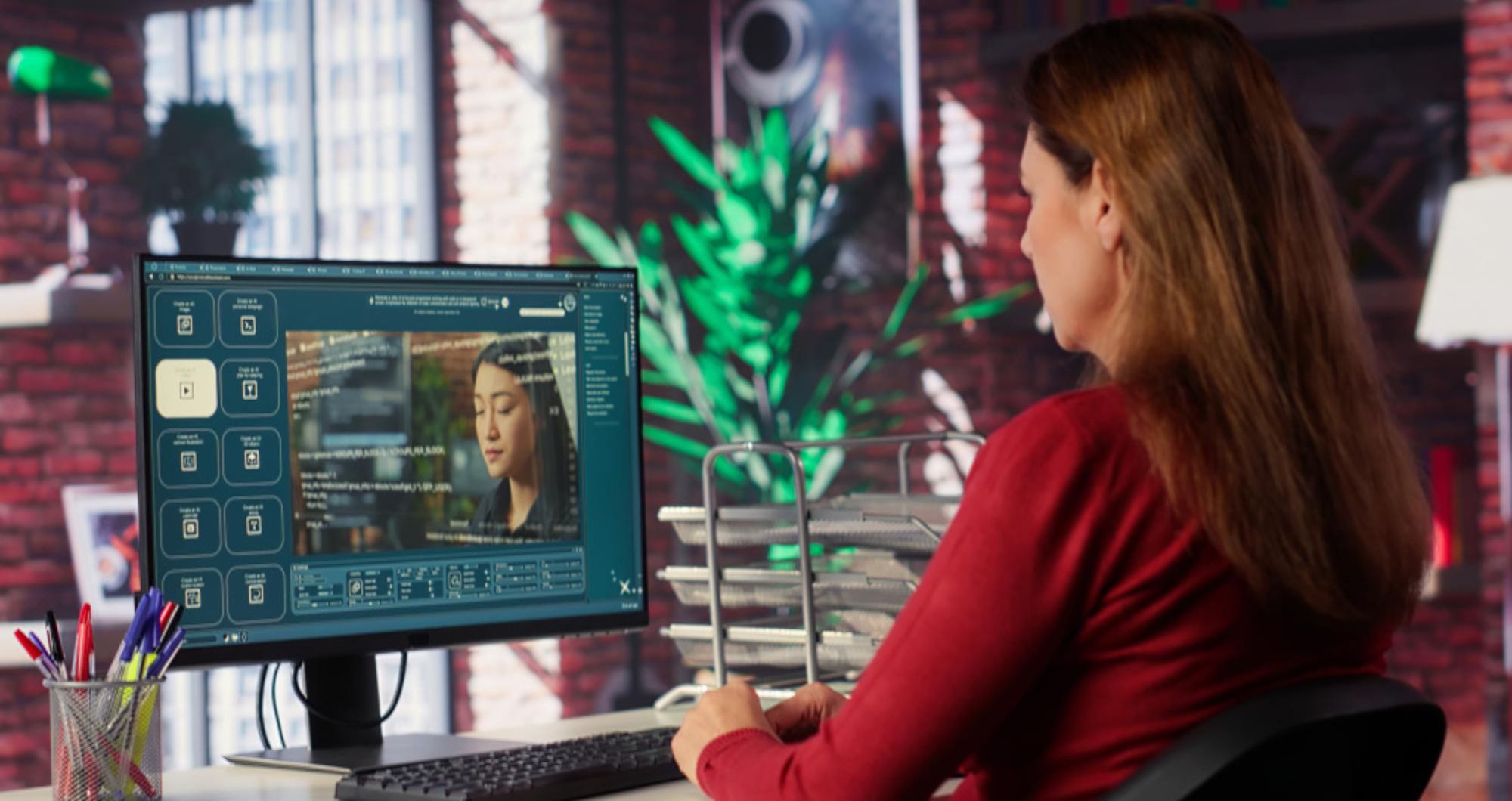

If you’ve ever spent hours manually transcribing an interview or meticulously removing a stray object from a shot, you’ve probably had a moment of pure frustration. That’s a feeling I think every video creator knows well. The creative part—the vision, the storytelling, the emotional core—is what we love. The tedious, repetitive tasks? Not so much. For a long time, there wasn’t a great solution, but that’s changing, and it’s changing fast. The answer, perhaps, lies in the intelligent integration of artificial intelligence into our workflow.
The truth is, AI in video production is not about replacing human creators. It’s about empowering them. It’s a tool that can take care of the mundane, repetitive tasks, freeing up your time to focus on the things that truly matter: creativity, narrative, and connecting with your audience. I mean, think about it: if you could cut your editing time in half, what else could you create? A podcast? A new series? More content, I think, that you actually love making.
This guide will break down exactly how to use AI in video production throughout the entire lifecycle, from the very beginning of a project to the final touches. We’ll go beyond just listing tools and show you how to build a strategic workflow that saves you time and elevates your content.
The Pre-Production Phase: Where AI Sets the Stage
A lot of people think about AI as a post-production tool, but the reality is, it can start helping you long before you even hit record. Using AI strategically in pre-production can save you hours and make your entire project more efficient.
1. Scripting and Idea Generation
Ever get stuck staring at a blank page, trying to brainstorm ideas? AI can be an incredibly useful tool for getting past writer’s block. While it won’t write your masterpiece for you (and you probably wouldn’t want it to), it can generate outlines, suggest script ideas, and even help you refine dialogue.
- How to use it: Use tools like ChatGPT or similar language models to brainstorm topics based on your keywords. For instance, you could input “Generate 10 video ideas about sustainable living for a YouTube channel” and get a solid list to start from. This simple step can turn a half-hour of brainstorming into a 5-minute task.
2. Storyboarding and Visualisation
Traditionally, storyboarding is a time-consuming process. AI image generators are changing that, offering a quick and easy way to visualise your shots and scenes.
- How to use it: Describe your scene to an AI image generator (like Midjourney or DALL-E) and get a visual representation in seconds. You could type, “A wide shot of a woman in a red coat standing on a busy city street at night, cinematic lighting.” This gives you a fast, visual reference to discuss with your team or to solidify your own vision before you start filming.
The Production Phase: On-Set and In the Field
Even while you’re shooting, AI can be a silent partner, helping you capture better footage and manage your assets more effectively. I think this part is often overlooked.
1. Smart Camera Features
Modern cameras and drones are already using AI for things like object tracking and focus assist. A drone, for example, can lock onto a subject and follow them perfectly without a human having to constantly adjust the controls. This, I would say, is a game-changer for capturing smooth, professional-looking footage on your own.
- How to use it: When buying new equipment, look for features like AI-powered tracking or facial recognition. These features can help ensure your subjects are always in focus, giving you a much cleaner starting point for your edits.
2. Real-Time Asset Management
Imagine a world where your clips are automatically tagged and organised as you film. AI is making this possible. By analysing footage in real-time, it can automatically label clips with keywords like “close-up shot,” “interview,” or “drone shot,” making the post-production process much smoother.
- How to use it: While this technology is still emerging, some professional video editing suites are beginning to offer these features. The more you can tag and organise on set, the less you have to do later, and that, I think, is a huge win.
The Post-Production Phase: Where AI Does the Heavy Lifting
This is where the magic really happens and where using AI in video production can make the most dramatic impact on your workflow. It’s about automating the most time-consuming tasks.
1. Automated Transcription and Subtitling
Manually transcribing interviews for captions is a nightmare. AI-powered tools can do it in minutes with a high degree of accuracy.
- How to use it: Upload your video to a service like Descript or Rev.com. The AI will transcribe the audio, and you can easily review and correct it. Then, you can use the transcription to generate subtitles or even as a document to help you create your edit script. This is probably the single biggest time-saver for most creators.
2. Advanced Editing Automation
Editing software is getting smarter. AI can now help with things like removing filler words (“um,” “uh”), detecting and cutting silent pauses, and even creating a rough cut of your video based on keywords.
- How to use it: Tools like Adobe Premiere Pro and Descript have features that allow you to edit video by editing text. If you delete a sentence from the transcript, the corresponding video clip is also removed. This makes editing an interview or a talking-head video incredibly fast and intuitive.
3. Visual Effects and Colour Grading
AI can perform complex visual effects and colour correction tasks that used to require a specialist. It can automatically remove objects from a scene, stabilise shaky footage, or even enhance the quality of old, grainy video.
- How to use it: Tools like RunwayML offer features to “inpaint” objects, removing them from a shot seamlessly. For colour grading, AI can analyse your footage and suggest a colour grade that matches a specific mood or style, saving you a lot of time and effort in the colour correction bay.
How to Use AI in Video Production: A Case Study
Let’s imagine you’re a small startup founder creating a video series about your journey. Your goal is to produce high-quality, engaging content on a tight budget.
- Idea & Script: You use ChatGPT to brainstorm 5 video titles related to “startup life.” You choose one and use the AI to generate a basic outline for a script.
- Filming: You record a talking-head video with your smartphone. You also use a drone with an AI tracking feature to get some dynamic B-roll footage of your office.
- Editing (The AI Workflow):
- You upload all your footage to Descript. The AI automatically transcribes your interview. You edit your video by simply deleting the filler words and awkward pauses from the text.
- You use an AI tool to remove a distracting object (like a stray cable) from a few of your shots.
- You use another AI tool to quickly colour-grade your B-roll footage to match the style of your main video.
- Final Touches: You review the AI-generated subtitles for accuracy and make any final adjustments. Within a few hours, you have a professional-looking video that would have taken you days to complete manually.
I think this illustrates the true power of this technology. It’s not about replacing you; it’s about making you a more efficient and powerful creator.
The Future of AI and Video: Ethical Considerations
As powerful as these tools are, it’s important to acknowledge the ethical and creative questions they raise. The ability to create hyper-realistic deepfakes, for example, is a serious concern. Similarly, questions about originality and copyright are still being worked out. I think it’s crucial for creators to use these tools responsibly and transparently. A human’s touch, their unique perspective, and their ethical judgment will always be what truly makes content special. So while the tools are evolving, I’d say the fundamental role of the human creator is more important than ever.
Conclusion: Your AI-Powered Future
The intersection of AI and video production is not just a trend; it’s a new chapter in storytelling. By strategically integrating AI tools into your workflow—from idea generation to post-production—you can overcome the challenges of limited time and resources. This guide, I hope, has shown you exactly how to use AI in video production to automate the mundane and focus on the creative. Remember, the goal is not to let AI take over, but to let it empower you to create more, faster, and better. Your voice, your story, and your vision are what matter most.
Frequently Asked Questions (FAQ)
Is AI going to replace video editors?
No, I don’t think so. AI is a powerful tool, not a replacement for human creativity. It automates repetitive tasks like transcription, rotoscoping, and rough cuts, which frees up the editor to focus on storytelling, pacing, and the creative decisions that truly make
a video stand out.
What is the easiest way to start using AI in video production?
The simplest way to start is by using an AI transcription service. Tools like Descript are incredibly easy to use. Simply upload your video, let the AI transcribe it, and you can edit your video by deleting text, which is a game-changer for content creators and, frankly, a very satisfying way to edit.
Are AI video tools expensive? Many AI video tools, particularly those for transcription and basic editing, offer free tiers or low-cost subscriptions. Some of the more advanced features, like AI object removal or text-to-video generation, can be more expensive, but there are options for every budget.
What are the ethical concerns of AI in video production?
The primary concerns are about the creation of deepfakes and the potential for misinformation. Creators should use these tools responsibly and be transparent about their use. Copyright and the originality of AI-generated content are also evolving legal and ethical topics that creators need to be aware of.