
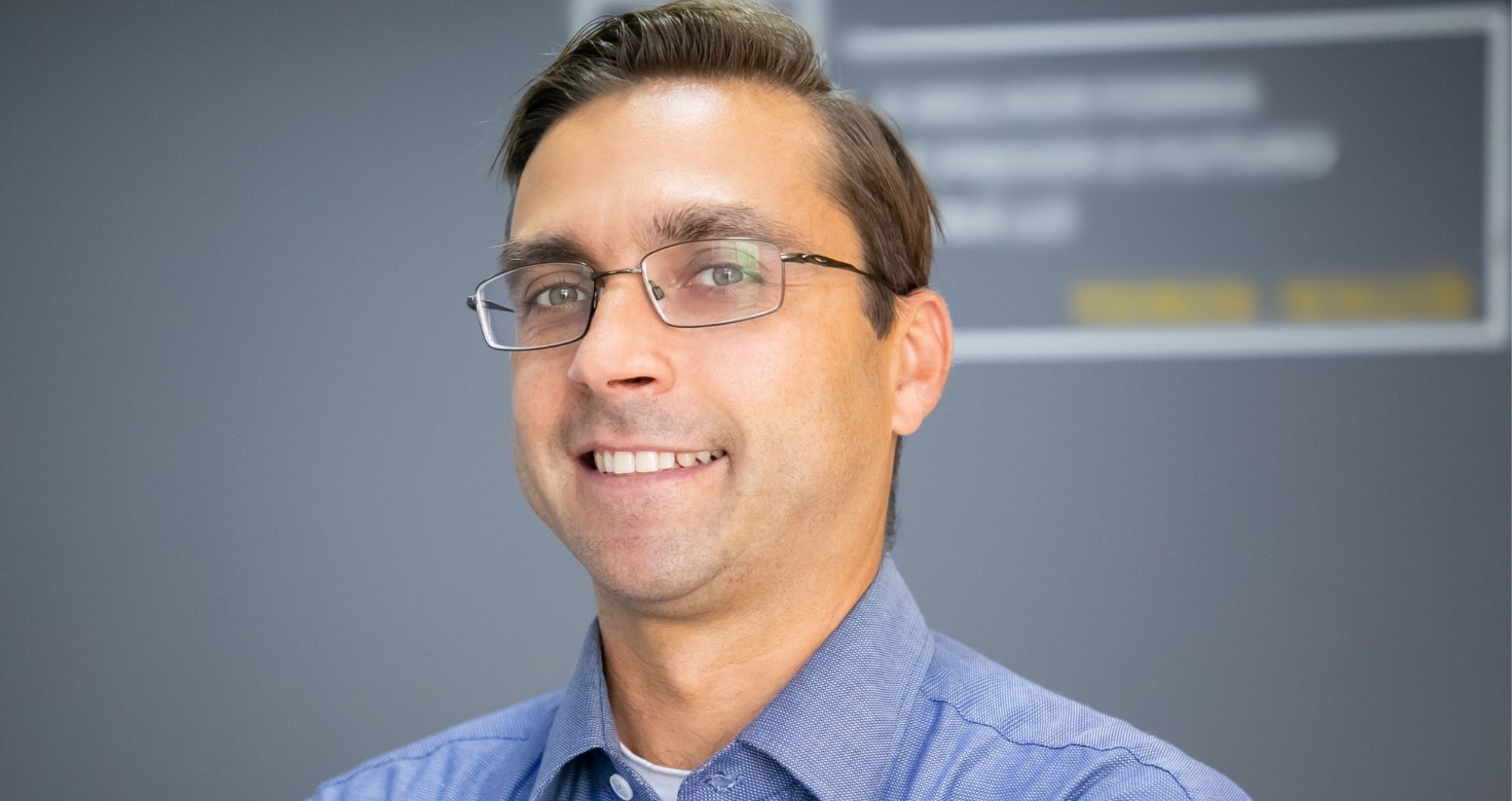
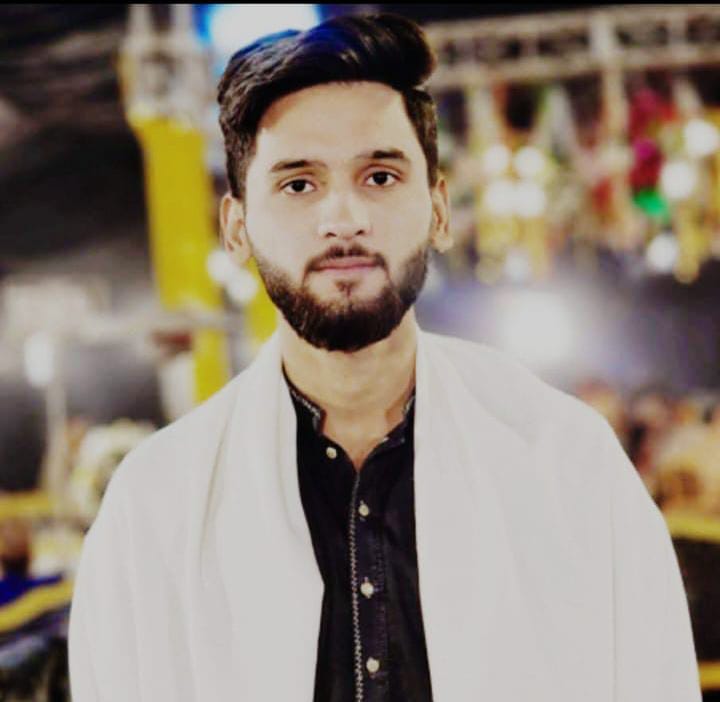
Ai headshot generator workflows work best on LinkedIn when they produce a clean, realistic head-and-shoulders portrait that still looks like you (not a “perfect AI avatar”). LinkedIn itself recommends cropping so your face fills about 60% of the frame, which is a simple rule that immediately improves how your photo reads in the small circular thumbnail.
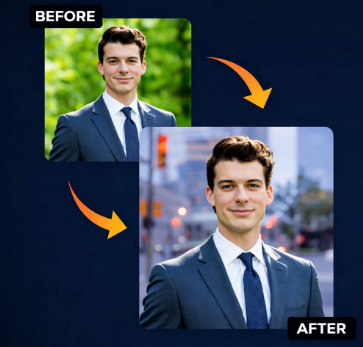
What “works” on LinkedIn
A LinkedIn headshot performs when it’s easy to recognise, properly cropped, and believable at both thumbnail size and full-screen view. Keep the frame tight—top of shoulders to just above the head—so your face remains clear even on mobile.
AI headshots: choose realism over effects
AI headshots are most effective when they look studio-like but not over-processed, because overly smooth skin and unnatural edges (hair, collars) can reduce trust. If your goal is professional use (profiles, resumes), pick styles that prioritise realistic lighting and natural texture rather than dramatic filters.
Inputs that improve AI results fast
Better inputs create better outputs, and HeadshotMaster explicitly notes that “more shots mean better results,” so upload more than one clear selfie when possible. Use sharp, well-lit photos with a clear face; this makes it easier for the generator to produce consistent, lifelike headshots.
A simple checklist before you publish
- Face fills ~60% of the frame; crop from top of shoulders to just above the head.
- Natural lighting and neutral background; avoid busy scenes that compete with your face.
- Minimal “AI tells” (plastic skin, strange collars, odd hair edges); choose a more realistic preset if needed. Ai professional headshot generator results are most LinkedIn-ready when you combine good inputs, realistic style choices, and that 60% face crop rule—then use one consistent final image across your profile and author bios.







