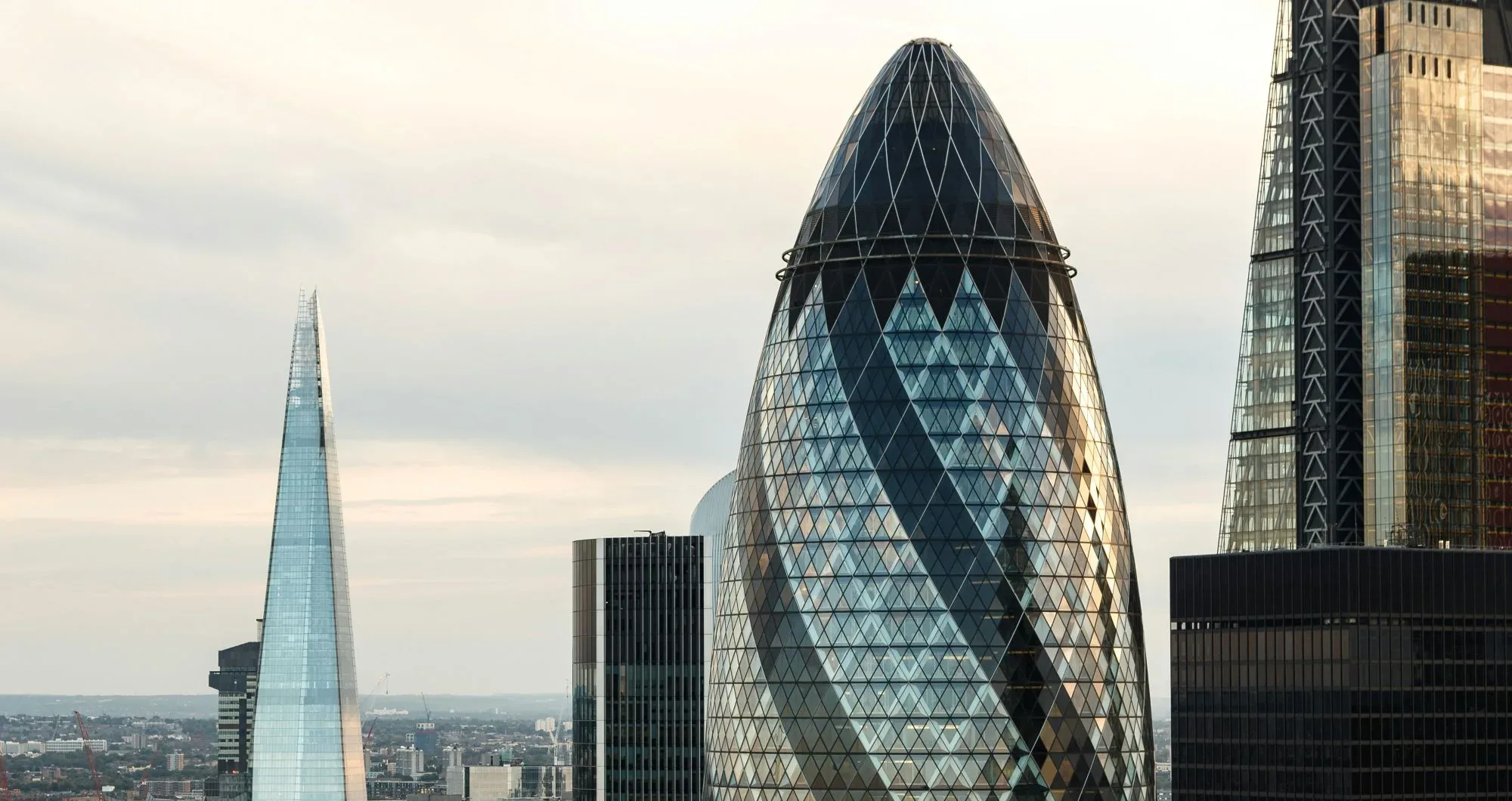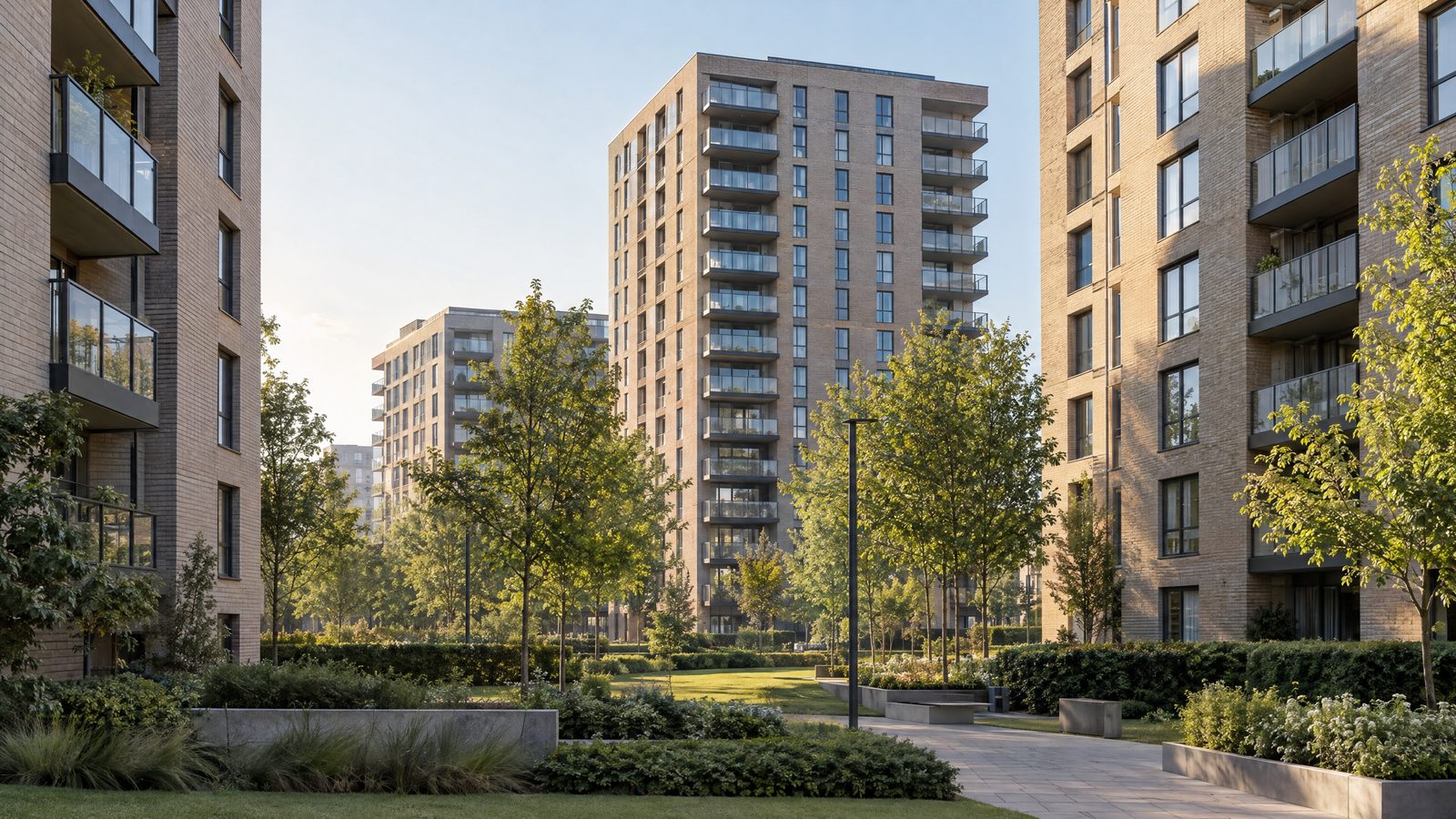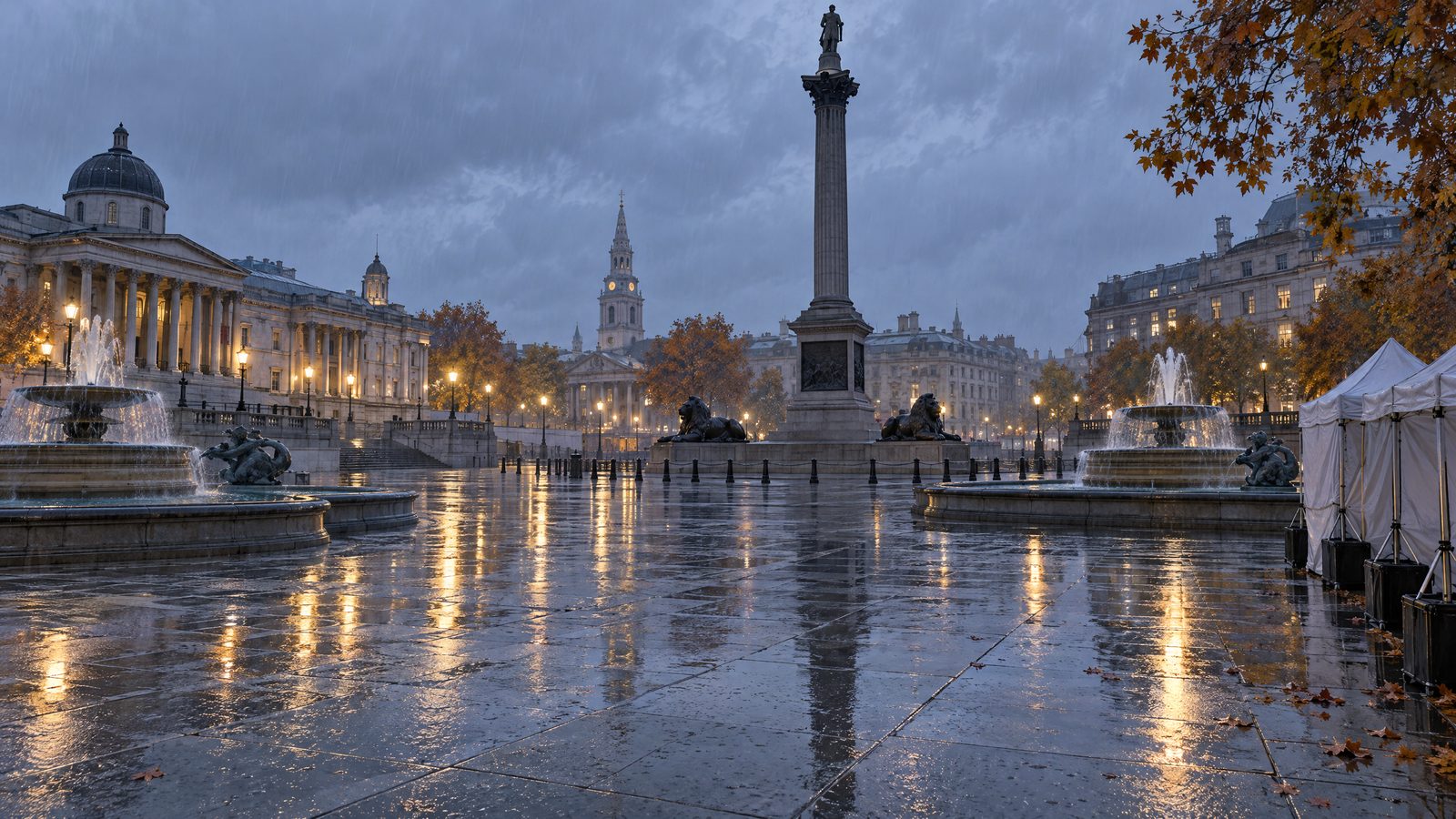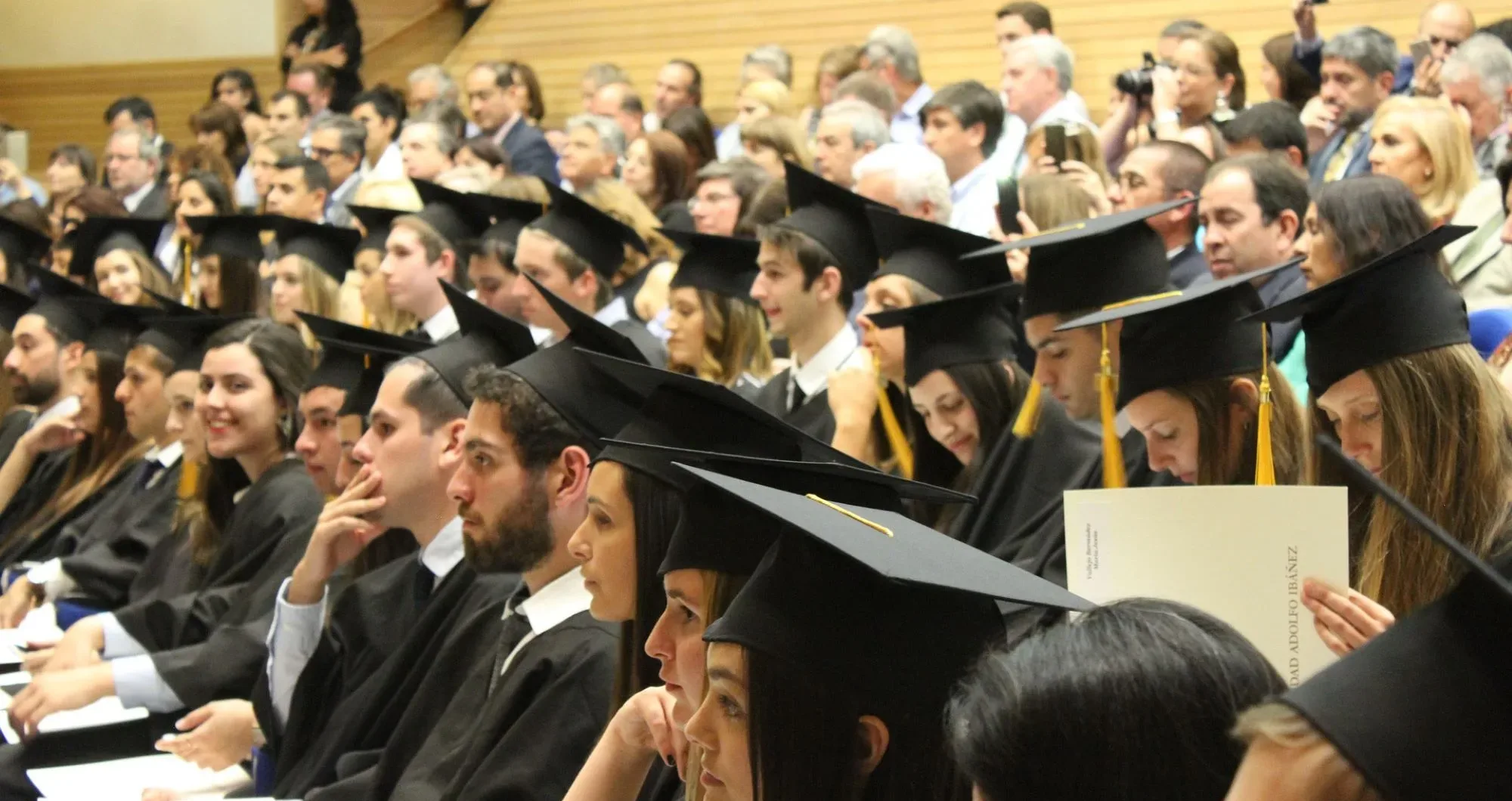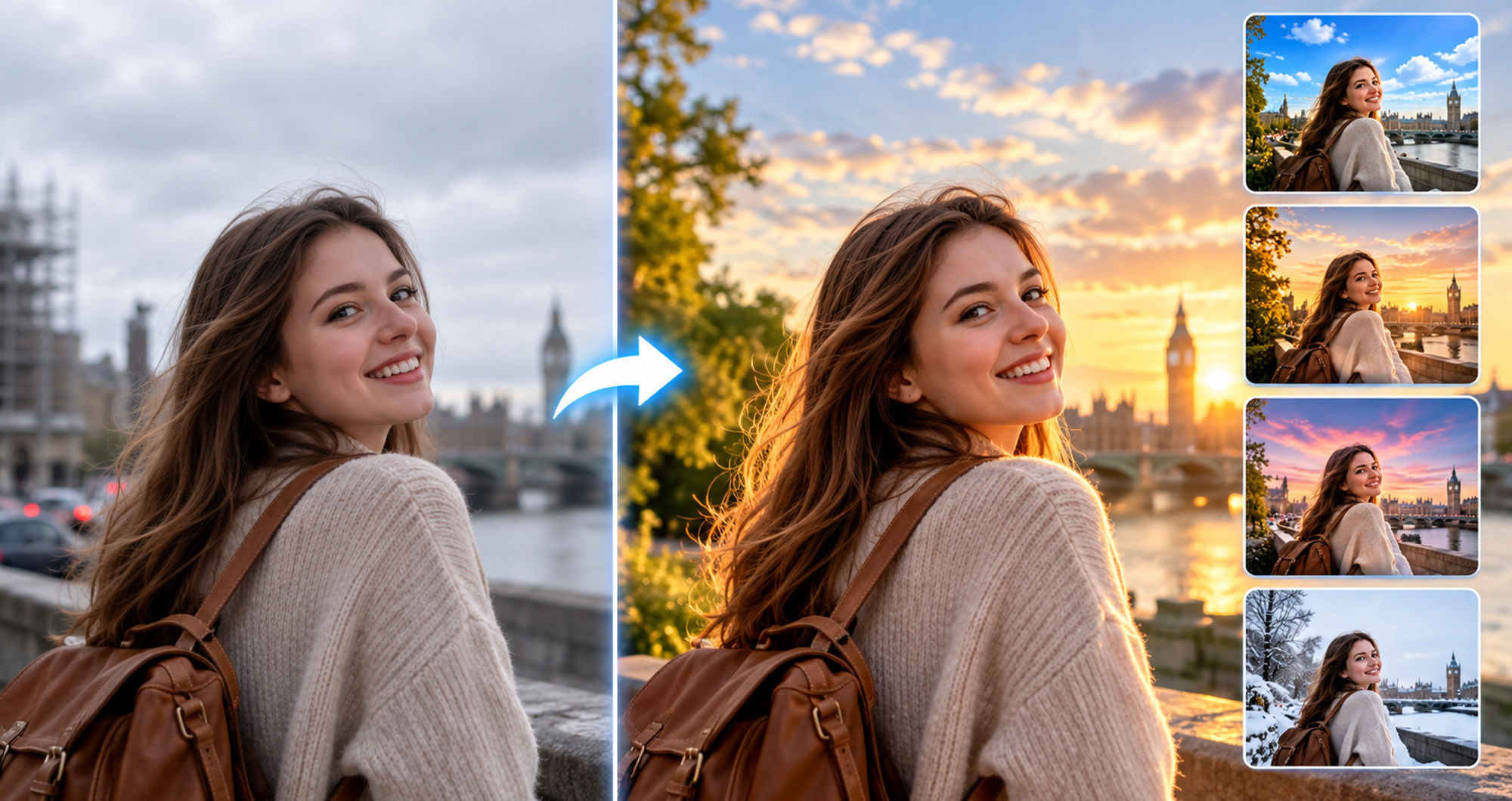

You waited weeks for that family photo at the park, and the sky delivered flat grey. Your street looked magical in person, but the camera caught traffic, bins and scaffolding. The golden-hour portrait you imagined came out blue and dim. You cannot reshoot — the moment, the outfit or the trip was one-time only — so the photo sits in your gallery, unfinished.
You can give it a second chance with Wondershare RepairitAI Scene Retake, which rebuilds the scene around your subject — new sky, new environment, new light — while the people and details you love stay exactly as captured. Its convenient online version lets you quickly fix a single photo in your browser with no installation. Here is how the feature works and how you use it in three steps.
Part 1. When the Moment Is Right but the Scene Isn’t
What Scene Retake Actually Changes
Three things separate a good moment from a good photograph, and the AI rebuilds all of them:
- The Sky: swap a flat white or rainy sky for clear blue, golden hour or dramatic clouds without touching your subject.
- The Background Environment: move your portrait from a cluttered street to a clean park, a studio backdrop or a landmark — the subject stays put.
- The Lighting Mood: re-light the scene so shadows and colour temperature match the new environment, which is what makes a swap look real rather than pasted.
- Everything You Didn’t Shoot: the original file stays untouched on your disk, so the retake is always reversible.
What Is an AI Photo Scene Editor?
Wondershare Repairit is an advanced, AI-powered data repair tool that fixes corrupted videos, photos and files, and restores damaged media. Its AI Scene Retake feature is a photo scene editor built on that repair engine: the AI separates your subject from the old scene, generates a new one to your specification, and re-renders light and edge detail so the composite looks photographed, not assembled.
Key Features
- Sky Replacement: one click turns weather disasters into the day you remember.
- AI Relighting: shadows and warmth adjust to match the new scene automatically.
- Natural Edge Blending: hair, glasses and shoulders keep their fine detail — no cardboard cutout look.
- Batch Processing: re-scene a whole event gallery in one run.
- Cross-Platform Availability: Windows and Mac desktop tools, plus an online edition for quick browser fixes.
Part 2. How to Retake a Scene in Three Steps
You can rebuild the scene behind your subject in three steps.
Step 1. Open AI Scene Retake and Upload Your Photo
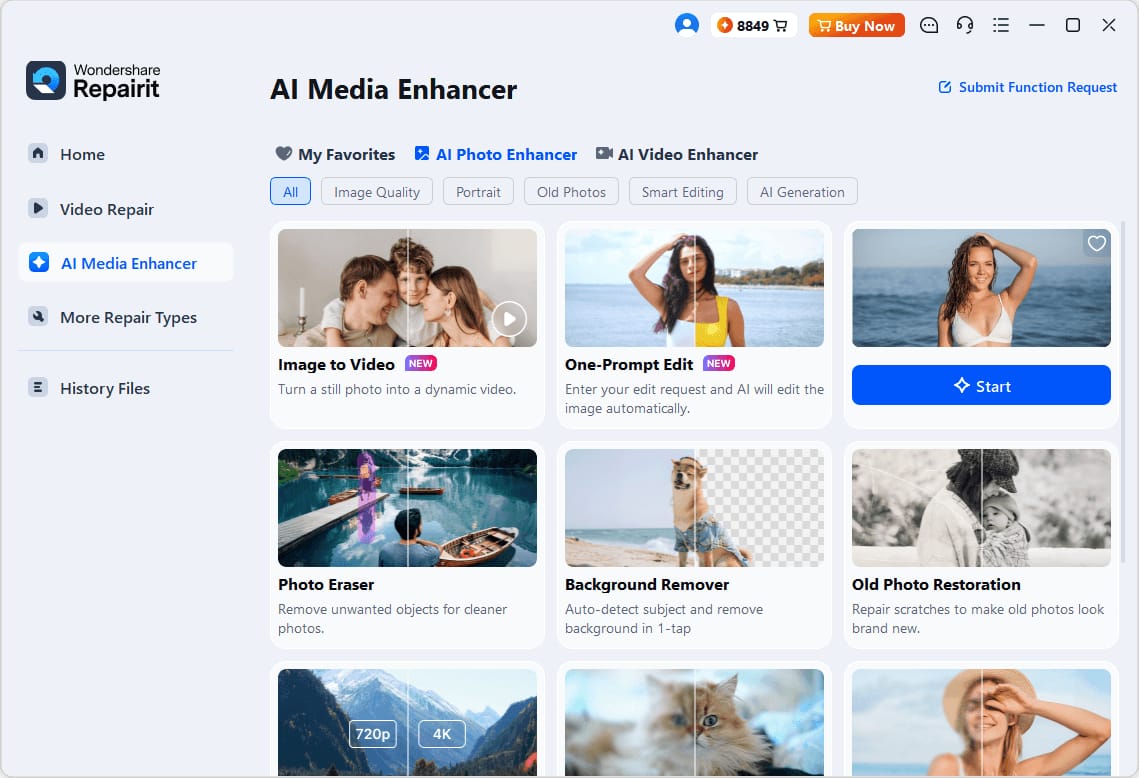
Launch Wondershare Repairit on Windows or Mac, click the “AI Scene Retake” section, then press “+ Add” or drag the photograph in. Photos with a clear subject and visible background work best. On Windows, the launch screen looks like this:
Step 2. Pick or Describe the New Scene
Choose the target environment, a clear blue sky, a warm sunset, a cleaner street, and let the AI rebuild everything behind your photo.
Step 3. Save the Retaken Photo
Review the relit result, check the edges around hair and shoulders, then save the finished photograph to your device.
Key Technical Advantages
What makes the result look like a reshoot rather than a cut-and-paste:
- Unified Lighting: the AI re-renders shadow direction and colour temperature so the subject and scene share one light source.
- Detail-Preserving Edges: individual strands of hair and semi-transparent fabric survive the swap.
- Whole-Gallery Batches: event and holiday sets get one consistent new sky in a single run.
- Online Convenience: for one photo that needs saving today, open Repairit Online in your browser — upload, re-scene, download — with nothing to install.
Part 3. Scenes Worth Retaking
Some photographs benefit more from a scene rebuild than others:
- Travel and Landmark Shots: rescue the trip photo that weather or crowds spoiled.
- Property and Interior Listings: replace grey skies outside the window with inviting daylight.
- Seasonal Cards and Posts: drop the same family portrait into summer, autumn or festive settings.
- Fine-Tune with a Prompt: for small targeted touches after the scene swap, like a colour change or a small object removed, hand the image to One-Prompt Edit and type the adjustment you want.
Conclusion
The moment was right; only the scene let you down. With AI Scene Retake in Wondershare Repairit, you can change the background, sky and lighting of a photo in three steps, and the online version fixes single images in your browser. Give that grey-sky photograph the day it deserved; you already have the shot.