
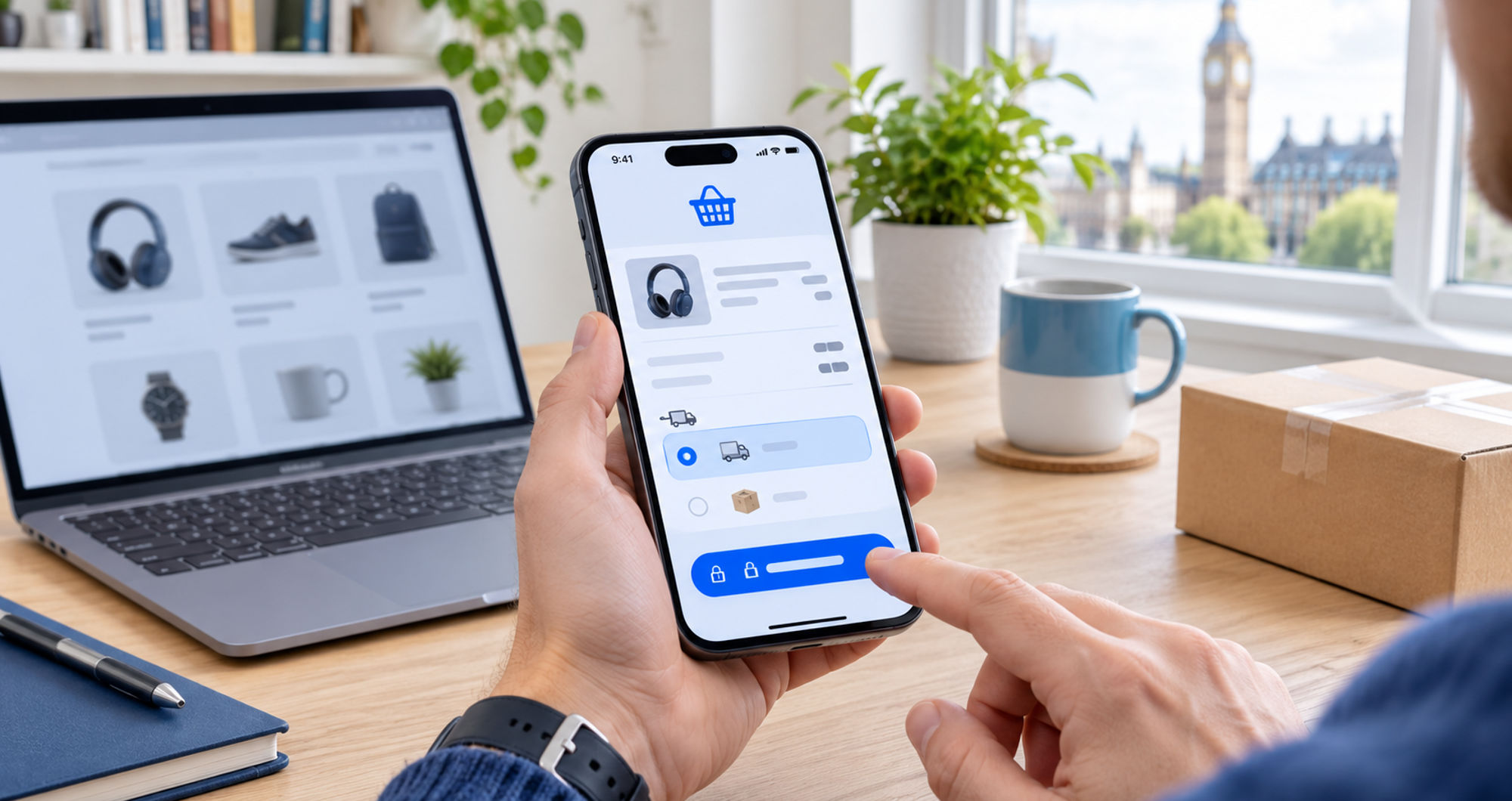

A customer has chosen a product, selected a size, and added it to the cart. The sale is close, but an unexpected delivery charge or an unresponsive button can interrupt it. For retailers looking for the best Shopify designer, the checkout journey should be part of the brief from the beginning. Developers help make those final steps clear, responsive, and reliable.
For independent retailers in London and across the UK, the starting point is often a specific problem: customers cannot update their baskets, delivery options are confusing, or a payment method fails on mobile.
What Does a Faster Checkout Involve?
Shopify developers improve checkout speed and usability by fixing cart interactions, checking delivery and payment settings, and removing unnecessary technical work where possible. They also test how customers recover from errors. The aim is to shorten both the time spent waiting and the time spent working out what to do.
Fix the Cart Before Changing the Design
The cart is where customers check their order. It should show the correct product, selected options, quantity, and price without making them return to the product page.
A common source of frustration is an update that appears to do nothing. A shopper taps the quantity button again, then discovers that several extra items have been added.
Developers investigate how the cart handles these requests. Clear loading feedback, accurate totals, and useful error messages help customers understand whether an action has succeeded.
Keep Extra Features Out of the Way
Product recommendations and promotional messages can be useful, but they should not delay essential cart functions. Developers check whether these additions create unnecessary requests or interfere with buttons and order updates.
The practical test is straightforward: can someone review and change their order without waiting for unrelated content?
Explain Delivery Costs Before the Final Step
Imagine a customer ordering a £35 item and discovering the delivery charge only after entering their address. They may pause to compare the total elsewhere.
Retailers cannot always calculate an exact charge before knowing the destination. They can, however, explain how delivery works and make any conditions easy to find.
Useful information includes:
- Standard delivery charges or calculation rules.
- Estimated arrival times.
- Free-delivery thresholds.
- Restrictions affecting certain products or locations.
Developers check that these messages agree with the store’s shipping settings. If a banner advertises free delivery above a threshold, the cart and checkout should apply the same conditions.
Make Mobile Errors Easy to Correct
Mobile testing needs to go beyond checking whether a page fits the screen. Customers may enter the wrong postcode, change a product option, or return to their cart before paying.
Each of those actions should leave them with a clear next step.
Test the Awkward Moments
Developers should check what happens when:
- A discount code is invalid.
- An item becomes unavailable.
- No delivery method matches the address.
- A payment attempt is unsuccessful.
A useful message explains the problem without forcing the customer to guess. “This code has expired” provides more direction than a generic failure notice.
Know What Can Be Changed
Shopify’s storefront cart and checkout are separate. A developer can modify the theme’s cart experience, but that does not give them unrestricted control over checkout.
Some changes depend on the store’s plan. Shopify’s documentation states that checkout UI extensions for the information, shipping, and payment steps require Shopify Plus.
A proposal should make these boundaries clear before work starts. Retailers need to know which problems can be resolved through settings, which need development, and which involve additional platform costs.
Judge the Work by Completed Tasks
A better-looking cart is useful only if customers can use it successfully. Testing should cover product selection, quantity changes, delivery choices, discounts, and payment.
After launch, retailers can monitor checkout completion alongside payment failures and ordering-related support requests. Results should be compared carefully: a sale, a different traffic source, or a shipping-price change can also affect customer behaviour.
When choosing a Shopify developer for this work, ask for examples of problems they have solved and how they checked the outcome. A clear explanation is more useful than a promise of higher conversions.
Before commissioning a full redesign, place a test order on a phone. Change the quantity, try an incorrect code, and review the delivery options. The points where that journey becomes confusing are often the most worthwhile places to begin.