


Digital privacy is now a daily concern in London
More Londoners than ever are beginning to question just how exposed their digital lives really are. It’s not just tech workers or journalists who worry about surveillance or tracking—it’s also freelancers, marketers, and everyday professionals who rely on public Wi-Fi, cloud tools, and web-based platforms from their MacBooks.
Whether working in a coworking space in Soho or browsing from home in Camden, the sense of being “watched online” is now part of the modern digital experience. And the more users learn about how their IP address, browsing history, and location data are handled, the more they feel a need to push back.
This concern is turning into action—especially among Mac users—where protecting one’s digital identity is becoming as routine as setting up a password manager.
Why Mac users change IP addresses to avoid tracking
The IP address of your Mac may seem like a harmless technical string, but it serves as a visible marker every time you connect to the internet. It can be used to:
- Identify your location
- Track your browsing behaviour
- Build behavioural profiles that fuel targeted ads
For privacy-conscious professionals in London, this means potentially revealing work habits, personal interests, or even political leanings—simply through ordinary online behaviour.
This awareness has sparked interest in solutions that allow users to regain digital control, starting with masking their IP address.
Changing your IP is often the first defence against targeted tracking, location-based profiling, and unwanted data collection.
One of the most commonly searched questions among London-based Mac users today is: How to change IP address on Mac.
This step isn’t just about technical change—it’s about reclaiming privacy. For many, it’s the first real step toward stopping digital profiling before it starts.
A VPN on Mac: Why Londoners trust it for privacy
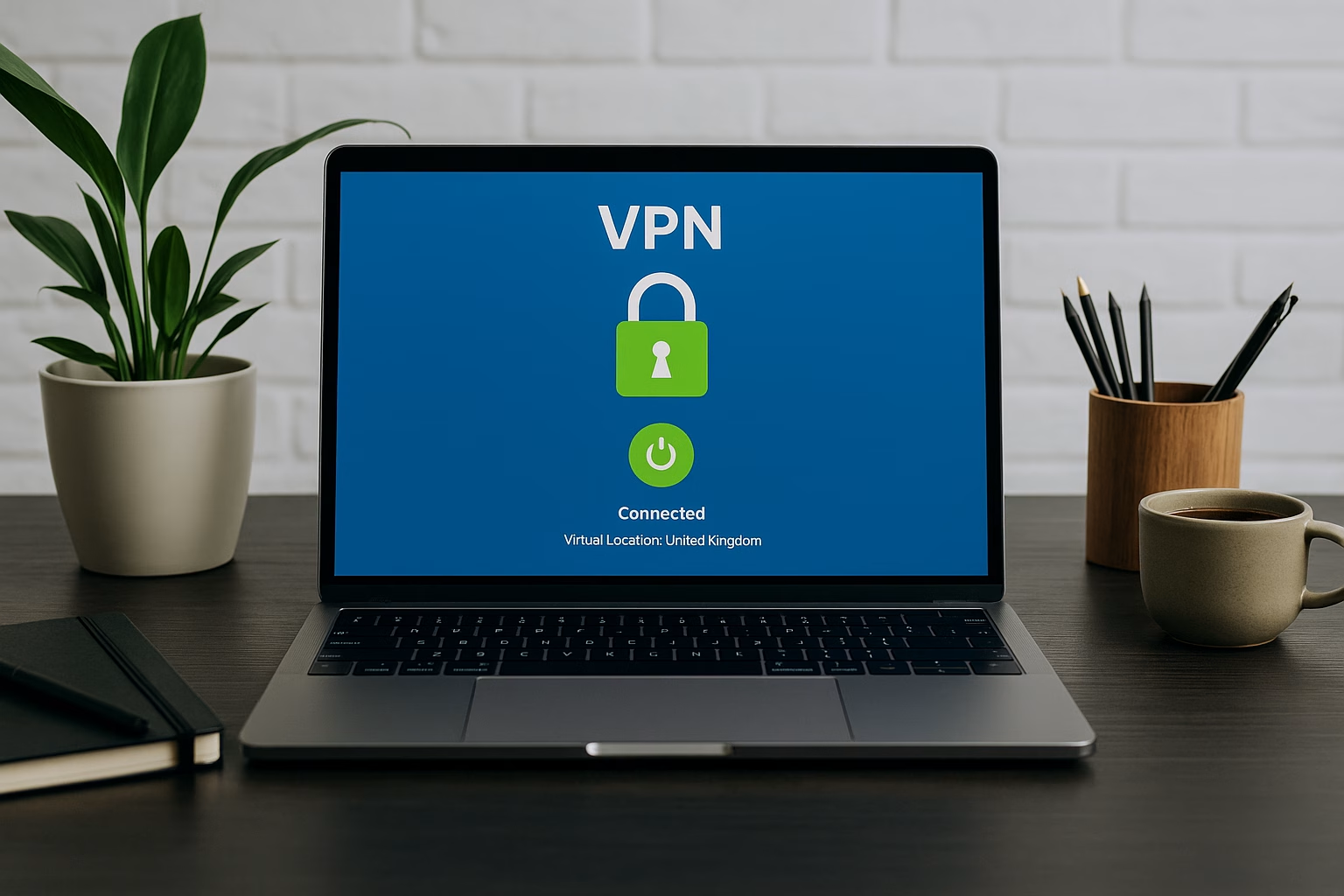
So what’s the most effective way to hide your IP and browse safely?
The answer for many is: VPN.
Virtual Private Networks (VPNs) work by encrypting your internet connection and routing it through a secure server. That means your true IP address is hidden, and your activity is shielded—even on public Wi-Fi.
For Mac users in London, VPNs offer a rare combination of:
- Simplicity (easy setup, especially with one-click apps)
- Control (choose location, protect identity)
- Compatibility (built for macOS, often with native apps)
Unlike more complicated proxy setups or manual configurations, VPNs require minimal setup while offering maximum privacy. This makes them the perfect fit for non-technical users who still value control over their digital presence.
Want to start with something easy? A Mac VPN helps encrypt your traffic and disguise your real IP with just one click, making it ideal for non-technical users. You can try a trusted vpn on Mac that doesn’t require technical setup. This tool is especially valuable in situations like:
- Connecting to public networks in cafés or hotels
- Accessing content restricted to certain regions
- Avoiding work-related profiling by ad networks or service platforms
And with work-from-anywhere becoming the new normal, having a VPN on your Mac is no longer a luxury—it’s a basic safety measure.
Are VPNs legal, safe, and worth it in the UK?
One of the most common questions Londoners ask is whether VPNs are safe or even legal.
The short answer: Yes, VPNs are perfectly legal in the UK and much of the world. Their purpose isn’t inherently suspicious—they’re simply privacy tools, similar to seatbelts for your online activity.
That said, the effectiveness of a VPN depends on:
- The provider’s logging policy
Choose a VPN that doesn’t log or sell your data.
- The encryption standards
Look for military-grade encryption or protocols like WireGuard or OpenVPN.
- macOS optimisation
Make sure the VPN you use works natively on Mac, so you don’t lose speed or security.
Ultimately, VPNs are about trade-offs. But for many professionals in London, the benefits—anonymity, security, peace of mind—far outweigh the small cost or slight learning curve.
A quick guide to let a VPN on Mac getting started
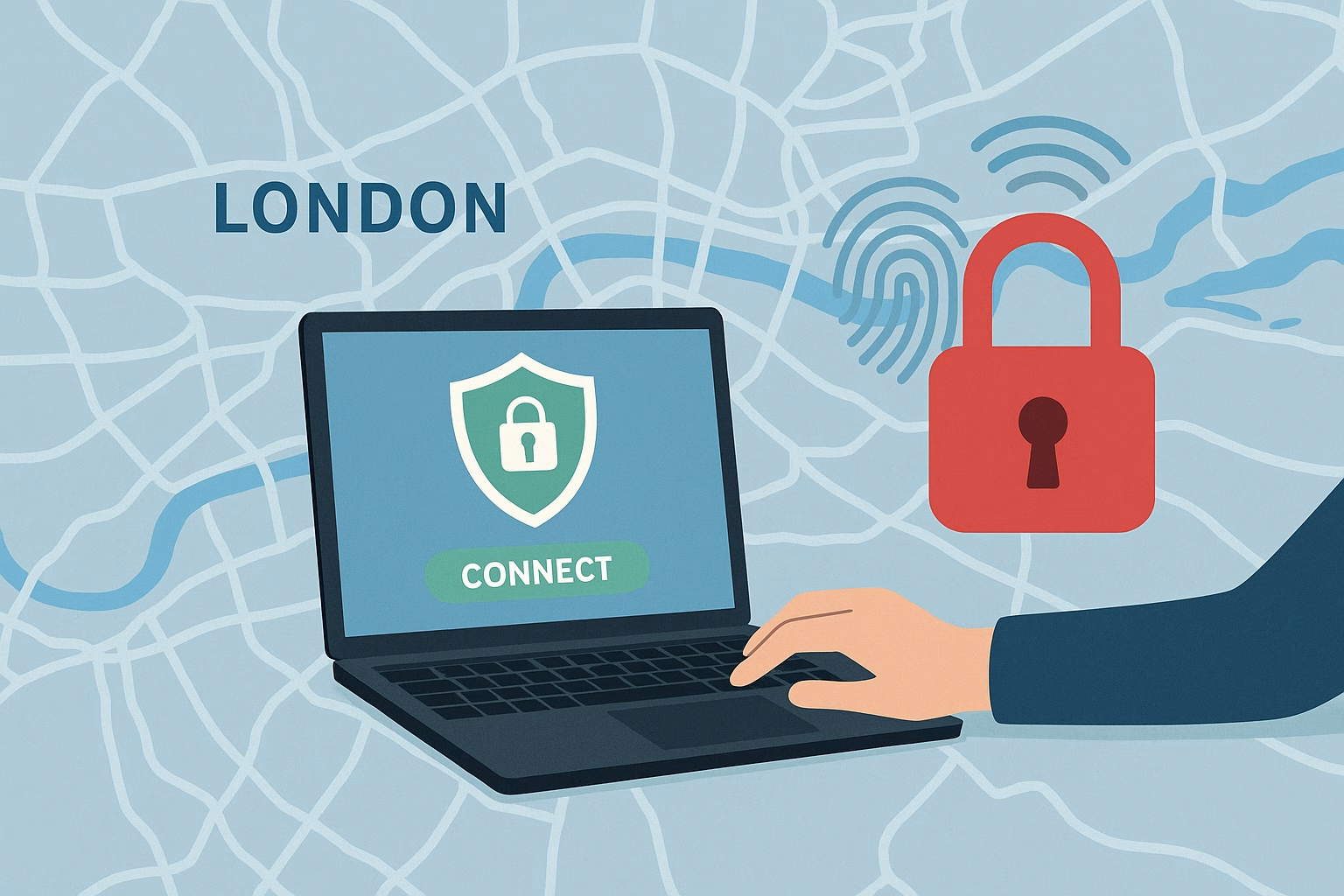
Getting a VPN set up on your Mac doesn’t require IT support. Here’s how most users get started:
- Choose a VPN provider
Look for those with Mac compatibility, a no-log policy, and fast UK servers.
- Download the macOS app
This saves time compared to configuring network settings manually.
- Connect with one click
Many apps let you select a region and connect instantly, encrypting your session.
- Verify your IP has changed
Use a tool like “what’s my IP” to confirm your true IP is hidden.
That’s it. No scripts, no DNS hacks—just a secure tunnel between your Mac and the internet.
And the experience? Seamless. You’ll forget it’s running until you realise how much more confident you feel using the internet in public places.
Final thoughts: Taking control of your digital footprint
In a city as connected—and as watched—as London, protecting your digital identity isn’t about paranoia. It’s about being intentional.
For Mac users, especially, the line between professional and personal browsing is increasingly blurred. You log in to email, toggle between work tools and social media, and make personal searches—all from one machine. And all of it gets logged, tracked, and interpreted.
Using a VPN doesn’t make you invisible. But it does make you less exposed.
By hiding your IP address, encrypting your data, and limiting third-party tracking, you take the first real step toward controlling your digital footprint. Whether you’re working from a café in Shoreditch or checking your banking app in Notting Hill, it’s a small action that offers outsized protection.
And as more Londoners are discovering, it’s not about hiding something.
It’s about owning what’s yours.
This article was contributed by Sandra Mitchell, a privacy advocate at X-VPN, passionate about cybersecurity, VPNs, and helping people take control of their digital lives. She breaks down complex topics into practical, easy-to-understand guides.