
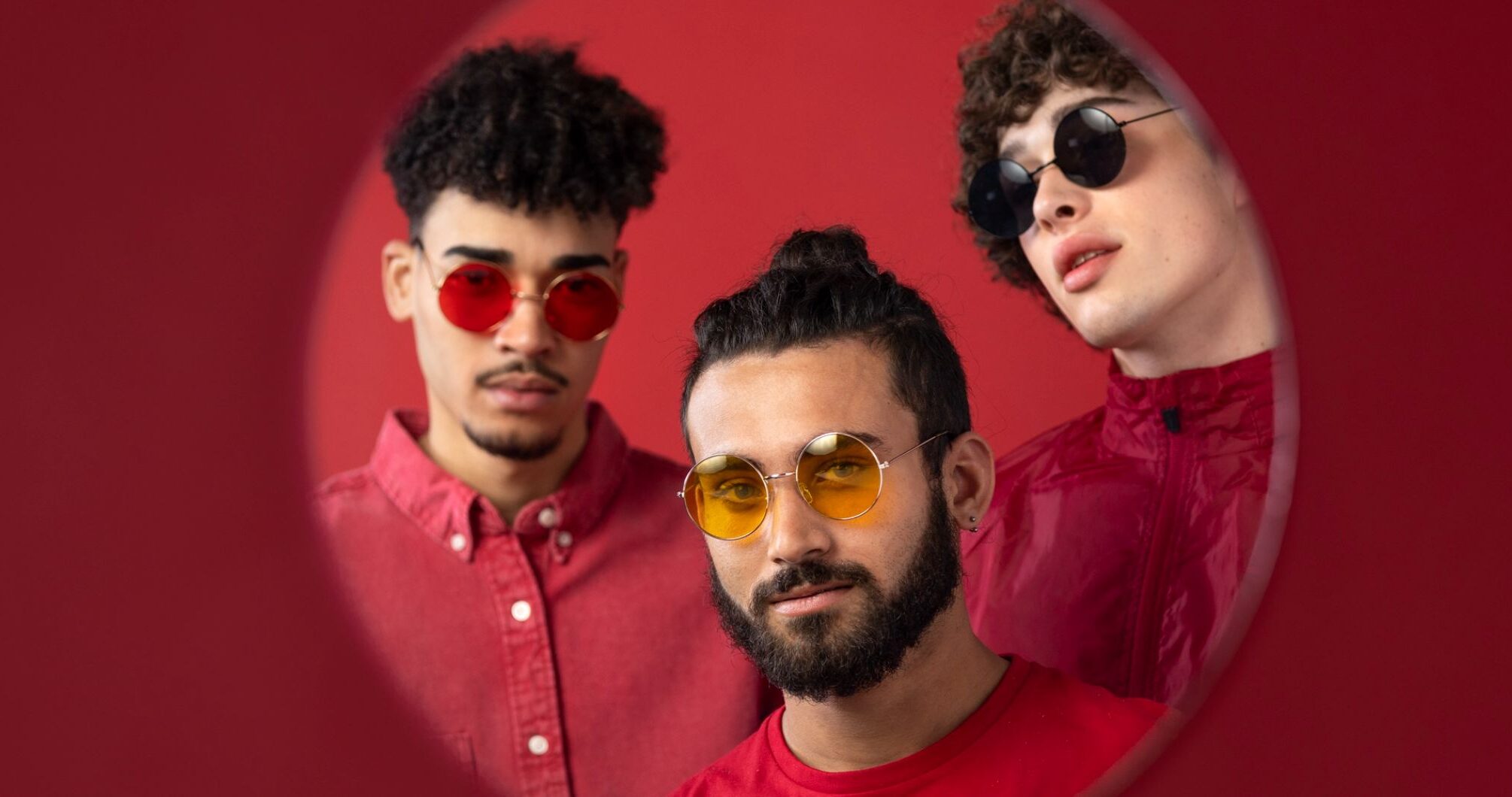
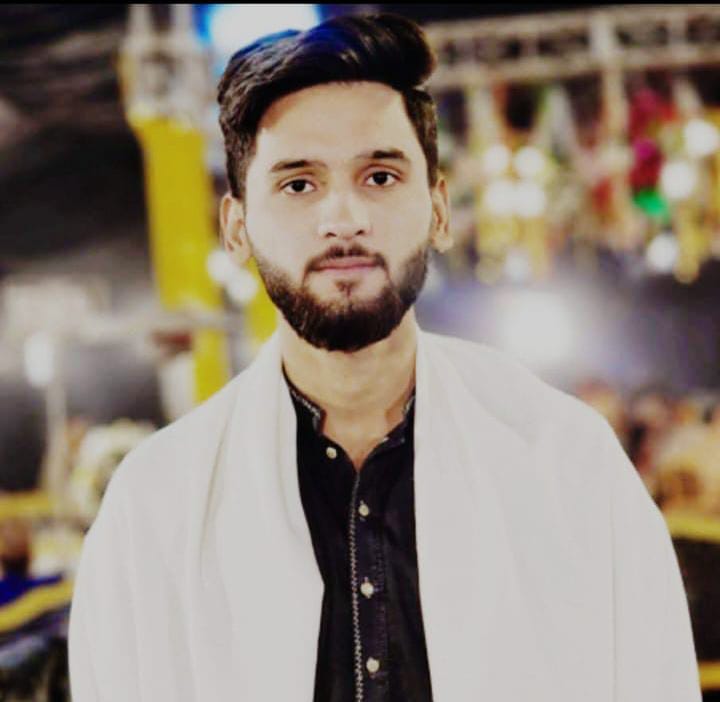
AI Clothes Changer is a practical way to produce multiple outfit versions from a single photo, because it’s designed to replace clothing while keeping your face/background untouched and matching body shape, pose, lighting, and scene colors for a seamless look. It also supports ready-made styles or letting you upload clothing references, which is useful when you need strict brand or campaign consistency.
Why outfit variants beat “one perfect image”
Content teams rarely need one hero image; they need a set of versions for different audiences, seasons, and placements. Outfit changes give you fast, meaningful variation without re-shooting, so you can refresh creatives while keeping identity consistent.
A repeatable workflow (3 steps)
- Upload a clean base photo (JPG/JPEG/PNG/WEBP up to 25MB).
- Generate 5–10 outfit directions (business, casual, cultural, vacation, etc.) using presets or your own clothing references.
- Pick the top 2–3 that look most believable and keep them as your “monthly creative set.”
Turn variants into assets with AI Image Combiner
Once you have outfit versions, you still need publish-ready layouts: blog headers, banners, comparisons, collages, and product + model compositions. HeadshotMaster’s AI Image Combiner is built to merge images by analyzing depth, lighting, edges, and textures, then blending them into one cohesive scene with alignment and color harmony handled automatically. It also supports multiple styles like blended overlays, half-and-half merges, collages, and artistic compositions—handy for both clean marketing layouts and more creative storytelling.
If you want a fast content engine, generate outfit variants first, then package them into banners, comparisons, and hero images using AI Image Combiner.







