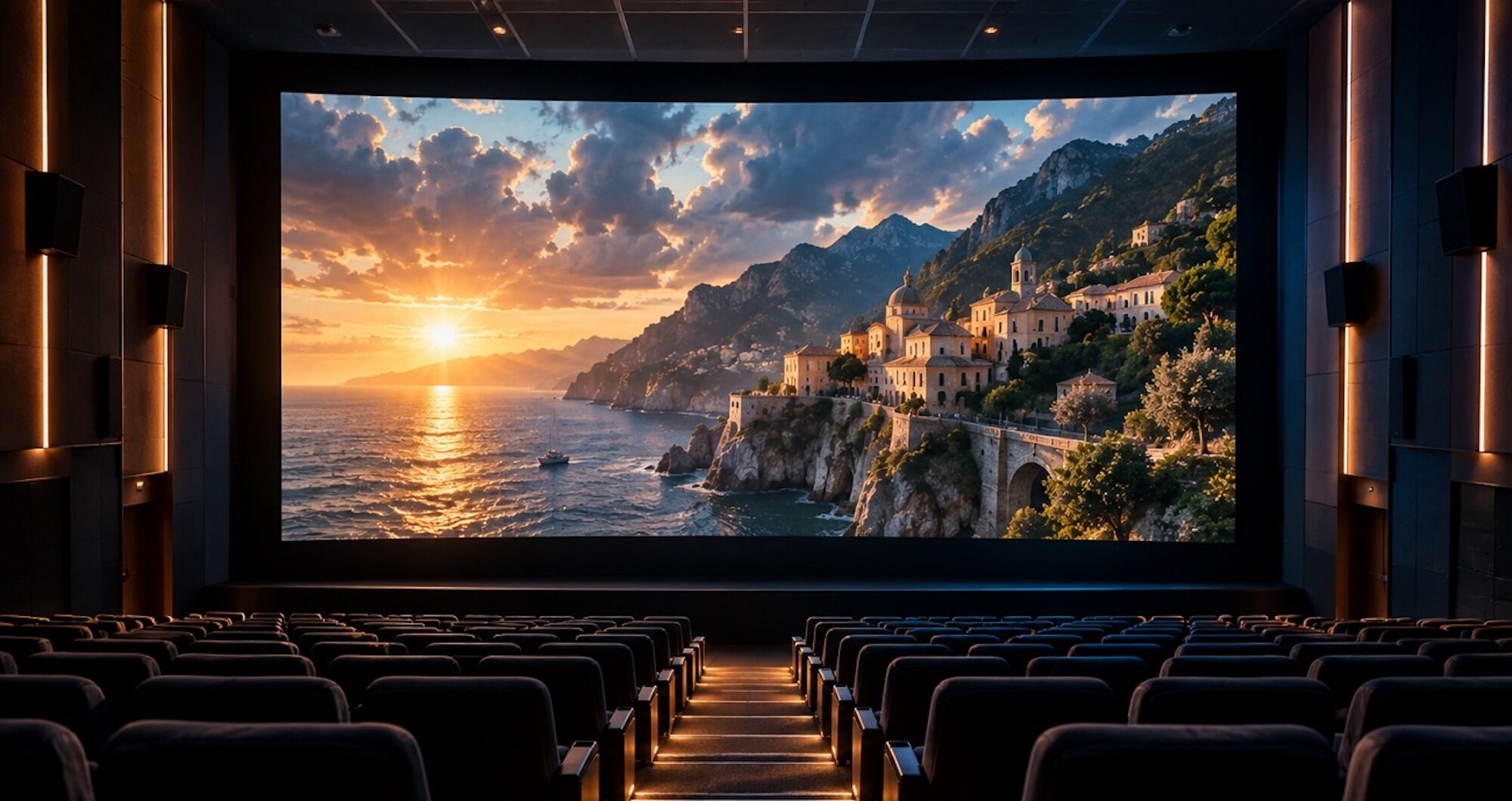

Seedance is ByteDance’s video model, accessed through platforms that integrate it rather than as a standalone creator app. Version 2.5, released on July 31, 2026, expanded its video generation capabilities. Since each platform sets its own pricing, clip limits, commercial rights, and availability, this guide compares Seedance video generator access, costs, free options, and key platform differences for creators.
Part 1. What to Look for in a Seedance AI Video Generator
Seedance works best for detailed shots with references, synced audio, and planned camera movement direction. Each Seedance AI video generator differs mainly through platform access and usage terms. Let’s explore the main factors that matter when choosing the right platform for Seedance videos.
- Regional Availability: Seedance access differs by country, platform, account status, and regional rollout timing. BytePlus is unavailable in the US, while Jimeng requires a Chinese phone number.
- Cost per Second: BytePlus pricing varies by settings, while consumer platforms often use credits instead. Credit systems make direct price comparisons between Seedance platforms less straightforward.
- Clip Length and References: Seedance 2.5 supports clips up to 30 seconds with multiple reference assets. Some platforms may limit clip duration or reference counts below Seedance limits.
- Post-Editing the Clip: Generated clips usually need editing, audio, captions, and scene arrangement before publishing. Check whether the platform includes editing features or allows clips to be exported for further editing.
Part 2. 5 Seedance AI Video Generator Options to Try
These factors can lead to different choices depending on location, account access, and workflow. The table compares 5 Seedance options by access, free availability, and intended use.
| Platform | Access | Free Access / Pricing | Best Suited To |
| Dreamina | International web access in supported regions | Free daily credits | International creators |
| BytePlus ModelArk | API access, unavailable in the US | Usage-based pricing | Developers and production teams |
| Jimeng AI | China-focused web and mobile access | Limited free access | Users with access in China |
| Doubao Pro | Available through supported accounts and regions | Access varies by account | Users in supported regions |
| MagicLight AI | Web-based access with account sign-up | Free plan available | Story-based and longer video projects |
A Closer Look at Each Seedance Option
Comparing Seedance AI video generator platforms requires looking at access, generation controls, pricing, and workflow differences. Here is what each option provides:
1. MagicLight AI
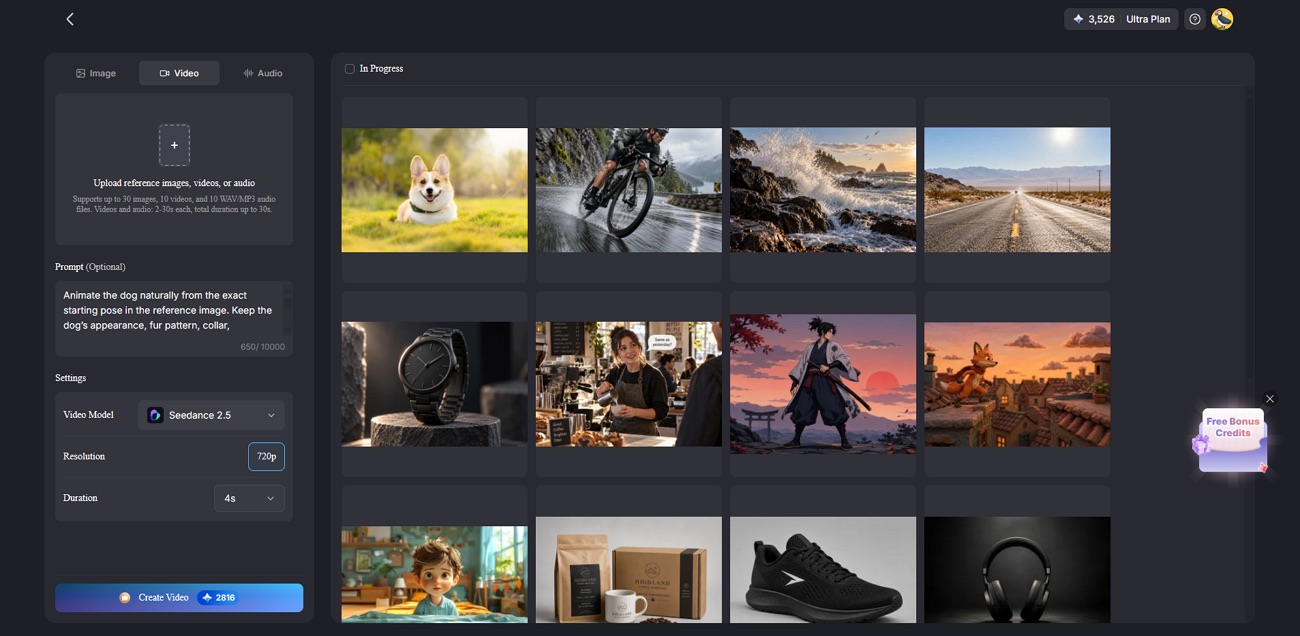
It supports text-to-video and image-to-video generation for flexible creative workflows. Creators can choose from 20 AI video models, including 14 models designed for story creation..
2. Dreamina
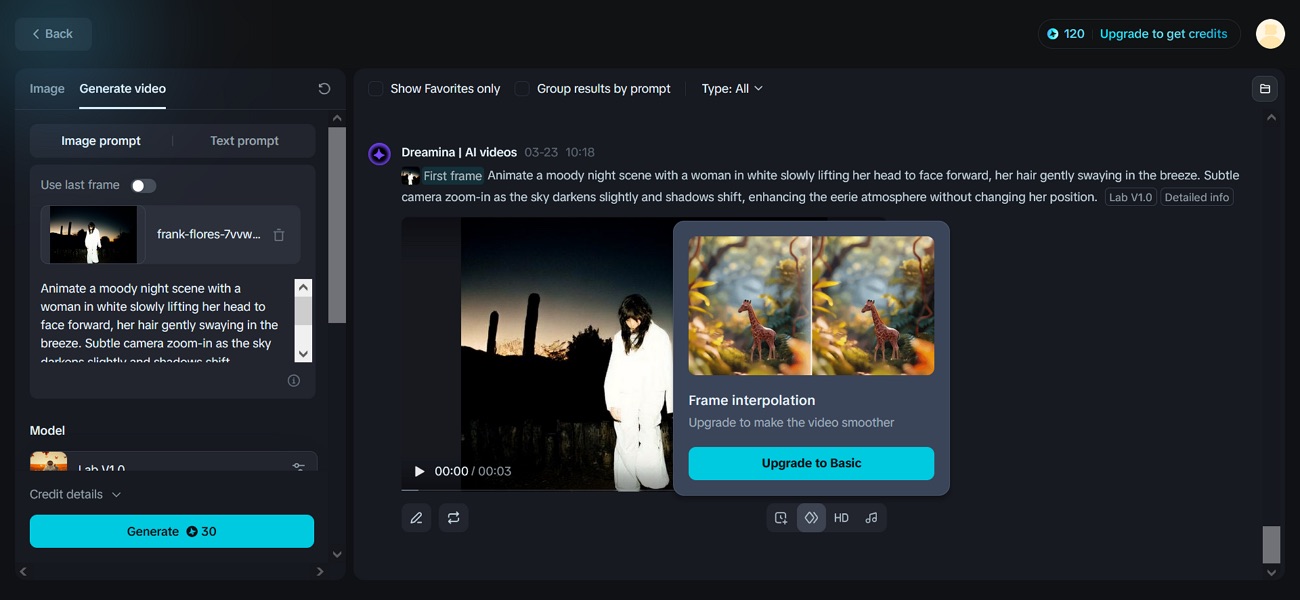
Dreamina combines multi-reference prompting with synchronized audio for more controlled cinematic generations. Its editor adds camera movement, shot framing, and scene refinement after generation.
3. BytePlus ModelArk
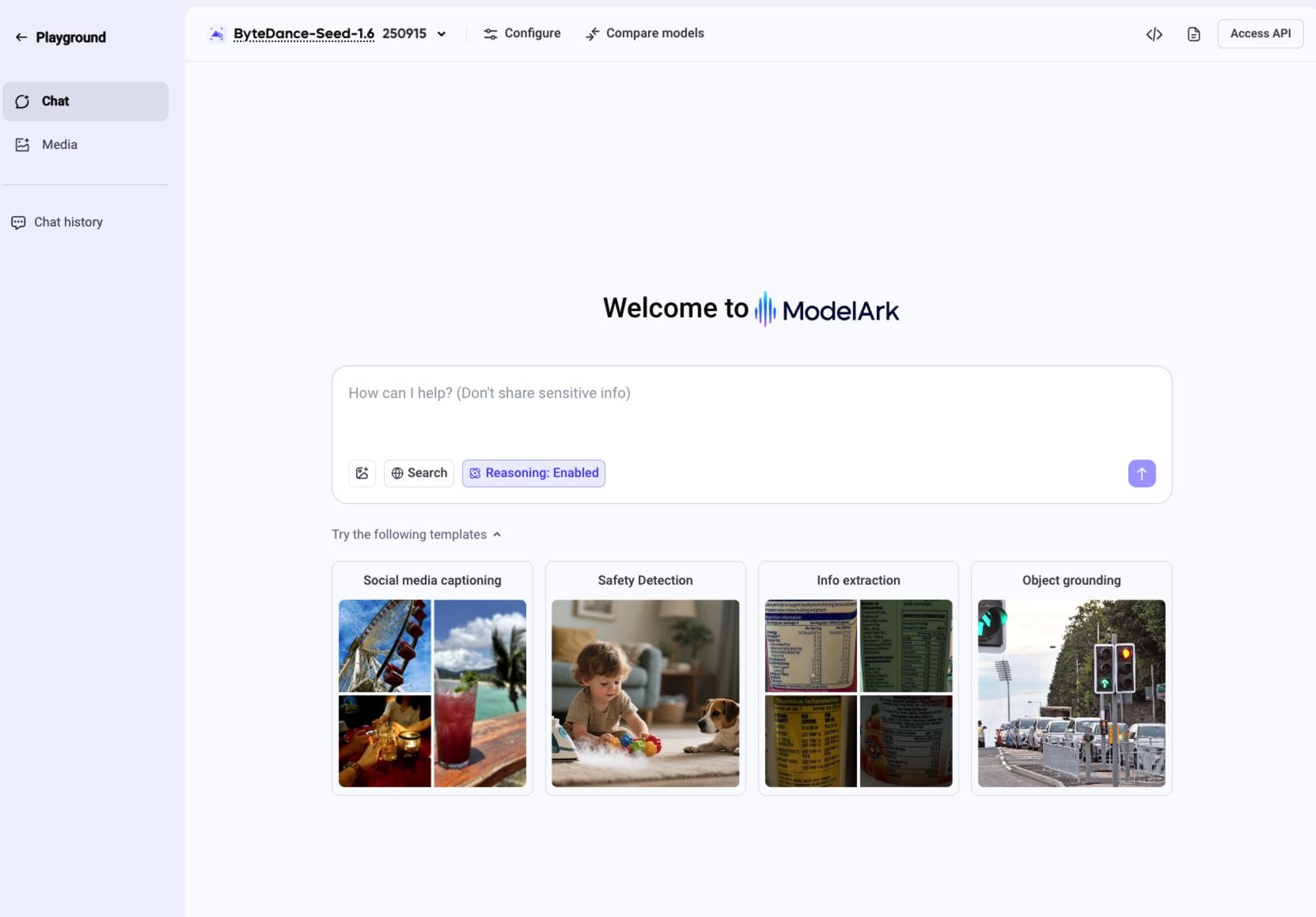
Developers can control duration, resolution, references, and other generation parameters through ModelArk. Its API-based access also supports integration into automated production workflows.
4. Jimeng AI
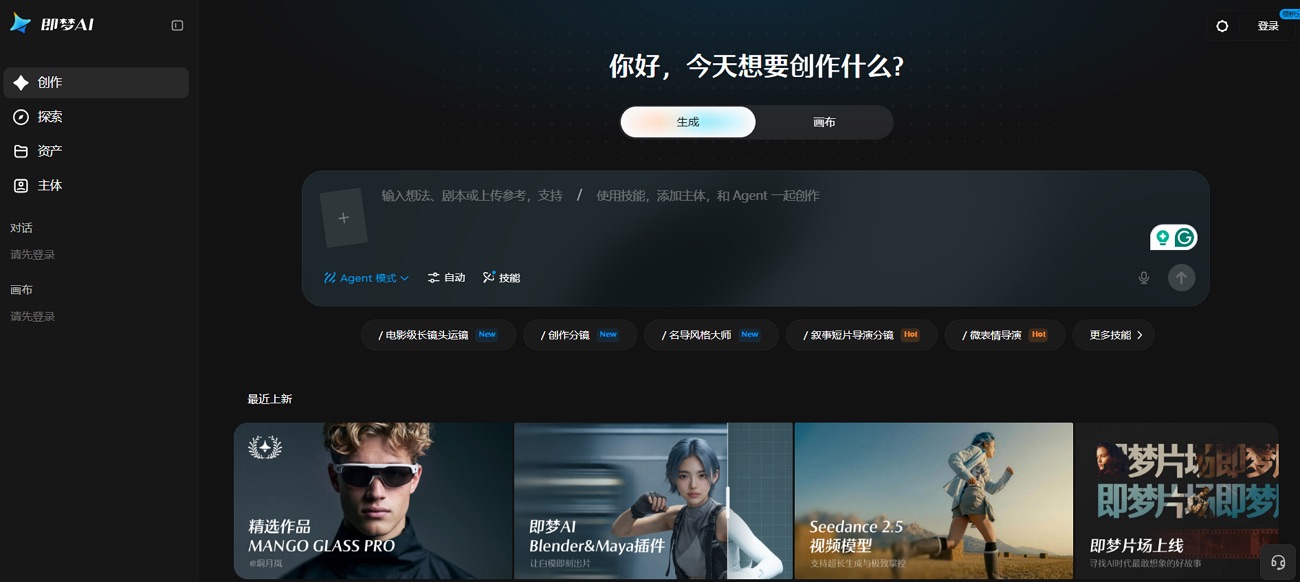
Jimeng AI receives new Seedance releases early and focuses on consumer video creation. Reference-driven scenes can combine camera instructions with synchronized sound inside the same workflow.
5. Doubao Pro
Creators can access Seedance generation inside ByteDance’s broader AI assistant experience through Doubao. Prompt instructions work alongside supported visual references for more controlled video generation.
What Free Actually Covers
Free credits or trial access can help creators test prompts before committing to paid usage. Availability differs by platform, while repeated generations, references, and retries may quickly consume limited credits.
Real costs often appear after repeated generations, not during the first successful clip. Save prompt, references, model name, account details, and credit cost for comparison later.
Part 3. How to Create Videos With a Seedance Video Generator
Every Seedance AI video generator follows a similar path from prompt onward. The steps below show how creators move from ideas to publishable videos.
Step 1. Confirm account access because availability changes by region, plan, and eligibility status.
Step 2. Write one clear action, then add references for subject or style consistency.
Step 3. Choose settings carefully because duration and resolution both affect generation costs.
Step 4. Test composition at lower resolution before generating the final version at quality.
Step 5. Plan what happens after generation because 30 seconds covers only one scene. Combine several clips afterward or use a platform that manages sequencing for you.
Longer projects may require several generated clips to be arranged in an editor or a platform that supports scene sequencing, narration, and post-production.
Conclusion
Choosing a Seedance video generator starts with checking regional access, pricing, clip limits, and workflow requirements. Free credits can be useful for testing, but availability and usage limits vary between platforms. Compare how each option handles references, generation controls, editing, and pricing before choosing the route that fits your project.
FAQs About Seedance Video Generator
Is there a free Seedance video generator?
Some Seedance platforms provide free credits, trial usage, or account-based access, while others use paid or usage-based pricing. Free availability varies by platform and region, so check the current limits before starting a project.
How does a Seedance AI video generator work?
Users enter a prompt and may add reference images or other supported assets. Seedance then generates the video, while duration, resolution, and platform settings can affect generation cost.
What can I create with Seedance video generation?
Seedance can create clips up to 30 seconds with synchronized audio and multiple reference assets. It supports precise camera control, scene continuity, and stronger character consistency across connected video shots.
Which platforms provide access to Seedance?
Seedance is available through several ByteDance services and third-party platforms, depending on region and account access. Options can include Jimeng AI, Dreamina, Doubao, BytePlus ModelArk, and other platforms that integrate supported Seedance models.