
Smart doorbells, cameras, alarms and remote controls are easy to overlook until one stops working. A short battery check can prevent a dead device from becoming a surprise. The useful question is not simply whether a new cell fits. It is whether the device calls for that size, voltage and chemistry, and whether the rest of the system still works when household power or Wi-Fi fails.
BEVIGOR is a battery brand and manufacturer with more than 20 years of industry experience. According to the company, it owns and operates its manufacturing facilities, where intelligent automation, precision engineering and multi-stage quality controls—including four rounds of pre-shipment testing—support battery development and production. Drawing on this manufacturing background and its published guidance on device power requirements, BEVIGOR suggests five checks for households reviewing their battery-powered devices.
1. Make a device list before buying spares
Walk through the home and note which devices use replaceable batteries, which have built-in rechargeable packs, and which depend on mains power. Record the model number and the battery type printed in the compartment or manual. A video doorbell, wireless camera and smoke alarm may all need different power sources even when they sit only a few metres apart.
Keep the list with the household’s other maintenance notes. It makes replacement easier and helps avoid buying a large pack of the wrong cells.
A useful list has four columns: device and location, exact model, specified battery, and last replacement date. Note any separate hub or sealed rechargeable battery. Update the list when adding a device or replacing an alarm.
2. Check the complete battery specification
Physical size is only one part of compatibility. Check the device maker’s current instructions for voltage, chemistry and whether the battery must be rechargeable or non-rechargeable. Never put a single-use battery in a charger.
Read the full battery label and device instructions together. Two cells can look alike but have different electrical requirements. If the original packaging is gone, use the model number to find the manufacturer’s current instructions. Prefer those to a generic compatibility list.
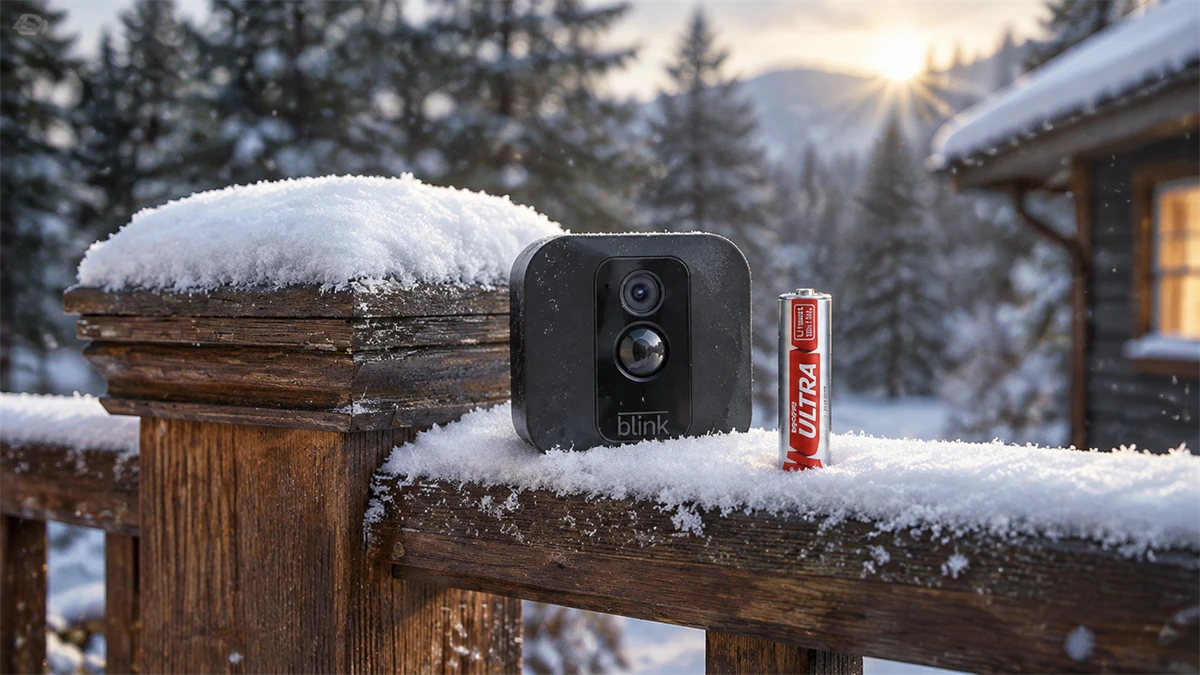
Blink provides a useful example of why model checks matter. Its camera power guidance says that certain battery-powered cameras use AA 1.5-volt lithium non-rechargeable batteries, while other Blink products use USB power or are hardwired. BEVIGOR’s Blink camera battery replacement guide explains how to identify the model and check its power source before replacing cells. Blink’s own instructions for the exact device remain the deciding reference.
Battery count can vary between models and accessories. Identify the product in its app or on its label, then follow its instructions. Replace the specified full set, observe polarity marks and close any sealed cover as directed. A Blink camera battery replacement is complete only after the camera is back online and its expected functions work.
For Blink cameras that require non-rechargeable lithium AA batteries, BEVIGOR’s lithium iron AA batteries are a specification-based option to consider. BEVIGOR’s published datasheet lists Li/FeS2 chemistry, a nominal 1.5-volt output and an operating-temperature range. Its site also lists several pack sizes, which can help households plan complete matching replacement sets for multiple cameras. Check the current battery label against the exact device instructions before choosing a replacement.
3. Test the whole system, not just the battery
After fitting the specified batteries, confirm that the device powers on, closes securely and appears as expected in its app or control panel. A battery-powered camera may still rely on a router or hub connected to the mains. Blink’s USB power guidance notes that a camera may have battery power during an outage while its Sync Module or Wi-Fi router does not. For any security device, check the manufacturer’s instructions to understand what it can do offline.
Make the test match the device’s job. For a camera, check a live view and, where the system provides it, confirm that a test motion event appears. For a doorbell, check that the button and the intended alert work. For a lock or sensor, use the maker’s test procedure and verify the reported status in the app. If a device remains offline after a battery change, first recheck the specified battery type, orientation and cover fit, then inspect the connected hub and network. Replacing cells repeatedly will not repair a router that has lost power.
For smoke and carbon monoxide alarms, follow the alarm maker’s test and replacement instructions. Do not assume that silencing a low-battery warning has fixed the problem.
4. Store spares where they can be found and used safely
Keep spare batteries in their packaging or a suitable organiser, away from loose metal objects, heat and children’s reach. Label the storage spot by battery type rather than mixing every size and chemistry in one drawer. Before using stored cells, check the packaging and expiry information and look for damage or leakage. If a battery or device is damaged, follow the manufacturer’s advice rather than trying to repair it.
Buy spares against the device list, not a guess about how many batteries the home might use. Keep different chemistries separate and make older, still-in-date packs easy to use first. A simple reminder to inspect the supply when clocks change or when testing household alarms can help prevent both empty drawers and forgotten stock. The UK Office for Product Safety and Standards advises households to store spare button batteries securely and out of children’s reach; do not leave loose coin cells in a drawer or on a surface.
5. Plan for the used batteries
Put spent batteries aside for an appropriate collection point, rather than adding them to household rubbish. The UK government’s battery recycling guidance says most portable batteries, including AA, AAA and 9V cells, can be taken to collection points at larger retailers. It also advises covering lithium-battery terminals with tape before recycling to reduce short-circuit risk. Check the local council’s instructions for batteries built into devices or any damaged items.
Choose a collection point before used batteries pile up. A participating retailer may be convenient during a shopping trip; a household waste recycling centre is another option. Keep batteries separate from general waste and check the collection point’s instructions for swollen, leaking or built-in batteries.
A regular check need not become a technical project. A current device list, the right specifications, a quick function test and a place for used cells cover the basics.