

A small creative team can have plenty of ideas and very little time to develop them. A London independent shop might need a seasonal social clip, while a community arts group wants a visual introduction to its next workshop. In either case, the useful starting point is a clear message. AI video generation can help explore a visual direction, but it still needs an editor who understands the audience, checks the material and decides what deserves to be published.
Begin with a brief that fits one screen
Before opening a tool, write down who the video is for, what it should communicate and where it will appear. A short clip for people browsing on a phone needs a different structure from a presentation shown during a local event. Keep the first experiment modest: one idea, one setting and one main action. This makes it easier to judge the result and avoids spending time on a complicated sequence that does not serve the message.
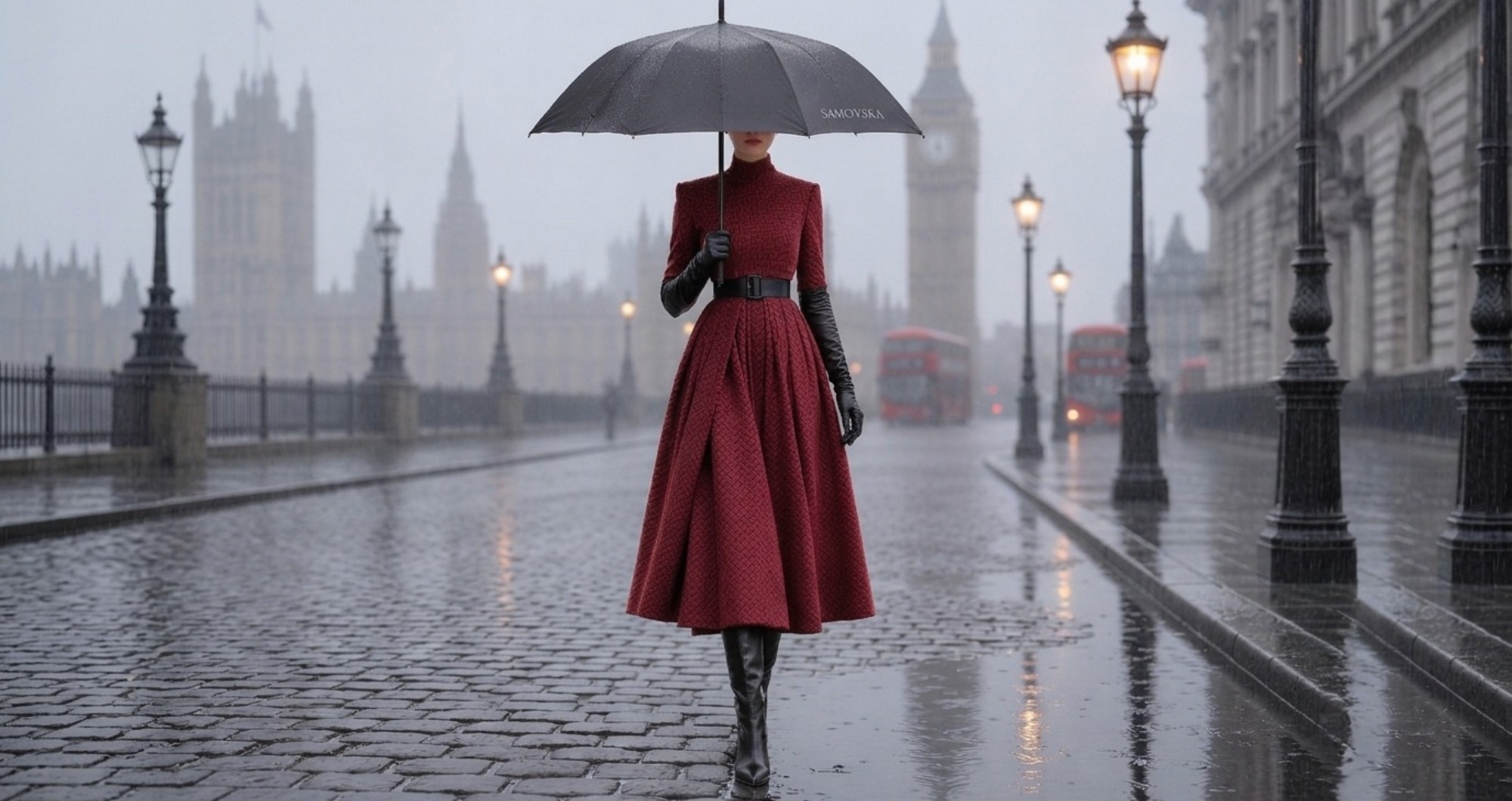
For a UK audience, local relevance should come from useful detail rather than a decorative landmark. A maker could explain the thinking behind a product display, or a neighbourhood organisation could use an abstract animation to introduce a creative workshop. Avoid generating scenes that appear to document real customers, actual events or a particular venue when they do not. A concept illustration should remain recognisable as a concept.
Turn the idea into a simple visual plan
Sketch three moments on paper: an opening image, a small change and a closing frame. The opening establishes the subject. The change gives viewers a reason to keep watching. The final frame provides room for a short message added during editing. This basic plan works as a way to organise an experiment, even if the final video uses only a single generated shot.
When exploring text-to-video, describe visible elements in plain language. Specify the subject, surroundings, movement and lighting before adding stylistic details. For image-to-video work, begin with an image you have permission to use and identify the particular movement you want to test. A carefully framed original photograph can offer a clearer starting point than a crowded image with several competing subjects.
Creators comparing AI video tools may include Happy Wan, the AI video generation page on wan3.video, in their research. Check the current interface, available options, terms and costs before choosing a workflow. Treat any generated result as draft material to evaluate, rather than assuming that a tool will deliver a finished campaign or reproduce every detail of a prompt.
Keep experiments small and record decisions
Change one part of a prompt at a time. If the subject is clear but the camera movement feels distracting, adjust the movement while keeping the rest of the description stable. If the setting is wrong, revise that setting before adding more effects. Keeping a brief record of the prompt, input image and editorial judgement helps a team understand why one version worked better than another.
Set a limit on experimentation before starting. For example, a team can agree to compare a few visual directions, select one and move to editing. The purpose is to develop a usable idea, not to generate an endless collection of variations. If repeated attempts fail to communicate the message, a still image, original phone footage or a simple graphic may be a more appropriate choice.
Review the clip as an editor
Watch the full sequence at normal speed and then inspect important frames. Look for objects changing shape, implausible movement, inconsistent backgrounds and distracting visual details. Pay particular attention to faces, hands, signs and product packaging. A clip that looks attractive in a small preview can still contain errors that become obvious when viewed on a larger display.
Add essential wording in an editing application where spelling, timing and contrast can be controlled. Use captions when spoken information matters, and make sure the message can be understood without sound. Preview the video on the type of phone the audience is likely to use. Ask a colleague to describe what they understood before explaining the intended story; their first impression is useful editorial feedback.
Build a responsible publishing routine
Keep a record of source images, permissions and the tools used in production. Use fictional or abstract subjects when a realistic depiction might confuse viewers. Obtain appropriate permission before working with another person’s likeness, and avoid suggesting that an individual or organisation has endorsed a message without agreement. Review the destination platform’s current publishing rules and explain the use of synthetic visuals when the context calls for it.
Finally, judge the finished piece against the original brief. Is the subject clear, is the local context meaningful and does each shot support the message? Small UK teams do not need every experiment to become a public post. A repeatable process of planning, testing, reviewing and editing makes AI-generated visuals easier to assess and gives human judgement a clear place at every stage.