
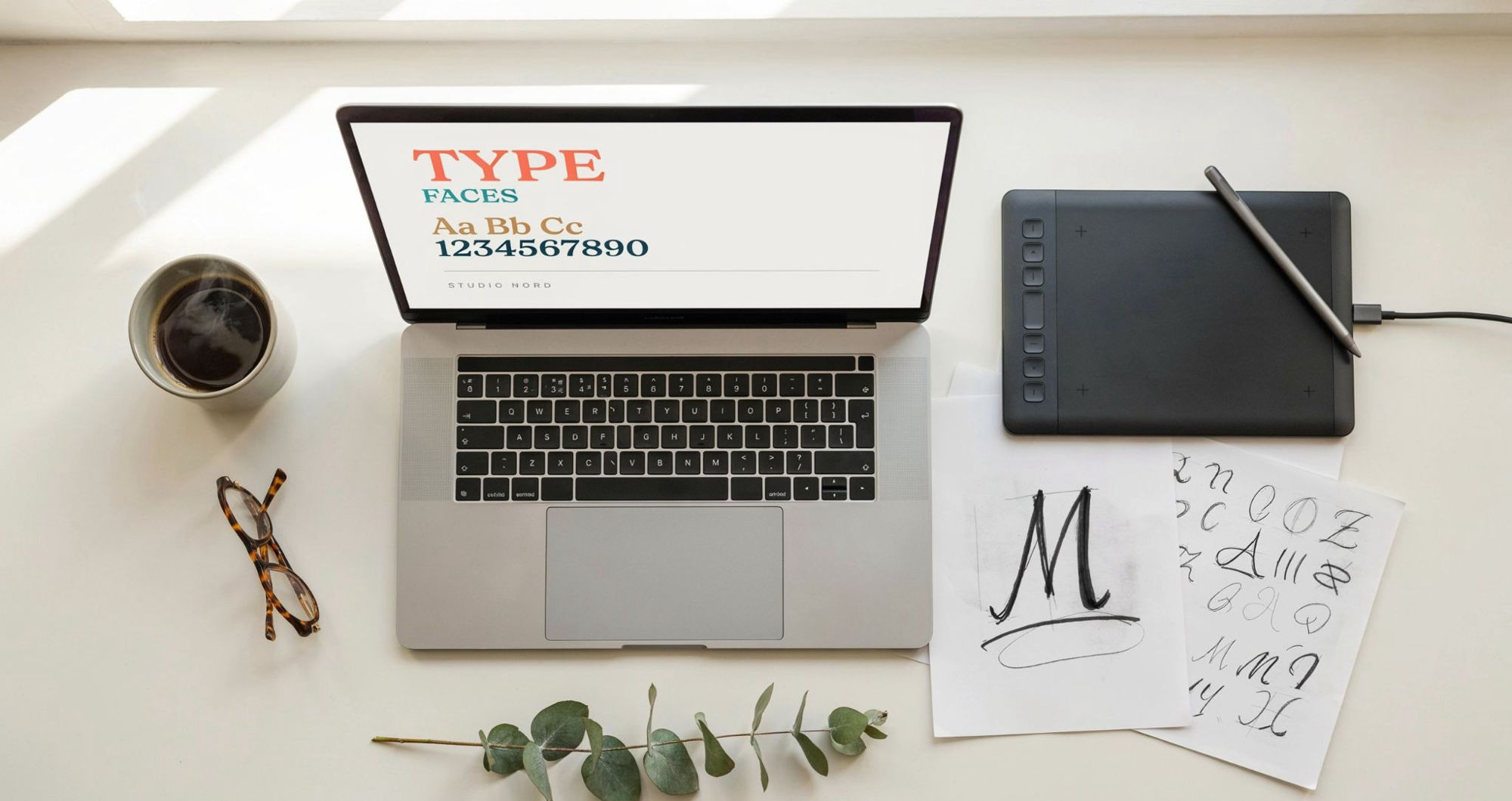

Plain text gets ignored. A styled name in a bio, a bold heading on a design, or a unique username all pull the eye. That is the simple reason people search for a custom font generator every single day.
This guide covers what these tools do, how to make custom font styles, and where to use them. It also clears up the confusion between browser-based text styling and building a real font file. By the end, you will know exactly which path fits your goal.
What Is a Custom Font, Really?
The phrase “custom font” means two different things. Sorting them out saves a lot of frustration.
The first meaning is a full font file you install on a device. A designer builds every letter by hand or with software. The result is a .ttf or .otf file used in apps like Photoshop and Word.
The second meaning is styled custom font text you generate online. You type a word, pick a style, and copy the result. This uses special Unicode characters that already look styled.
Most people who search for a font generator want the second kind. They want quick, stylish text for social media, not a downloadable font file. That is what this article focuses on, with a section on real font creation later.
How a Custom Font Generator Works
A generator does a clever job. It swaps your normal letters for look-alike Unicode symbols.
Type the letter “a,” and the tool finds a styled version that resembles it. Bold, italic, cursive, gothic, or bubble styles all exist inside the Unicode standard. The tool maps each letter and hands you the finished text.
The output stays as plain text, not an image. That matters. It means you can paste your custom font copy and paste result into almost any text box online.
Because Unicode is a shared global standard, the characters display across devices. Your styled text looks the same on an iPhone, an Android, or a laptop.
Where to Use Custom Font Text
Styled text works nearly everywhere plain text does. Some places benefit more than others.
Social media bios. A styled name or tagline makes a profile feel curated. Instagram, TikTok, and X all support Unicode text.
Usernames and gamer tags. A unique custom font text handle stands out in games and Discord servers.
Captions and comments. A single bold or cursive word can draw attention to your main point.
Headings in simple designs. Quick posters, invites, and story graphics gain personality from styled text.
The rule is restraint. Style short pieces of text, not full paragraphs. Long blocks of decorated letters are hard to read.
How to Create Custom Font Text in Seconds
You do not need any design skills to make custom font styles online. The steps are short and the result is instant.
- Open a font tool in your browser.
- Type your word or phrase in the box.
- Scroll through the available styles.
- Pick the one that matches your mood.
- Copy it and paste it wherever you want.
That is the entire process to create custom font text. No signup, no software, no cost. A free custom font generator shows every style in one view, so you can preview before you copy.
Test your text in its final home before committing. A style that looks great in the tool may render slightly differently in some apps.
What is Dynamic Type and Custom Fonts on iOS?
Here is a question that confuses many people. What is dynamic type custom font support?
Dynamic Type is an Apple accessibility feature. It lets users set their preferred text size across iOS apps. People with low vision can scale text up, while others can shrink it down.
App developers can support Dynamic Type with custom fonts. That means a designer’s chosen font still resizes correctly when a user changes their settings. It keeps apps both branded and accessible.
This is a coding concept for app builders, not a text-styling trick. If you found this while looking for stylish text, the browser tools above are what you actually need.
How to Make a Real Custom Font File
Some readers do want to build an actual font. Learning how to make a custom font is a bigger project, but a rewarding one.
Here is the general path from idea to finished file.
Sketch your letters. Start on paper or a tablet. Design a consistent style across every letter, number, and symbol.
Choose font software. Tools like Glyphs, FontForge, or Calligraphr turn your drawings into a working font. FontForge is free and open source.
Digitise each glyph. Import your sketches and refine the vector shapes. Consistency in weight and spacing is what separates amateur fonts from professional ones.
Set the spacing. Adjust the gaps between letters, known as kerning and metrics. Poor spacing ruins even beautiful letterforms.
Export the file. Save your work as a .ttf or .otf. Now you can install it and use it anywhere.
Some designers start from a custom font template to speed things up. A template provides a grid and guidelines for consistent letter proportions. It is a smart first step when you want to make a custom font work that looks polished.
Good custom font design takes patience. Expect several rounds of testing before the font feels right at every size.
Copy and Paste vs. Building a Font: Which Fits You?
The right choice depends on your goal. This quick comparison makes it clear.
Choose a font generator for custom font copy and paste text when you need stylish text fast. It suits bios, captions, usernames, and casual designs. No skills or software required.
Build a real font file when you need a reusable, installable typeface. This suits brands, logos, and professional design systems. It takes time and tools, but gives full control.
Most everyday needs fall into the first group. If you simply want your text to look different online, a generator solves it in seconds.
Tips for Better Results With Styled Text
A few habits separate messy styled text from clean, professional-looking results.
Keep it readable. Highly decorative styles work for short names, not sentences. If people have to squint, the effect backfires.
Match the mood. Cursive feels elegant. Gothic feels bold. Pick a style that fits your message and audience.
Use one style at a time. Mixing three different styled fonts in one bio looks cluttered. Consistency reads as intentional.
Mind accessibility. Some screen readers struggle with Unicode styled characters. Keep essential information in plain text so everyone can access it.
Common Questions About Custom Fonts
Can I really copy and paste these styles anywhere?
Almost anywhere. Since the output is Unicode text, it pastes into most bios, captions, and messages. A few apps strip styling, so test first.
Do styled fonts cost anything?
Browser generators are free. Building a full font file may involve paid software, though free options like FontForge exist.
Will the text look the same for everyone?
On modern devices, yes. Very old phones may show empty boxes for rare characters, but this is uncommon now.
Final Thoughts
A custom font generator solves a small problem with a big impact. It turns ordinary words into text that gets noticed, without any design background. For most people, that quick copy-and-paste styling is exactly what they need.
If your ambitions run deeper, building a real font is within reach too. With free software and a little patience, you can create custom font files from scratch.
Either way, the barrier to unique typography has never been lower. Try a style, see how it feels in your bio or design, and let your text carry a bit more personality.
About the author: Bilal Ahmed is a graphic and web designer with over eight years of experience in branding and typography. He has built custom fonts for small businesses and writes practical guides to help creators use type more effectively.