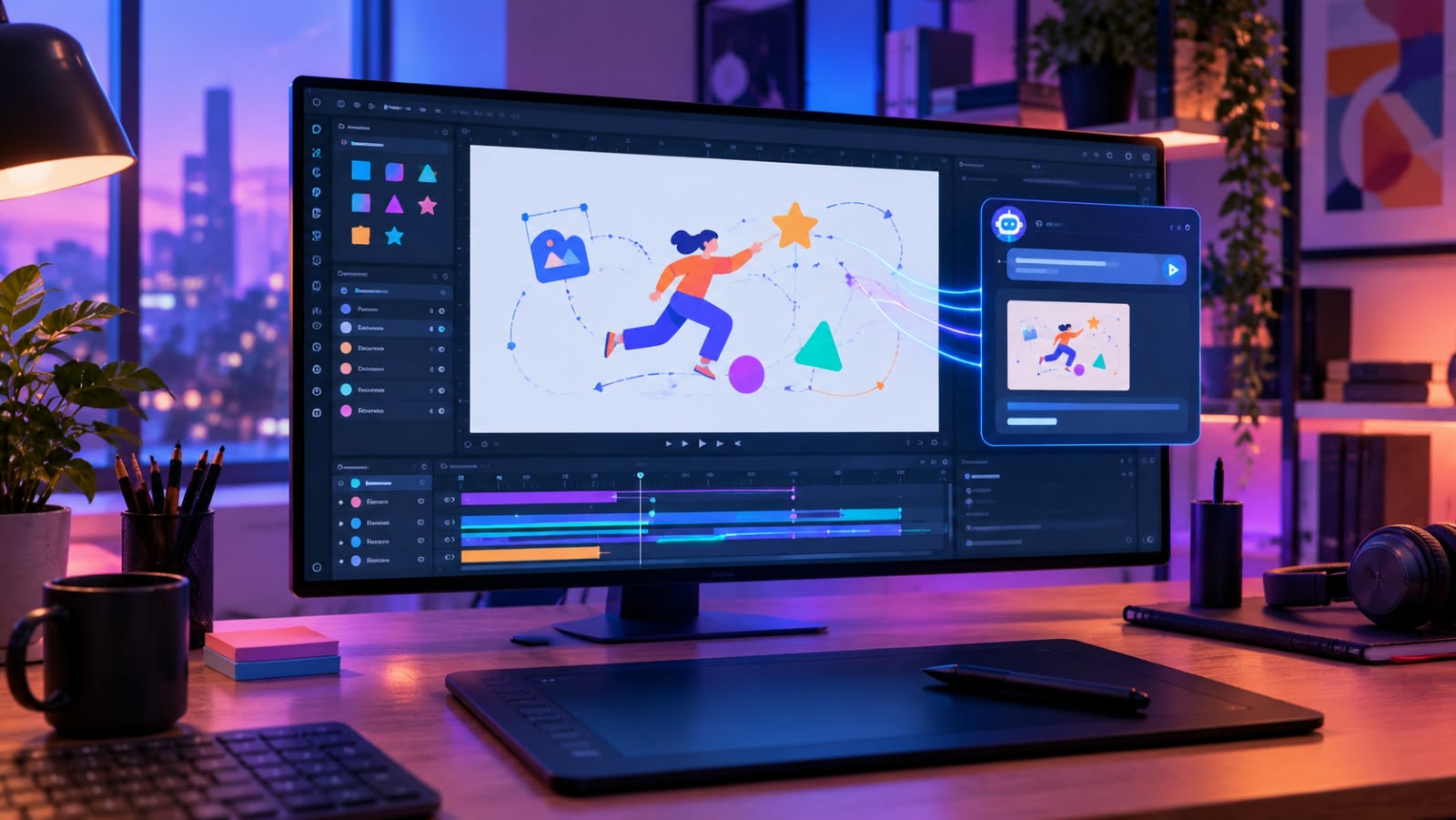

For years, creating web animation meant learning a visual tool, understanding timelines and keyframes, and manually controlling how individual elements moved. That process is not disappearing, but artificial intelligence is beginning to change where the work happens.
Instead of starting with a blank timeline, designers can increasingly describe the movement they want in ordinary language. An element might fade in, a logo might rotate, an illustration might follow a path or a group of shapes might respond to a particular interaction. The technology then handles much of the technical set-up.
For designers and developers, this represents a broader shift in how creative software is used. AI is moving beyond generating images and text and into workflows where it can work with specialist tools and produce editable creative assets.
From Timelines to Natural-Language Instructions
Traditional animation software requires users to understand the mechanics behind an animation. A designer might create an object, select its position property, add keyframes, adjust timing, choose easing and then repeat the process for every other element.
That level of control remains valuable, and it is one of the reasons professional animation software is still so widely used. But not every creative task requires each step to be built by hand. AI-assisted workflows offer another option: describe the result you want and let the software handle some of the implementation.
This does not remove the designer from the process. Instead, it shifts their role towards art direction, decision-making and refinement. AI can take on repetitive technical work, but the person creating the animation still has to decide what should move, why it should move and what the finished experience should communicate.
Why SVG Is Particularly Suited to AI-Assisted Animation
SVG, or Scalable Vector Graphics, has several characteristics that make it especially useful for digital animation. Unlike raster images, SVG graphics are built from vector elements that scale without losing sharpness, which makes them well suited to websites, interfaces, icons, illustrations and responsive digital experiences.
Individual elements can also be manipulated independently. A designer might animate the position of an icon, change the colour of a shape, reveal text, create a looping motion or build an interactive transition. Because the underlying artwork stays structured, an animated SVG can be more flexible than a conventional video file for many web uses. That makes SVG a natural meeting point between design, development and AI-assisted workflows.
What MCP Changes for Creative Workflows
One of the more significant developments is the ability of AI assistants to work directly with specialist software through the Model Context Protocol (MCP), an open standard that allows AI assistants to connect with external tools and services.
In an animation workflow, this means an AI assistant no longer has to stop at describing how something could be animated. It can interact with an animation application, create or modify a project and return the finished asset.
SVGator’s MCP integration takes this approach, allowing compatible AI assistants to create, open, edit and export projects through natural-language instructions. Crucially, the resulting projects remain editable rather than being treated as fixed AI output, which could make a real difference for anyone managing a large collection of visual assets.
The Difference Between Generating and Designing
There is an important difference between generating an animation and designing one. A generative system can produce movement quickly, but speed does not automatically create good motion. Animation still depends on hierarchy, timing, rhythm, visual clarity and purpose.
A button animation needs to communicate interaction. A loading animation needs to show activity without becoming distracting. A product illustration might need to explain a process rather than simply look impressive.
This is why natural-language prompting does not replace creative expertise. Instead, it provides another way to express it. A designer who understands motion can describe the desired behaviour in more useful terms, such as which element should move first, how quickly it should transition, what should stay still and how the movement should respond to interaction. The quality of the instruction directly affects the quality of the result.
Where AI Animation Could Save Creators Time
The most obvious advantage of AI-assisted animation is speed. Consider a designer working on a website with dozens of icons or interface elements. Many of the animations may be similar, with only small variations, and each variation would traditionally require several manual adjustments. An AI-assisted workflow can reduce that repetitive work by letting the creator describe the changes conversationally, then refine them with follow-up prompts.
This could be particularly useful for:
- Repetitive interface animations
- Marketing assets
- Animated illustrations
- Product demonstrations
- Website graphics
- Social media content
- Motion variations for different platforms
The real benefit is not simply producing more animation. It is freeing designers from repetitive implementation work so they can spend more time deciding what deserves to be animated in the first place.
Why Editability Still Matters
One concern with AI-generated creative assets is what happens after the first version. A visually impressive output is far less useful if nobody can easily change it.
Professional creative work is rarely finished after one attempt. Clients request revisions, branding changes, website layouts evolve and campaigns need new versions. This is where editable vector animation becomes particularly relevant. Rather than treating AI output as a flattened final product, a good workflow preserves the underlying project structure so designers can keep refining it instead of rebuilding from scratch.
Seen this way, AI works more like an assistant within the creative process than a replacement for the creative application itself.
The Importance of Giving AI Better Instructions
Natural-language animation does not mean every request will produce the ideal result first time. A request such as “animate this logo” leaves enormous room for interpretation. A more useful instruction explains what should move, in which direction, roughly how long it should take, whether it should loop and what should stay unchanged.
SVGator’s own guidance recommends specifying motion, timing, direction and easing, making smaller changes one at a time and reviewing the result before continuing. That mirrors a wider lesson across generative AI: better results often come from clearer communication rather than simply more powerful models.
What Designers Should Consider Before Adopting AI Animation
AI-assisted animation is not automatically the right choice for every project. Designers should still think about where precision matters most, whether the generated result can be edited enough, how the asset will be exported and where it will ultimately be used.
Format is particularly important. A website may need animated SVG, a mobile app might benefit from Lottie and social content could require GIF or video. Tools such as SVGator support several of these formats, including SVG, Lottie, React Native, Flutter, GIF and video.
There are also questions of brand consistency, accessibility, performance and user experience. Above all, animation should support the interface rather than compete with it.
The Future of AI-Assisted Motion Design
The most interesting development may not be that AI can create an animation from a sentence, but that creative software is becoming increasingly conversational. Instead of switching between applications, navigating menus and adjusting every parameter by hand, designers can describe the result they want and let connected tools handle parts of the implementation.
That does not make traditional design skills irrelevant. If anything, it makes them more valuable. Someone still needs to understand composition, movement, hierarchy, interaction and visual communication. The difference is that those skills can now be expressed through natural language as well as traditional interfaces.
An AI SVG animation generator is therefore best understood as part of a broader change in digital creation rather than just another automated design tool. For designers, developers and creative teams, the opportunity is not to automate creativity itself, but to remove enough technical friction that more of their time goes into the decisions that make digital experiences work.