
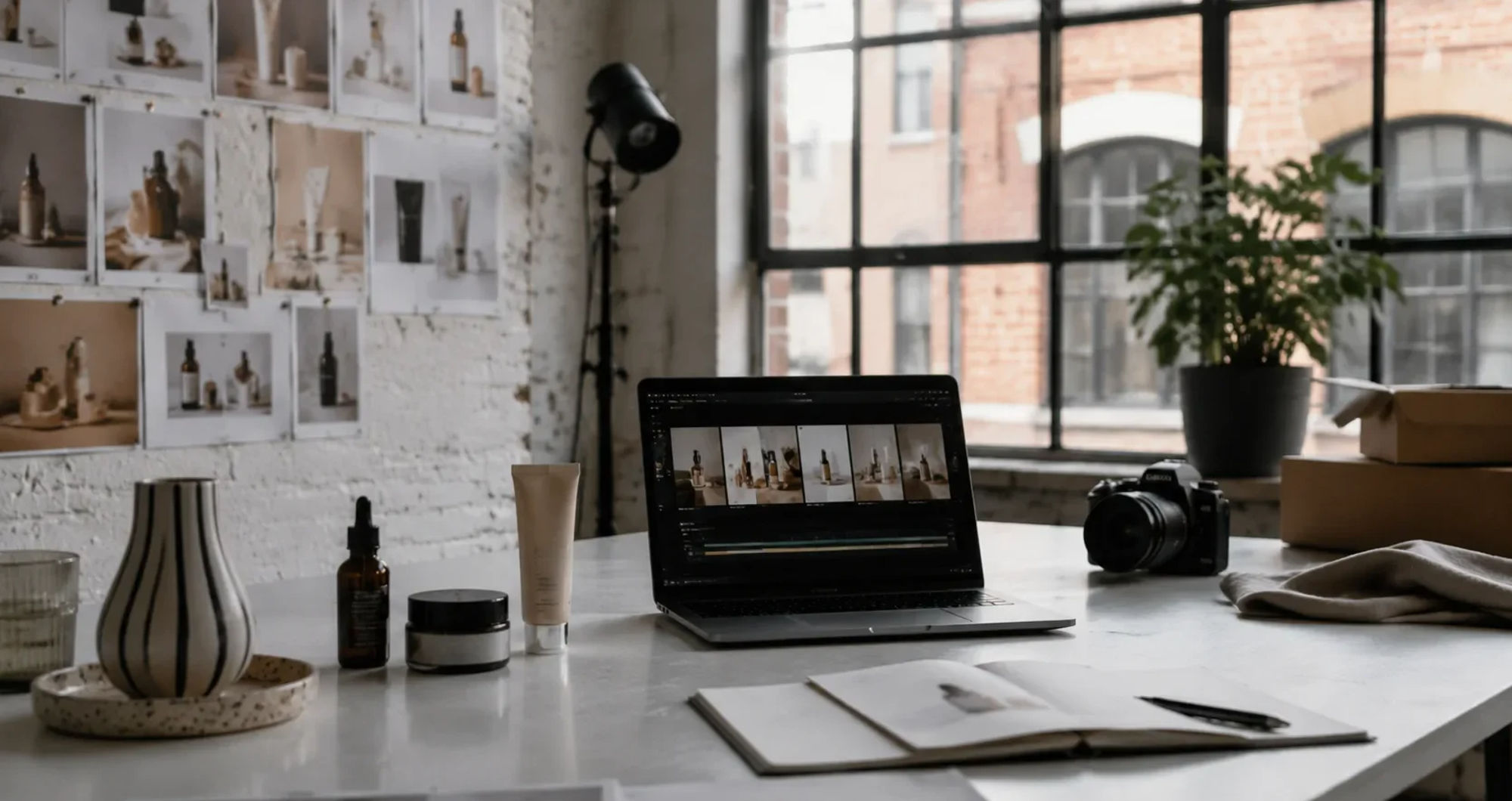

London brands have always had to make small visual assets work hard. A single product shoot might need to feed an online shop, paid social, email, marketplace listings, pitch decks, retail partner pages, and a few last-minute campaign tests. That pressure has only grown as video becomes the default language of digital selling.
The problem is not that London businesses lack good images. Many have excellent still photography. A small fashion label may have clean studio shots. A homeware brand may have lifestyle images from a showroom. A food startup may have polished pack photography. The harder question is what happens after those images are used once.
A short video gives the same product a second life. It can show movement, scale, texture, shine, packaging, fit, or a simple before-and-after moment. But booking another shoot for every campaign variant is expensive. Editing short clips manually also takes time, especially when the team only needs a few seconds of motion for a feed, ad, landing page, or product launch.
That is why image-to-video AI is starting to fit the way many London teams actually work. It does not replace a full campaign shoot. It turns existing product photos into usable motion tests, social cutdowns, and lightweight video assets when a full production would be too slow or too much.
Video Demand Has Outgrown Traditional Production
UK marketers are spending more money where motion performs. IAB UK’s 2025 Digital Adspend report put the UK digital advertising market at GBP 40.5bn, with video investment at GBP 9.3bn after strong year-on-year growth. That matters for local brands because it changes what “normal” creative output looks like.
A product no longer needs one hero image and a few thumbnails. It may need vertical video for TikTok, square cuts for Instagram, a quiet product loop for a homepage, a quick demo for a retail buyer, and several short ad variants for testing. A London label with three staff cannot produce like a national retailer, but it is judged in the same way.
This is the gap AI video tools are moving into. They give smaller teams a way to make more motion assets without turning every idea into a shoot day. The best use is practical: take a strong still image, add subtle camera movement or natural product motion, and see whether the concept deserves more time.
Why Product Photos Are a Good Starting Point
Product photos already contain the hard parts of the visual identity. The item is styled. The lighting has been chosen. The background says something about the brand. The colour palette is usually right. If the image came from a real shoot, the team already approved the look.
That makes the photo a useful base for AI-generated video. Instead of asking a model to invent an entire scene from a prompt, the team starts with a known asset. A candle can catch a slow push-in. A handbag can move through a gentle pan. A skincare bottle can sit in a light sweep. A furniture shot can get a small camera drift that makes it feel less static on a product page.
For small brands, this matters because consistency is often more valuable than spectacle. A video that looks like it belongs to the same campaign is usually better than a flashy clip that feels unrelated to the shop, packaging, or photography style.
A practical example is this image-to-video AI tool, which lets teams upload an image, choose a video model such as Veo, Sora, Kling, Seedance, Runway, or PixVerse, and export MP4 files in 480p, 720p, or 1080p. That kind of workflow is useful because it starts from a real photo rather than asking the team to rebuild the product scene from scratch.
The London Use Case Is Usually Speed, Not Laziness
There is a lazy way to talk about AI content: as if every team wants to avoid doing proper creative work. That is not what is happening in many small businesses. Most teams are trying to avoid waste.
A London food brand may need to test whether a new pack shot works better with a slow zoom or a serving moment. A jewellery maker may want a moving close-up for a weekend drop. A wellness studio may need motion assets for a class pass campaign before Monday. A design shop may want to animate a still catalogue image for a newsletter banner.
Those are not always jobs that justify a videographer, location, talent, props, and a full edit. Sometimes they are small, useful tests. The brand needs to learn which visual direction catches attention before it spends more money.
AI-generated product video is strongest in that middle layer. It sits between a static photo and a full production. It gives the team enough motion to test a concept, publish a lightweight clip, or brief a future shoot with more confidence.
Where Image-to-Video Works Best
The best candidates are products with a clean shape, clear lighting, and a simple background. Beauty packaging, home goods, apparel details, food packaging, accessories, books, stationery, and decor can work well when the desired motion is modest. The goal is often not to make the product perform a complex action. It is to make the shot feel alive.
Simple camera movement is usually safer than a dramatic transformation. A slow push, soft rotation, light change, or subtle environmental movement can make a still product shot more useful without breaking the brand’s visual style. For retail and e-commerce, restraint often looks more expensive than chaos.
The workflow also works well for campaign variations. A team can test several styles from the same image: one calm version for a product page, one faster version for a social ad, one close-up crop for a launch teaser, and one subtle loop for email. If one version performs, the team can invest in better editing or a proper reshoot later.
Where It Still Needs Human Review
AI video should not be shipped blindly. Product accuracy matters. A generated clip that bends a bottle, changes a logo, invents a seam, or distorts a clasp can create more problems than it solves. This is especially true for fashion, beauty, jewellery, food, and any item where colour, finish, material, or shape affects the buying decision.
London brands should check a few things before using an AI-generated product clip publicly. Is the product still the same size and shape? Has the label changed? Are colours accurate enough? Does the motion make the item look cheap or unstable? Is the background consistent with the brand? Would a customer feel misled after seeing the actual product?
This review step is not optional. It is the difference between a useful creative shortcut and a careless asset. AI can draft the motion, but the brand still owns the promise being made to the customer.
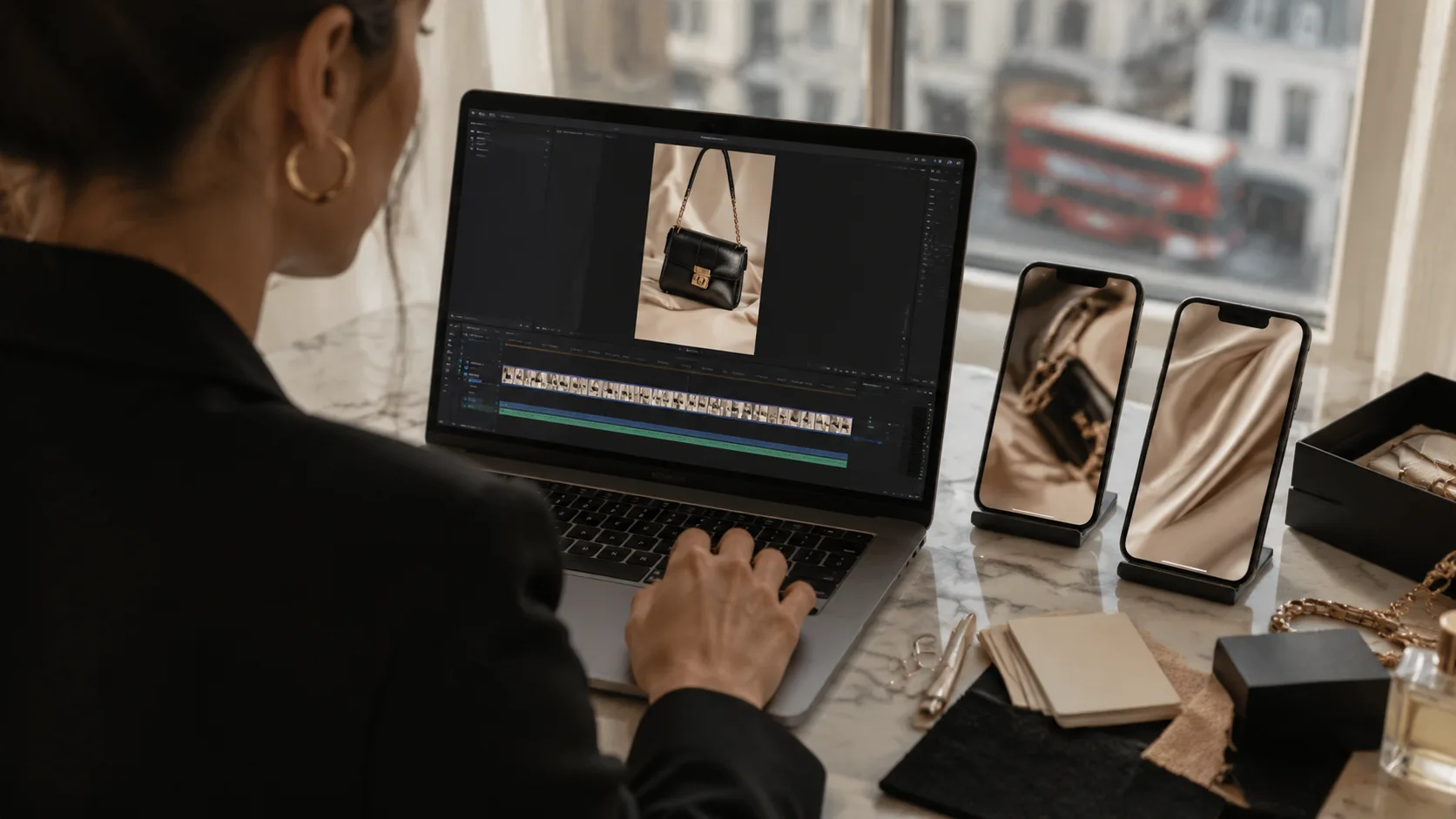
How Small Teams Can Build a Repeatable Workflow
A useful workflow starts before the AI tool is opened. Choose the product photo with the cleanest lighting, the clearest silhouette, and the least clutter. Avoid images where hands, reflections, straps, hair, steam, or complicated shadows cross the product in ways that might confuse the model.
Then write the motion brief in plain language. Do not ask for too much. “Slow camera push toward the bottle on a clean bathroom shelf” is more useful than a long cinematic prompt full of mood words. A good brief tells the tool what should move, what should stay stable, and what must not change.
After generation, review the output at phone size. Many teams check on a desktop monitor and miss problems that become obvious in a vertical feed. Watch the logo, edges, reflections, and background. If the clip looks wrong at small size, it will not improve when it reaches a busy social feed.
Finally, save the winning version with the original still image, prompt, product name, date, and intended channel. For teams using iMideo, keeping that prompt and output history close to the rest of the video workflow makes it easier to repeat a look later instead of starting from zero every time.
Why This Matters for E-commerce
ONS retail data has kept online sales around the high-20s percentage range of Great Britain retail sales in recent releases. That does not mean every customer buys online, but it does mean the product page, feed, and digital advert keep doing a large share of the selling before a customer visits a shop or adds to a basket.
For e-commerce, video solves a basic problem: still images ask the shopper to imagine too much. How does the fabric move? How reflective is the finish? How large does the object feel in context? How does the package open? What does the product look like when the camera moves around it?
A short AI-generated clip will not answer every question, but it can reduce friction for simple products and early campaign tests. It can also help a team decide which shots are worth recreating properly. If a three-second AI motion test gets attention, that is useful data for the next shoot brief.
The Role of an AI Video Platform
Many teams start with one need: turn this product image into a short video. Then they quickly find related problems. They need a second format, a different model, a captioned version, a background change, a cleaner crop, or another video generated from text for a campaign landing page.
That is why platform context matters. An all-in-one AI video and image creation platform, with tools for turning text and images into video and access to multiple AI models, can reduce handoffs for teams that are testing product motion rather than building a full production department.
The point is not to use AI for every asset. The point is to remove the drag around small, low-risk creative tests. A brand can still book photographers, art directors, stylists, and editors for the work that needs them. AI simply gives the team more room to test before spending that budget.
What London Brands Should Avoid
The main mistake is treating AI output as final just because it looks polished. A product clip can be beautiful and still be inaccurate. If the generated video changes the product, exaggerates a feature, or creates movement the real item cannot have, it should be used internally or discarded.
Another mistake is overproducing every image. Not every product photo needs a dramatic video. Sometimes, a clean still image sells better. Sometimes, a simple model shot is more trustworthy than an animated pack shot. The right question is not “can this be turned into a video?” It is “Would motion help this customer understand or want the product?”
Brands should also avoid making all their clips look the same. If every video uses the same camera drift, the same lighting effect, and the same pace, the feed starts to feel automated. The best teams keep a human eye on pacing and use AI as part of a visual system rather than a replacement for one.
A Practical Shift, Not a Passing Trick
Image-to-video AI is useful because it matches a real business constraint. London teams already have product photos. They need more motion assets than they can afford to shoot. They need to test quickly without losing the look of the brand. They need video for channels that change faster than a traditional production calendar.
Used carefully, AI video turns still images into a flexible layer of creative testing. It helps a brand learn which product visuals deserve more investment, which campaign angles feel flat, and which assets can be reused across channels.
That is why the technology is becoming practical for smaller teams. It is not about replacing the craft behind good product photography or campaign film. It is about making every approved product photo work a little harder before the next shoot is booked.







