
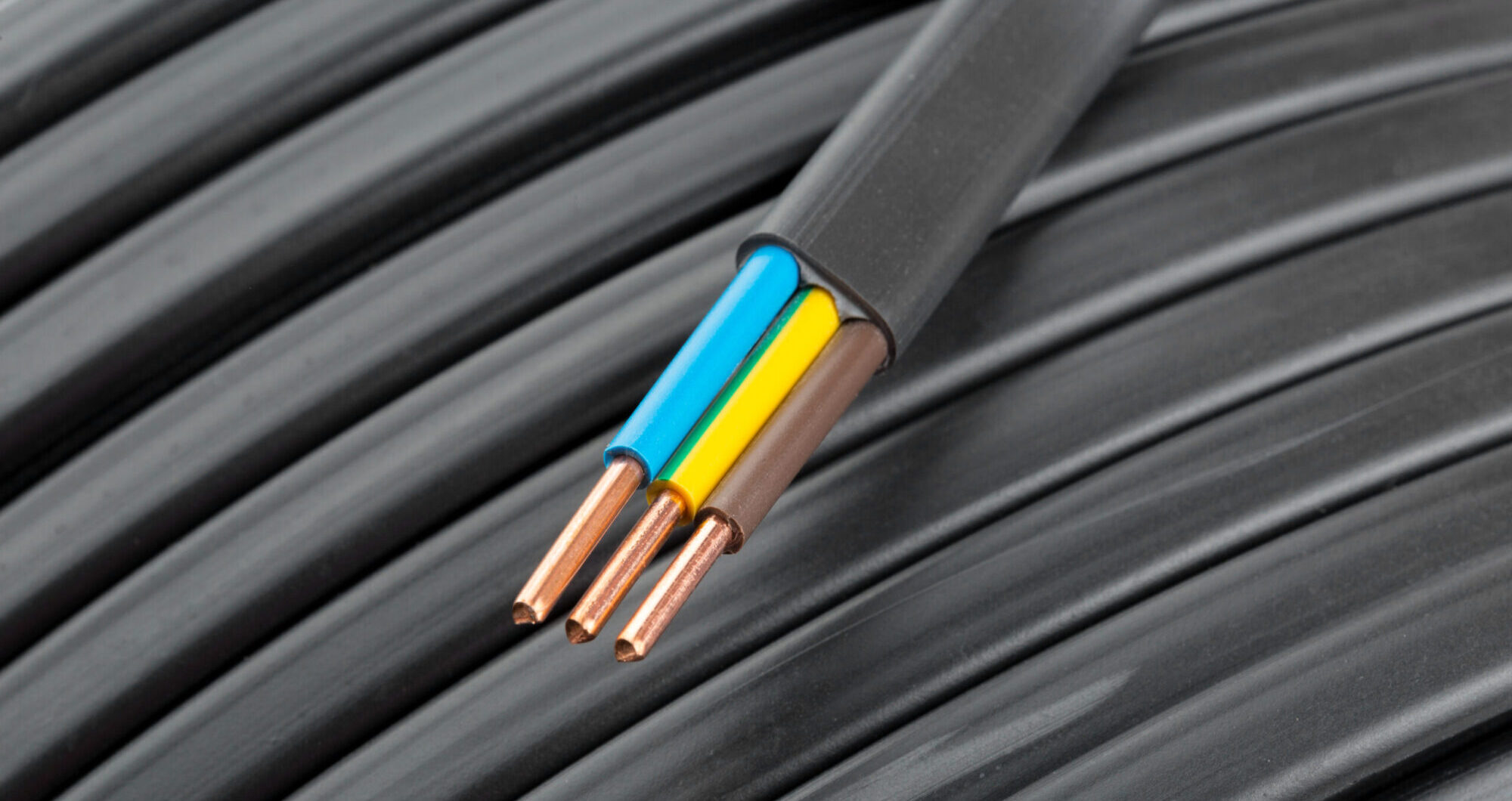

A fast and reliable network is the foundation of any modern business. From cloud-based applications and remote collaboration tools to VoIP calls and video conferencing, your office depends on smooth data flow every second of the day. While companies often upgrade servers, routers, or even entire IT systems, the actual Ethernet cable for your network, hidden behind the walls, is often overlooked.
Over time, outdated or damaged cables quietly become a major bottleneck, causing slow speeds, random disconnections, and downtime that directly impacts productivity. Recognising when it’s time for an upgrade can save your business from unnecessary losses and prepare you for future technology demands.
In this guide, we’ll explore the 10 most important signs that your office cabling is due for an upgrade, along with practical tips for planning the transition.
Why Network Cabling Matters More Than You Think
Cables may not be the most glamorous part of your IT setup, but they are absolutely critical. They carry every email, video call, and cloud upload. Even the best routers, switches, or ISP plans can only perform as well as the cables allow.
Outdated standards like Cat5e or poorly installed cables often create invisible roadblocks that no amount of software tweaking can fix. Investing in modern cabling like Cat6, Cat6a, or even fiber optic cable ensures high performance, low interference, and a system that grows with your business.
1. Frequent Network Slowdowns
If your employees constantly complain about slow file transfers or lag during peak hours, the issue may not be your ISP. Old cabling creates bottlenecks that prevent data from flowing efficiently.
For example, Cat5e cables max out at 1 Gbps, which may have been fine years ago, but today’s cloud-driven offices demand far more. Cat6 or Cat6a cabling can support up to 10 Gbps, ensuring smooth performance even during heavy traffic.
2. Outdated Cable Standards
Many offices are still running on Cat5 or Cat5e cabling installed over a decade ago. These standards can’t handle the bandwidth needed for modern applications like video conferencing, VoIP, or real-time cloud collaboration.
- Cat6: Supports up to 10 Gbps over short distances up to 50m.
- Cat6a: Enhanced shielding and supports 10 Gbps up to 100m.
- Fibre Optic Cable: Handles speeds beyond 10 Gbps with near-zero signal loss.
If your infrastructure is below Cat6, it’s already holding you back.
3. Visible Wear and Tear
Even if most of your cables are hidden behind walls, exposed sections may show signs of fraying, bending, or cracked jackets. These issues compromise signal quality and increase the risk of connection drops.
In many cases, office renovations or improper handling damage cables without IT teams noticing. If you see visible deterioration, chances are hidden sections are also in poor condition.
4. Increased Downtime and Connection Drops
Do your employees experience random disconnections, dropped video calls, or sudden network failures? If so, old or poorly terminated cables could be the cause.
Upgrading your cabling eliminates these disruptions and allows routers, switches, and firewalls to perform at their full potential. Consistent uptime is crucial for productivity and client trust.
5. Struggling to Support Modern Technology
Today’s offices rely on more than just computers. From VoIP phones and IP security cameras to smart devices and cloud systems, modern networks demand more from cabling.
Technologies like Power over Ethernet (PoE) require cables that carry both power and data efficiently. Old cables often fail under this load, causing overheating or inconsistent device performance.
Future-proofing with Cat6a or fibre optic cable ensures your infrastructure supports not just current devices, but those of the next decade.
6. Your Office Layout Has Changed
If your office has recently undergone renovations, expansions, or workstation relocations, chances are your cabling setup has been stretched, spliced, or bent beyond its intended limits.
Cables that are pinched or overextended often lead to intermittent issues. A structured cabling system with patch panels, racks, and proper labelling makes your network easier to maintain and expand.
7. Frequent Troubleshooting Without Solutions
Do your IT staff spend more time fixing “mystery issues” than actually improving systems? When problems like random slowdowns or dropped connections persist despite new hardware or ISP upgrades, your cables are often the culprit.
Replacing outdated cabling can eliminate these phantom problems and free your IT team to focus on strategic growth instead of endless troubleshooting.
8. ISP Upgrades Don’t Improve Performance
Many businesses upgrade their internet package, expecting blazing speeds, only to find performance hasn’t improved. Why? Because their outdated cabling is bottlenecking the entire system.
If you’ve invested in faster internet but still face lag, it’s a clear sign your Cat5e or older cabling is maxed out. Modern cabling is essential to unlock the full potential of your ISP plan.
9. Cables Older Than 7–10 Years
Even high-quality Ethernet cables have a lifespan. After about a decade, jackets harden, twists loosen, and internal copper begins to degrade. If your cables are older than 7–10 years, replacement should be part of your IT maintenance plan.
10. Difficulty Scaling or Adding Devices
Adding new workstations, servers, or smart devices shouldn’t require tearing down your entire network. If scaling feels like a constant headache, your cabling system isn’t built for growth.
Structured cabling with modern standards makes it easier to expand without downtime or costly rewiring.
Planning Your Cabling Upgrade
Recognising the signs is only the first step. Upgrading requires a strategy to ensure your investment pays off for years to come.
Choose the Right Standard
- Cat6: Cost-effective for small to mid-size offices.
- Cat6a: Better shielding and long-distance performance.
- Fibre Optic Cable: Best for data centres, enterprise setups, and bandwidth-heavy industries.
Invest in Structured Cabling
Organised cabling with patch panels, racks, and proper labelling reduces errors, simplifies troubleshooting, and supports future expansions.
Hire Professionals
DIY cabling often leads to poor terminations, crosstalk, or non-compliance with safety codes. A professional installer ensures long-lasting, high-performance results.
Conclusion
Your network is only as strong as the cables behind it. Ignoring old, outdated, or damaged cabling can silently cripple your business with slow speeds, downtime, and inefficiencies.
By watching for the warning signs and planning a smart upgrade, you can future-proof your infrastructure for the next decade. Whether you choose Cat6, Cat6a, or fibre optic cable, investing in modern cabling ensures a faster, more reliable, and scalable network that keeps your business competitive.
Don’t wait until downtime costs you more than the upgrade itself; take action today.







