
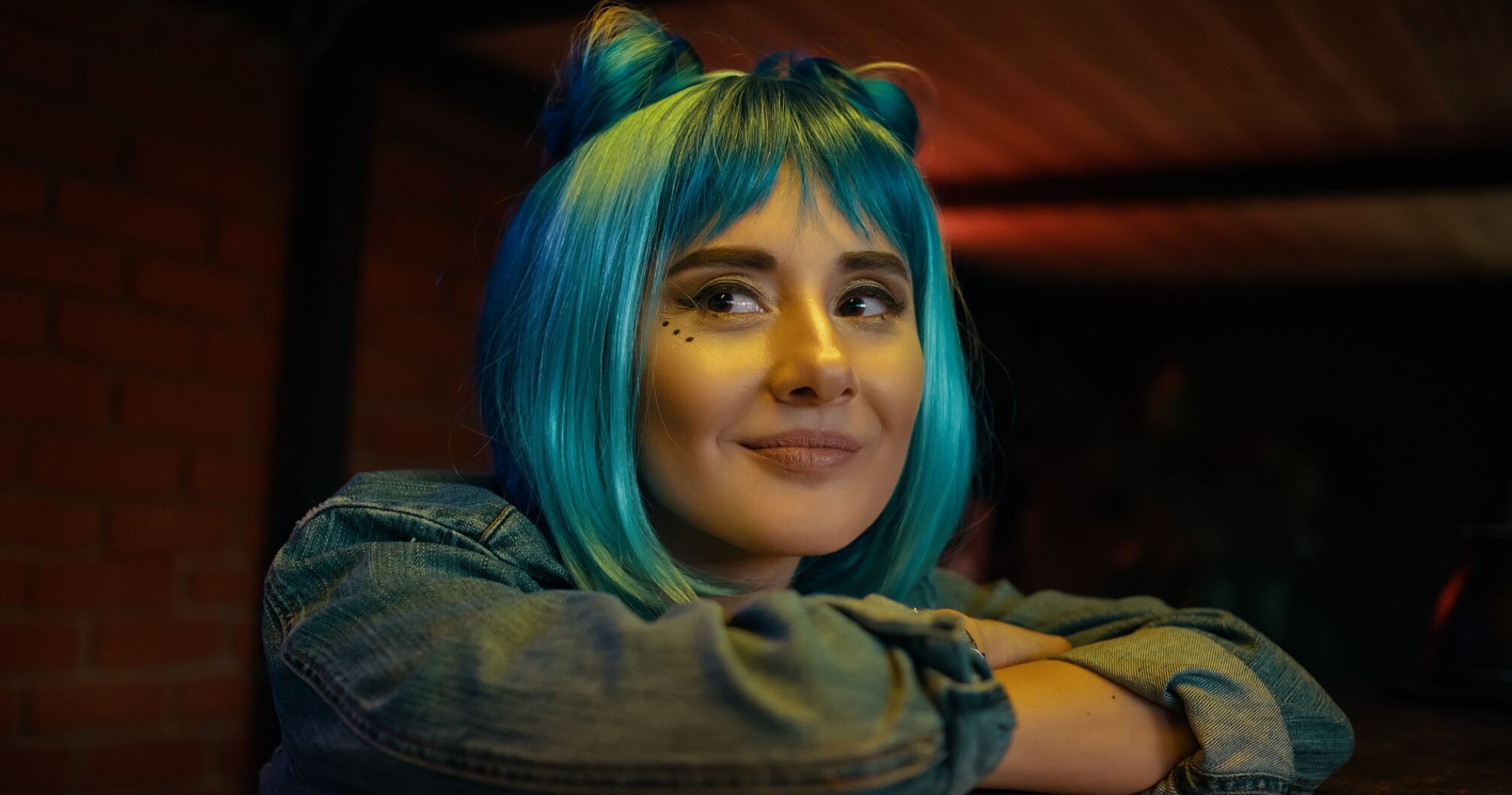

Struggling to squeeze a photoshoot between client calls? Gen-Z freelancers on TikTok already skip studio days, letting AI apps turn simple selfies into polished headshots for a fraction of the cost, according to a July 2023 Fortune report.
Quality has caught up to convenience. In a 2024 blind test by LuxeAI Studio, 76.5% of recruiters preferred top-tier AI portraits over real studio shots—a tipping point for anyone whose first impression happens online.
If you pitch on Upwork at noon and update LinkedIn by two, you need a sharp, authentic image today without burning $300. We spent weeks stress-testing every major generator for realism, price, speed, ease, and privacy. First up is InstaHeadshots.com—our lightning-fast favourite—followed by six strong alternatives that shine in their own niches.
How we chose these 7 tools
You deserve more than a random “best of” list. We sifted through dozens of generators, tested the front-runners in real freelance scenarios, and scored every result against five hard criteria.
- Realism. If the image can’t pass a quick Zoom introduction, it didn’t make our shortlist.
- Price. Freelancers watch every dollar, so we compared cost per usable headshot, not flashy package totals.
- Turnaround speed. When a client needs a profile photo by the end of the day, waiting 24 hours is pointless.
- Ease of use. Clear interfaces and minimal upload steps beat complex dashboards every time.
- Privacy. We chose providers that delete uploads promptly and give you full rights to the finished photos.
Only seven tools cleared all five bars. We’ll break them down, starting with the service that delivered studio-quality images in less time than a coffee run.
1. InstaHeadshots: lightning-fast, pay-on-approval quality
InstaHeadshots leads our list for two reasons: realistic images and zero-risk pricing. The service holds a flawless 5.0 rating across more than 8,600 Trustpilot reviews, a level of customer praise we didn’t find anywhere else.
Upload a dozen clear selfies, and your gallery arrives in about fifteen minutes, a turnaround guarantee listed on instaheadshots.com. The portraits look like a studio shoot with natural skin texture and true-to-life color. You scroll, mark the keepers, and pay only for the files you choose to download. That approve-first, pay-later flow feels refreshingly fair.
The platform also includes dozens of style presets such as boardroom, outdoor, and creative loft, giving you multiple looks for LinkedIn, your portfolio, and an upcoming podcast guest spot.
- Key wins
- Blazing turnaround and pay-on-approval billing
- Studio-grade realism praised by thousands of users
- Full commercial rights and images wiped after delivery
- Trade-offs
- Expect to gather at least twelve photos for training, and there’s no true free tier, but the quality-per-dollar ratio still beats a traditional shoot by miles.
If you need a headshot today and can’t risk disappointment, start here.
2. BetterPic: ultra-realistic headshots for detail seekers
If you want a portrait so true to life that an expert photographer would pause, BetterPic is your spot.
The platform focuses on quality. Upload ten well-lit selfies, pick a few style combos, and about an hour later, your inbox fills with portraits that look like they came off a full-frame DSLR. Lighting feels three-dimensional, skin keeps real texture, and tiny details—freckles, hair wisps, subtle crow’s-feet—stay intact.
Choice is the other draw. BetterPic offers more than one hundred backgrounds and outfits, from sun-lit outdoor casual to corner-office formal. That range lets you match different client personas without booking multiple shoots.
More variety means a bit more sifting. Roughly one in four images may feel over-touched or slightly off, yet the remaining shots are strong enough to justify the quick treasure hunt.
For freelancers who treat their personal brand like a product launch, BetterPic delivers poster-ready precision.
3. HeadshotPro: bulk images and team consistency in one click
Some freelancers need one perfect portrait. Others run a small agency, teach workshops, or juggle multiple platforms. HeadshotPro suits that multi-profile life by producing a mountain of images in one run.
After a 15-photo upload, our test account received more than 60 high-resolution shots, each in a different setting from sun-lit coworking lounge to low-light keynote stage. The volume lets you choose a formal square crop for LinkedIn, an on-stage wide shot for your speaker bio, and a relaxed outdoor angle for your About page without paying three separate fees.
Teams benefit too. Invite five collaborators, upload everyone’s selfies, and HeadshotPro applies identical lighting and backgrounds so bios feel unified on your site. No extra colour matching in post.
Image quality sits slightly below BetterPic. Plan to discard about one-third of the batch for minor quirks such as an over-bright iris or a waxy cheek. With dozens of options, you will still find plenty of keepers.
If your brand appears everywhere, or if you want every partner to look like they shared the same photographer, HeadshotPro offers an efficient, budget-friendly solution.
4. HeadshotKiwi: big-league looks on a shoestring budget
Working with a tight budget? HeadshotKiwi proves you don’t need deep pockets to look like a pro.
For just twenty-nine dollars, you receive roughly forty finished portraits, each created with the same AI power that bigger services charge nearly double for. During testing, the first images arrived in under an hour, and several were ready to headline a personal website without edits.
Kiwi’s style presets feel modern: soft daylight, airy coworking settings, and muted palettes that fit LinkedIn or a design-forward portfolio. Skin smoothing is a bit heavier than BetterPic, yet it rarely slips into plastic territory. Think gentle portrait retouch—subtle enough that clients simply notice you look well-rested.
The service is new, so it lacks the long track record of older rivals, and you won’t find extras like human retouching. Still, if every dollar counts and you want fast, credible shots without compromise, HeadshotKiwi offers standout value.
5. AIHeadshotGenerator.org: one-selfie convenience for beginners
Sometimes you have a single selfie and five spare minutes. AIHeadshotGenerator.org covers that moment.
Drop one clear photo into the browser window, select generate, and a handful of headshots appear almost instantly. You skip account forms, credit card fields, and multi-image checklists. Previews arrive at web resolution, and a small fee unlocks full-size downloads if you like the result.
Because the engine works with limited data, realism falls slightly below earlier picks. A trained eye may notice softer features or uniform background blur. Yet for quick jobs such as refreshing a Slack avatar or submitting a conference badge, the quality meets the mark. You trade maximum fidelity for pure speed and zero friction.
If you are AI-curious, cash-strapped, or racing a deadline, this one-selfie tool gets you across the line with minimal fuss.
6. SellerPic: chat-style edits for the photo you already love
Maybe you already have a solid snapshot: the smile works, but the backdrop is cluttered. SellerPic lets you keep that expression and tidy everything else with simple text prompts.
Upload a single image and chat with the built-in assistant as if you were briefing a human retoucher. Try prompts such as “Swap my hoodie for a navy blazer,” “Blur the background to soft grey,” or “Add gentle key light on the left side of my face.” Each request delivers a new render in under a minute.
Because SellerPic edits your actual photo, likeness drift is not a concern. You still look like yourself, only sharper, better lit, and dressed for business. Final resolution cannot exceed your original file, so start with a crisp source for best results.
Pricing runs on low-cost credits, and your first few edits are usually free. For freelancers who dislike reshoots but want extra polish, SellerPic offers a quick, affordable fix.
7. DIY with ChatGPT (DALL·E 3) and Google Gemini: the experimental frontier
Tech-savvy freelancers can now treat general-purpose image models as makeshift photo studios.
In ChatGPT, paste a selfie, type “create a professional headshot with soft studio lighting,” and variations appear in seconds. Early Gemini demos show a similar flow: drop a reference photo, describe the mood, and the model drafts slick portraits on the fly.
Flexibility is the draw. You can adjust lighting, background, or color palette through conversational prompts, reroll unlimited times, and pay nothing beyond your existing subscription. Yet freedom comes with friction. Because these models are not fine-tuned on your face, likeness drifts from one render to the next, so expect trial and error before you land a keeper.
Privacy and workflow add more homework. You upload images to large-platform servers, then manually crop, compress, and store outputs. There is no headshot-specific interface, rights summary, or quick delete button.
Treat these tools as a playground, not a production line. When they match your likeness, the results feel impressive; until then, the dedicated generators above remain the faster, surer route for everyday branding needs.
Buyer’s guide: five smart moves for a flawless AI headshot
- Start with good raw material.
Snap fresh selfies in bright, indirect daylight. Keep the camera at eye level, vary your angles, and avoid heavy filters. Clear input yields sharper output. - Pick a style that matches your market.
Designers can lean casual, while consultants often need a blazer against a neutral background. Choose presets that feel authentic to the clients you serve, not the trends you scroll. - Upload more than you think you need.
For generators that train on your face, twelve to twenty photos give the model enough data to capture tricky details such as glasses glare or subtle freckles. More variety up front means fewer rejects later. - Zoom in before you hit download.
Check eyes, ears, hairlines, collars, and jewellery. If anything looks off, such as odd reflections or mismatched earrings, regenerate or crop. One minute of quality control prevents weeks of awkward first impressions. - Own your image and your data.
After downloading, use each platform’s delete-originals button and store your headshots locally. Every tool on our list grants full usage rights, so you are free to post, print, and re-crop without extra fees or watermarks.
FAQ: top AI headshot questions answered
Will LinkedIn flag an AI headshot?
No. LinkedIn, Upwork, and most professional networks only ask that the image represent the real you. A well-made AI photo is acceptable as long as it isn’t misleading.
Can clients tell my photo was generated?
With premium tools such as InstaHeadshots or BetterPic, detection is unlikely. Our blind test fooled 76.5% of recruiters, so skip filters that erase every pore and you’ll pass casual scrutiny.
Is it safe to upload my selfies?
Each service on our list deletes originals after processing and grants full rights to the output. For extra peace of mind, upload photos you’d share elsewhere and delete them from the platform once finished.
What if the AI gets my face slightly wrong?
Regenerate. Most platforms include at least one free reroll, and SellerPic lets you adjust individual features through chat prompts until everything looks right.
Should I still hire a photographer someday?
Think of AI as a shortcut, not a permanent replacement. When you need magazine-level portraits or complex group shots, a human still excels. For everyday freelance branding, AI covers about 90% of needs at roughly 10% of the cost.







