


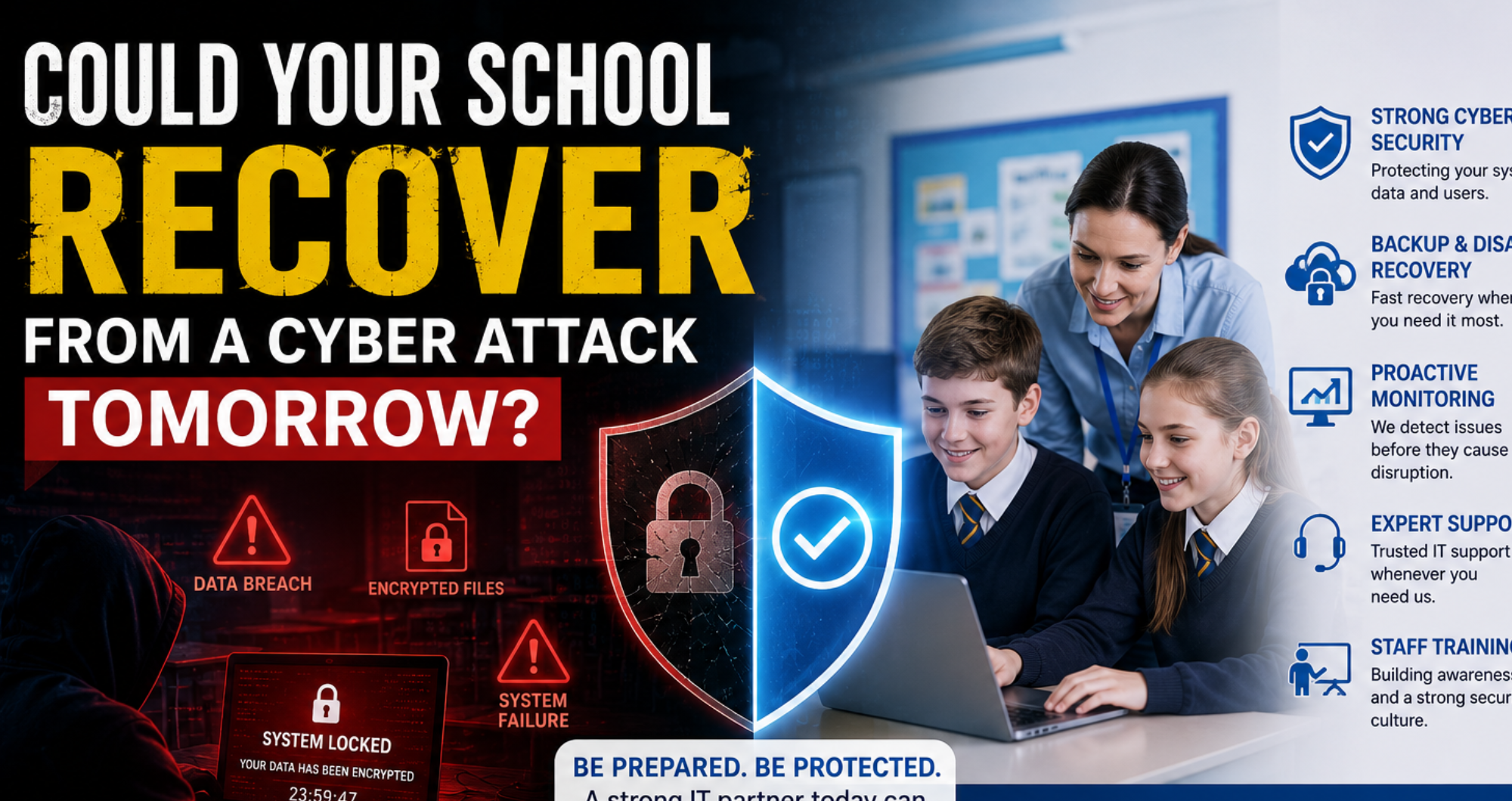
If the internet were down at your school tonight, would classes continue the next day, or would teachers be barred from work for days? Attacks on the education sector have increased steadily, and many schools remain unable to recover quickly when such attacks occur. Cyber security is therefore a requirement for every school today. This blog discusses what happens during a school cyber attack, the most common threats schools face, and what cyber security for schools needs to include to recover quickly rather than shut down for weeks.
Why schools have become major cyber targets
Schools are prime targets because they have valuable data and typically have limited security budgets for older systems.
Increasing cyber threats in education
Cloud platforms, remote logins, and shared devices all create new entry points, and as a result, attacks have been increasing over time.
Why schools hold valuable data
Schools have numerous students and staff and keep pupil records and payroll details, which is why they are targeted for financial and personal data.
What happens when a school suffers a cyber attack
A cyberattack disrupts lessons, drains budgets through recovery costs, and can damage trust with parents and governors.
Classroom disruption
Locked-out systems mean no registers or lesson resources, and timetables can stop within minutes.
Financial and operational impact
The cost of recovery includes investigation and rebuilding of the system, while staff time spent on firefighting activities pulls focus from teaching.
Data loss and reputation damage
The loss of pupil and staff data triggers regulatory scrutiny, and rebuilding trust takes far longer than fixing the technical problem.
The most common cyber threats facing schools
Most attacks arise from common vulnerabilities, ranging from phishing emails to outdated software that hasn’t been patched yet.
Ransomware
Ransomware prevents employees from accessing files. Without ransomware protection for schools and proper backups, schools risk losing their data permanently.
Phishing emails
Phishing remains the most common attack method, leading employees to click links or enter login information.
Weak passwords
Using the same passwords for different accounts is an easy entry point for attackers to access the system.
Outdated software
Old software fails to receive important updates and patches, leaving known vulnerabilities open to exploitation.
Insider risks
Sharing of confidential data, whether accidental or due to improper access by former staff, can also constitute actual exposures.
Could your school recover tomorrow?
Recovering quickly relies on tested backups, a clear plan of action and individuals who know what to do straight away.
Do you have secure backups?
Backups will only help if they work when needed. Regular testing of school data backups is therefore important for quick recovery.
Is your disaster recovery plan tested?
An untested school disaster recovery plan is just a random document. Running a proper drill once a year shows the failures, like a backup silently broken for months, before a real attack does.
How quickly could learning resume?
Well-designed disaster recovery planning for schools can generally get back up and running within hours.
Essential cybersecurity measures every school should have
School network security is not a single security solution; it is a combination of security layers that work together.
Multi-factor authentication
It serves as a second login step, ensuring that a stolen password alone would not be sufficient.
Endpoint protection
Schools must have antivirus software that identifies malicious files and prevents the spread of malware.
Regular security updates
With timely security updates, known vulnerabilities are patched quickly before they can be exploited.
Staff cyber security training
One cost-effective defence is to teach staff how to identify phishing attempts.
Secure cloud services
The right cloud platforms ensure that data is encrypted and accessible only to authorised users.
Continuous network monitoring
Ongoing monitoring helps to identify unusual activity promptly, often before damage is done.
How managed IT support strengthens school cyber security
Managed IT services for schools include proactive monitoring, quick response and backups. It all happens under a single, coordinated system of cybersecurity services for schools.
Proactive threat detection
Continuous monitoring identifies suspicious activity early, frequently before it can even attack.
Rapid incident response
When a team is prepared to respond quickly, the damage is minimised.
Backup and disaster recovery
A reliable school IT disaster recovery plan will ensure that data can be recovered promptly rather than permanently lost.
Compliance and data protection
Strong school data protection ensures that schools stay compliant with data law and minimises regulatory risk.
A school cyber security checklist
The following steps build genuine cyber resilience for schools over time.
Review user accounts
Deactivate the accounts of staff and students who have left, as dormant accounts are often a way in.
Test backups
A backup is not enough; do a full, regular restore test.
Update security policies
Check on password policies and access annually.
Train staff
Update training on an ongoing basis, because phishing techniques are constantly changing.
Conduct regular security audits
Independent audits can uncover weaker areas that internal teams might miss.
Signs your school is vulnerable to a cyber attack
It’s an alarm bell when software is outdated, there is no multi-factor authentication, backups have not been tested, and employees have never been trained in security. If no one at school knows who is responsible for responding to an incident, this is a gap that needs to be addressed quickly.
Faqs
How does managed IT support improve school cybersecurity?
It introduces proactive monitoring, rapid incident response, and tested backups, thereby identifying threats before they strike.
Why do hackers target schools?
Schools are easier targets because they store and maintain valuable personal and financial data on tighter security budgets than businesses do.
What are school backup and disaster recovery best practices?
Test backups regularly, maintain offsite or cloud backups, and practice the recovery process so staff know exactly what to do.
Conclusion
Most schools do not consider cyber resilience for multi-academy trusts or single sites until issues arise, and by then, it’s too late to close the gap quickly. Having a clear backup plan, training staff on it, and fully testing backups turns a potential disaster into a manageable interruption. Working with an experienced provider of IT support for schools, such as Cygnet IT, gives schools the ongoing monitoring and rapid response needed if asked whether they could recover it tomorrow.