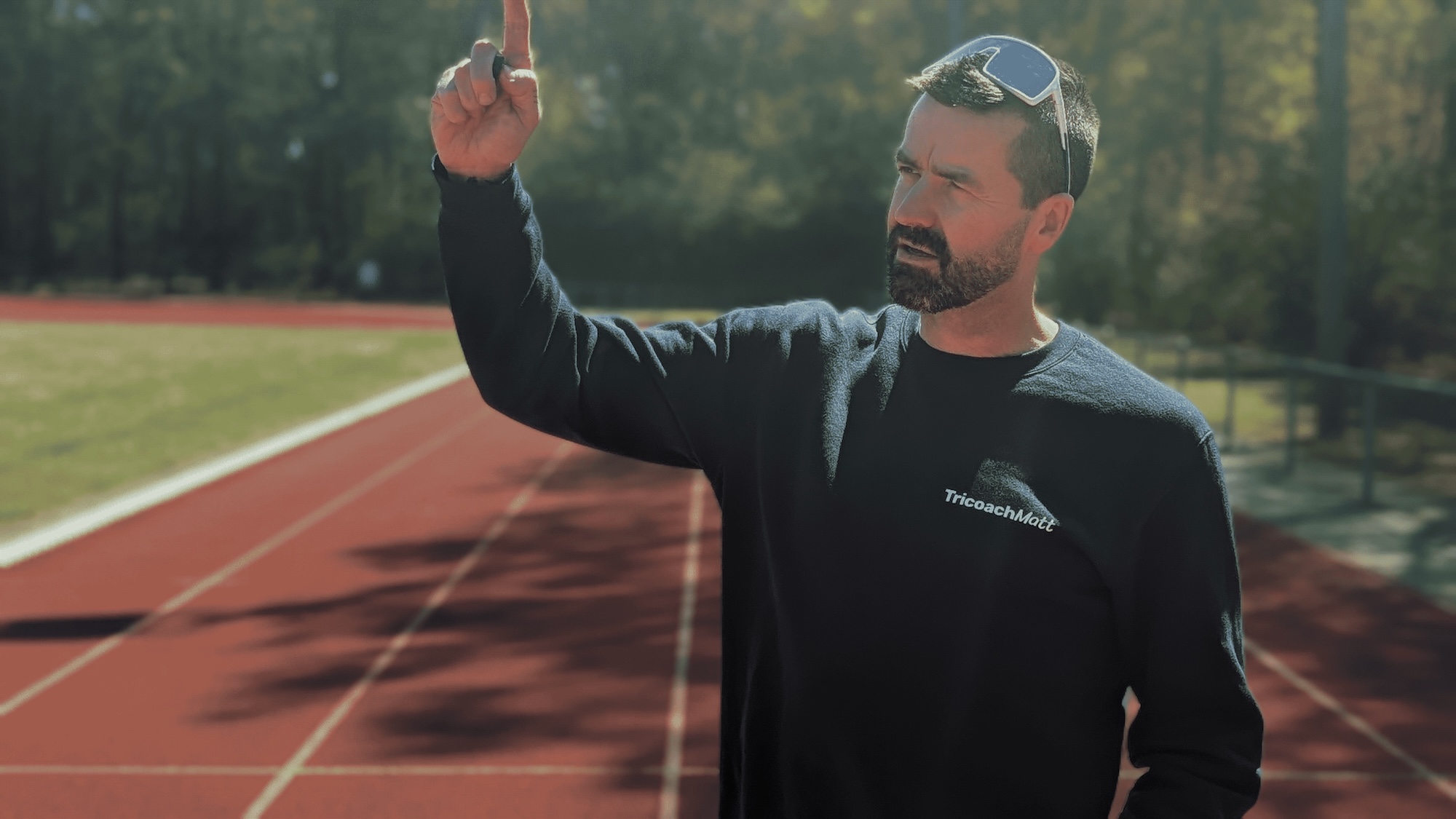


Your profile photo says a lot about you. Whether it’s for LinkedIn, a résumé, or social media, having a polished and professional headshot can make a lasting first impression. But hiring a photographer or setting up a photo shoot isn’t always practical or affordable.
That’s where AI headshot generators come in! These advanced tools let you create a high-quality, professional profile photo with just a few clicks. No studio required, no hefty fees—just upload a few selfies, and AI handles the rest. Ready to see how AI can help you achieve the perfect profile photo? Let’s understand how it works and why it’s getting popular in getting professional headshots.

Why Your Profile Photo Matters
A well-crafted profile photo can be a game-changer. It’s often the first thing people see on LinkedIn, your résumé, or professional websites, so you want it to make a positive impact. A high-quality headshot can convey confidence, approachability, and professionalism, setting you up for better networking, job opportunities, and online engagement.
Without a professional photographer, however, achieving that professional and polished look can be challenging. Luckily, AI technology has made it possible to get that studio-quality profile photo in a few hours, and for a fraction of the cost of traditional headshots.
How AI Can Create the Perfect Headshot
AI headshot generators use advanced algorithms to transform your selfies into polished, professional-looking images that look as though they were taken in a high-end studio. Here’s how AI can elevate your profile photo and give you the perfect headshot:

- Background Enhancement: AI can replace your original background with professional settings like a modern office, a cosy library, or a clean neutral colour. This feature allows your headshot to feel polished and professional without the need for an actual studio backdrop.
- Lighting Adjustments: Proper lighting is key for headshots, and AI tools can enhance your photo by adjusting brightness, removing shadows, and highlighting your best features. With balanced lighting, your headshot will look naturally well-lit, emphasising your facial features without harsh contrasts.
- Expression and Posture Optimisation: AI can subtly adjust your smile, posture, and even the tilt of your head, helping you appear confident, approachable, and warm. You can select expressions that exude leadership, calm, or a relaxed, friendly vibe depending on your goals for the profile photo.
- Skin Smoothing and Minor Retouching: AI technology smooths skin, reduces blemishes, and enhances facial details to create a natural, polished look. The best tools ensure your headshot feels realistic and not overly edited, capturing every detail and texture while giving your skin a flawless, professional finish.
- Variety of Styles and Attire Options: Top AI headshot generators provide various professional and casual attire options, helping you match the look to your industry and personal brand. You can experiment with different professional outfits or more relaxed styles, making it easy to achieve the perfect balance of formal and approachable.
- Detail and Texture Enhancement for Realism: AI captures every detail and texture, ensuring your headshot looks authentic and natural. This realism helps you stand out with a headshot that feels genuine and lifelike, capturing your unique features with clarity and depth.
AI headshot generators like Headshot Photo combine all these features, allowing you to create an ideal profile photo that feels personalised, professional, and effortless to achieve.
The Steps to Getting a Professional Headshot Using AI

Getting a professional headshot with AI is easy. Here’s a quick guide:
Step 1: Take Multiple Selfies
Start by taking several selfies. Try different angles, expressions, and poses to give the AI a good selection to work with. Look for natural, relaxed photos where you feel your best.
Step 2: Upload to an AI Headshot Generator
Once you have a few strong options, upload them to an AI headshot generator like Headshot Photo. This tool will analyse your images and guide you through selecting the background, lighting style, and expression adjustments.
Step 3: Choose Your Ideal Background
Professional AI headshot tools offer a variety of backgrounds that fit different industries and personal styles. Whether you need a corporate office setting, a modern workspace, or something more neutral, you’ll have options that enhance the overall look of your profile photo.
Step 4: Adjust and Customise Your Expression
Some AI generators let you fine-tune your smile or posture. Choose a friendly, confident expression that reflects your personality and is appropriate for your professional context.
Step 5: Review and Download
Once you’re happy with the final look, download your new profile photo. You’ll have a polished, studio-quality headshot ready for LinkedIn, résumés, or any other platform.
Benefits of Using AI for Headshots
Using AI to generate professional headshots offers a variety of benefits:
- Convenience: Capture the perfect profile photo anytime, from anywhere. You only need a smartphone or computer, saving you the hassle of booking a studio session.
- Affordability: AI headshot tools are much more budget-friendly than hiring a photographer. For example, Headshot Photo’s packages start at $19, allowing you to get professional results at a fraction of the cost.
- Quick Turnaround: AI-generated headshots are available in hours, not days or weeks. Perfect if you need a professional photo on short notice.
- Customisable: Adjust backgrounds, lighting, and expressions to create a look that aligns with your industry and personality. This level of customisation means your headshot feels personalised and professional.
- Consistency: If you need multiple profile photos (e.g., for different platforms or branding purposes), AI allows you to maintain a consistent, high-quality look across all of them.
Conclusion
Creating a perfect profile photo has never been easier, thanks to AI headshot generators. With tools like Headshot Photo, you can achieve a studio-quality headshot anytime you need it—without the high costs, scheduling hassles, or wait times associated with traditional photography.
Whether you’re updating your LinkedIn profile, building your brand, or preparing for a new job, AI gives you the flexibility to create a polished, professional headshot that reflects who you are.
Ready to put your best face forward? Try an AI headshot generator today, and see just how easy it is to get a profile photo that makes a lasting impression.
FAQs
1. How quickly can I get an AI-generated headshot?
Most AI tools, like Headshot Photo, provide results within 3 hours of uploading your photos.
2. Do AI headshots look as good as professional photos?
Yes! Advanced AI technology produces studio-quality results that are polished, realistic, and suitable for professional use.
3. Can I use an AI headshot on LinkedIn or my résumé?
Absolutely. AI-generated headshots are ideal for LinkedIn, résumés, and other professional platforms.
4. Do I need to upload high-quality photos for the best results?
Yes, uploading sharp, high-resolution photos will ensure the AI can enhance lighting, background, and details effectively.
5. Is AI headshot generation affordable?
Definitely. AI tools are significantly more affordable than traditional headshots, with packages starting at around $19.