


Businesses, education, and science have an international audience today like never before due to the massive growth of international trade. Many countries will now share documents with others around the world. The PDF file is one of the most popular official file formats, as it maintains its appearance and format across many different devices and platforms. Unfortunately, the multilingual aspect of the PDF file format creates a major challenge for most users due to language barriers.
One of the most common questions that users want to know is: Can I translate a PDF file online without retyping the text, and keeping the original format of the document in PDF? As technology continues to advance, digital translation services are becoming easier to access, allowing you to easily translate PDF Online directly without losing the ability to read them.
Part 1: Is It Possible To Translate Text From A PDF File?
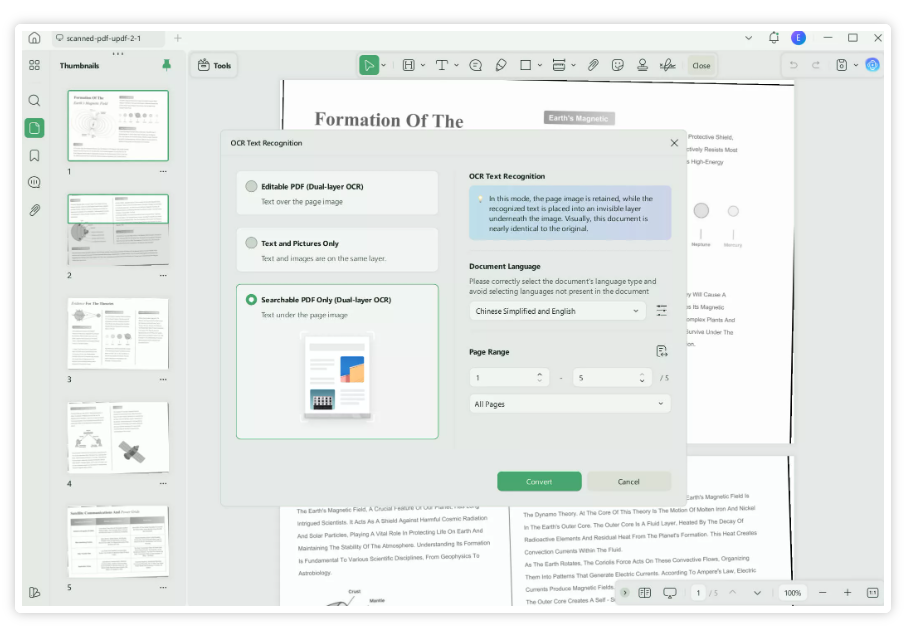
Yes, many online translation tools support PDF uploads and can translate text directly when the file contains selectable text. For scanned PDFs, OCR technology is used to extract the text before translation. The accuracy of the translation depends on the document’s quality, language, and the tool being used.
Part 2: Online Translation Of A PDF Using Software
Online PDF translation software has improved greatly in recent years. It now translates not only text but also considers content, formatting, and multilingual information. Various online methods are available, each offering different workflows, benefits, and limitations depending on accuracy and document complexity.
The UPDF AI Online: Smart And Reliable PDF Translator
The service provides an effective way to translate PDF files while allowing the user to retain the document’s original formatting as well as readability. The UPDF AI Online Service supports translations of both text-based PDF formats as well as scanned PDF formats and is ideal for use by both business professionals and academics.
How To Translate A PDF Via UPDF AI Online?
- Navigate to the UPDF AI official website and click the “Log in” icon to sign up or log in with your account.
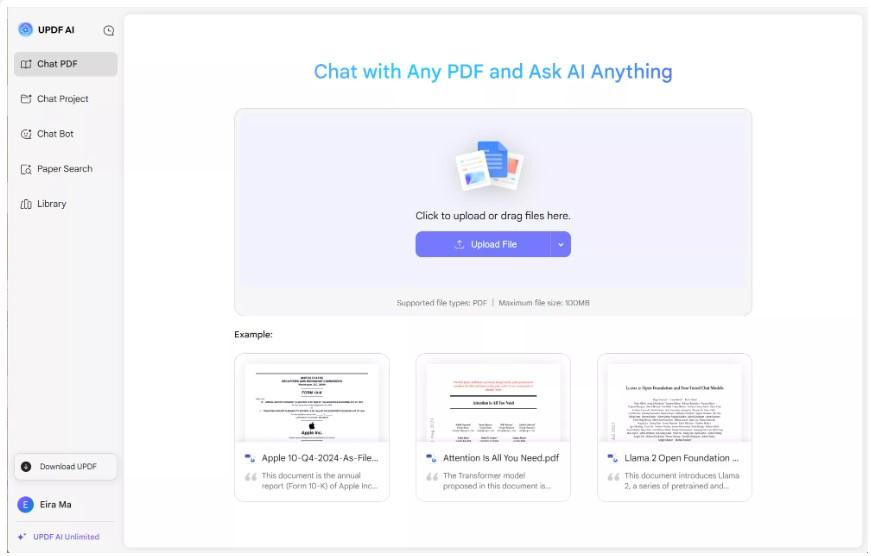
- Select & add your PDF file from your local computer
- Choose your targeted language in which you want to translate your pdf.
- From there, you can translate your document.
- Check your translations within a split-screen format.
- After reviewing everything, you can download the translated document.
Pros
- The side-by-side view makes it easier to compare translations with originals
- The original format and structure are maintained
- Scanned PDF documents are supported, thanks to optical character recognition (OCR).
- There is a higher degree of accuracy and context in the translation.
- Once the PDF is translated you can download and save it to your local computer.
Cons:
- Limited numbers of PDF can be uploaded in a free plan.
Using The ChatGPT
Using the GPT application to translate from a PDF file will work better for smaller pieces of content instead of translating the entire document in one go. The user has to manually type the text into the application. The work efficiency will be affected using this technique.
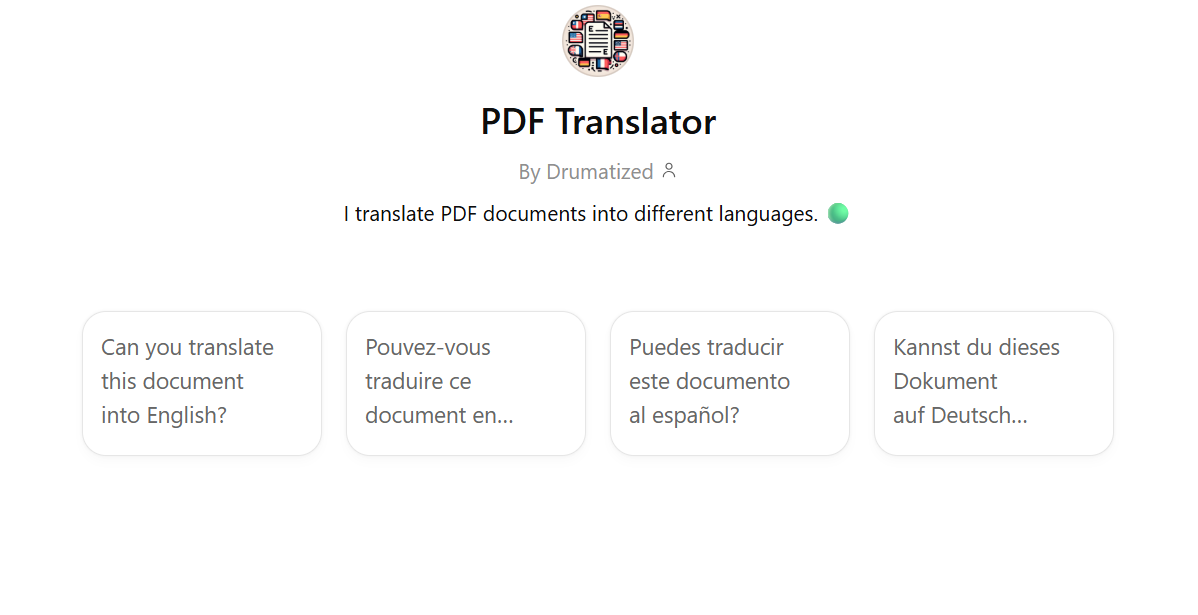
1. Steps Of Translating A PDF Through ChatGPT
- Copy text that is found in your PDF.
- Paste the text you copied into ChatGPT
- Specify which language you’d like the text to be translated into
- Read the translated text
Pros
- It has the ability to translate many different languages.
- Useful for translating short or casual forms of communication.
Cons
- There is no way to upload PDFs directly to ChatGPT.
- You have to copy and paste all the text from the PDF into ChatGPT.
- ChatGPT does not maintain any specific page layout.
- ChatGPT is less useful when trying to translate long PDFs than ChatPDF.
Using ChatPDF
Users can upload a PDF document to ChatPDF and interact with the uploaded document, either requesting translation of selected parts or complete translation from one language to another as per the users’ needs.
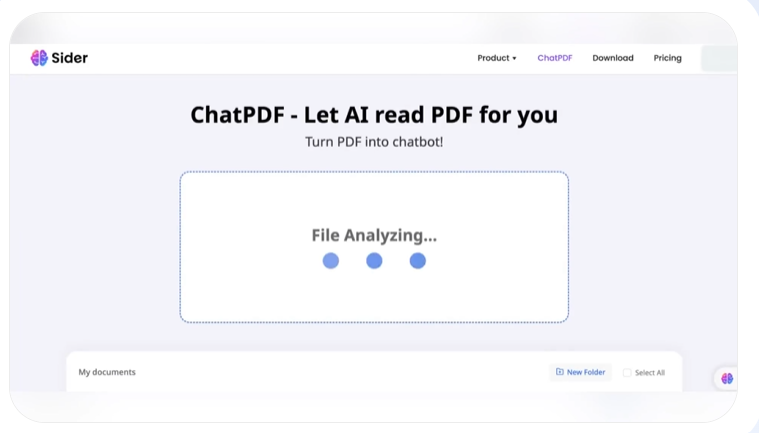
The Following Steps Outline How To Use Chat PDF To Translate PDF Files
- Uploading a PDF File is the first step.
- The next step is to request translation of the file by specifying.
- Specify the language you want to translate.
- Finally, you will want to check the results of your translation.
Pros
- You can upload the PDF directly into the chat PDF.
- Easy-to-use interface.
- With this technology you can engage with your document.
Cons:
- The amount of control over your document formatting is limited when using the chat PDF system.
- The accuracy of translation can differ from one user to another.
- Downloads of translated documents may be limited.
Part 3: Comparison Of The Above Three Methods For Translating PDFs Online
The comparison of the three methods shows that each method can help different types of users. The comparison matrix below provides a good overview of the major differences to facilitate your selection of the best option.
Conclusion
Online PDF translation has made handling multilingual documents easier, but accuracy, context, and original layout are still essential. Choosing the right tool is important for achieving quality results. Tools like UPDF offer a good balance of accuracy, formatting, and ease of use, ensuring reliable translations without added complexity.







