
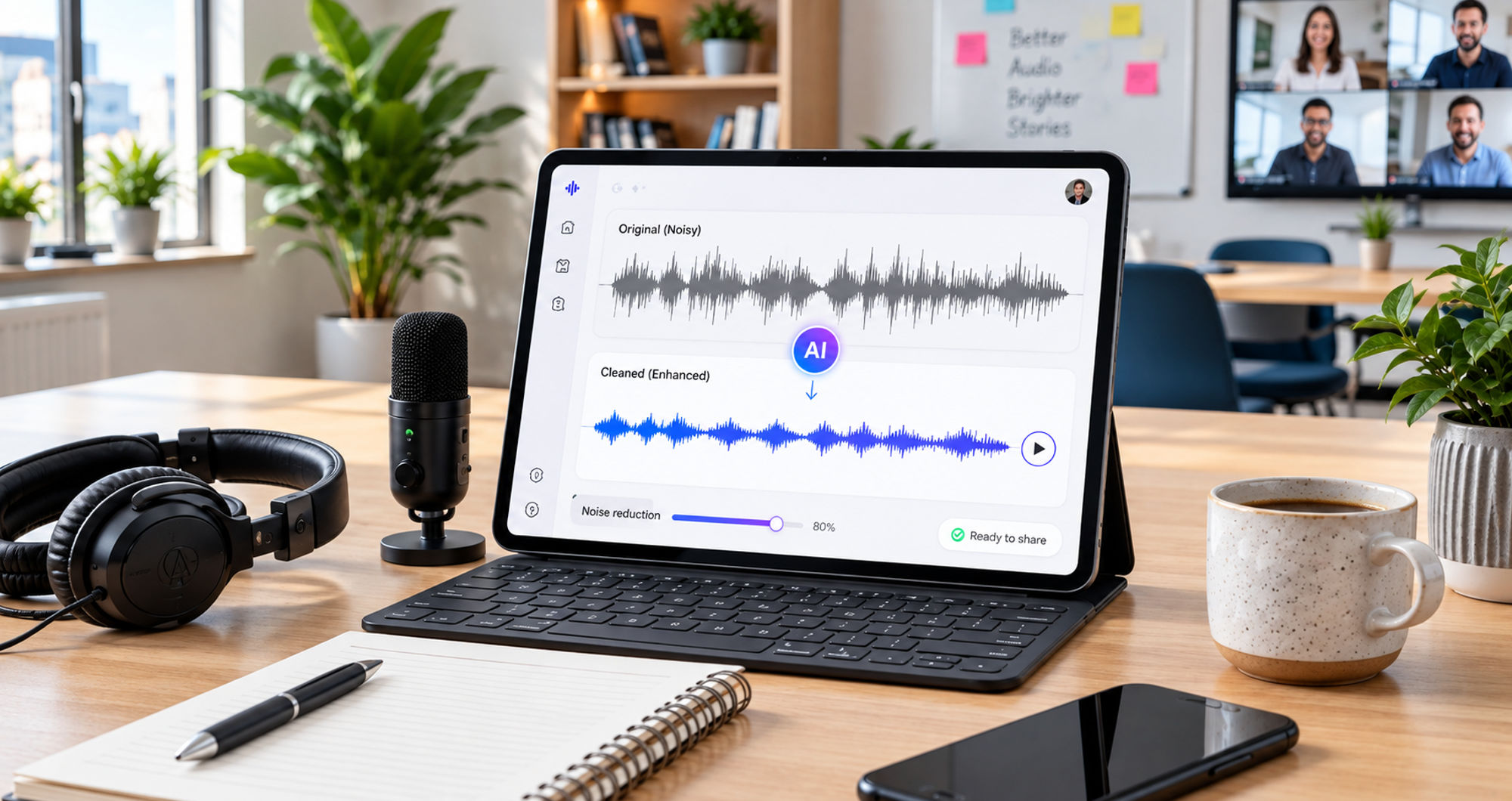

Some videos are easy to film again. Others are not. A birthday speech, a child’s reaction, a travel moment or a funny clip with friends may happen only once.
You might love the picture and the moment, then discover later that wind, traffic, a fan or room echo has made the audio difficult to hear. That does not always mean the video needs to be discarded.
If the important speech is still present in the recording, audio cleanup may reduce some of the unwanted sound and make the clip easier to watch. The key is to understand what can realistically be repaired and what cannot.
Start With the Part You Cannot Replace
Before editing the audio, consider what makes the video worth keeping.
It could be a grandparent telling a story, a child’s reaction during a family gathering, a memorable travel moment or an unscripted conversation. In these situations, the aim is not necessarily to make the recording sound like a studio production. The goal is to make the important parts easier to hear while keeping the character of the original recording.
Start by listening to the noisiest section.
If you can still understand most of the important words underneath the background sound, the recording may be suitable for cleanup. If a loud horn, microphone clipping or another sound completely covers a word, however, there may be little usable information to recover.
This simple check can help distinguish between a recording that needs cleanup and one where part of the original information is missing.
Three Everyday Videos That May Be Worth Repairing
Audio problems are common in spontaneous recordings. Several types of videos are particularly likely to contain environmental noise.
1. Family Moments
Birthday wishes, holiday conversations, school performances and family gatherings are often recorded in rooms where several sounds compete for attention.
Air conditioning can create a constant hum. Other people may be talking nearby. Hard walls and floors can also produce noticeable echo.
If the main speaker remains understandable, reducing some of these sounds can improve clarity. There is no need to remove every trace of the room. Natural background sound can be part of the recording and may help preserve the atmosphere of the event.
2. Travel and Outdoor Videos
Outdoor recordings can introduce wind, traffic, crowds and other unpredictable sounds.
A short explanation recorded beside the sea or on a busy street may contain useful speech underneath those sounds. Moderate background noise can sometimes be reduced enough to make the speech easier to follow.
Strong wind presents a bigger challenge. If a gust completely overwhelms a sentence, audio processing may not be able to restore the missing words. In that situation, trimming the affected section may produce a better result.
3. Casual Videos and Vlogs
Vlogs, recipe demonstrations, DIY clips and other casual videos can suffer from background sounds produced by fans, kitchen appliances, nearby conversations or reflective rooms.
If the visuals and timing are already right, there may be no reason to record the entire sequence again. Cleaning the audio can sometimes be enough to make the existing footage more usable.
The first step is to identify the actual problem rather than assuming that all poor audio needs the same treatment.
Identify the Type of Audio Problem
Not every bad recording has a background-noise problem.
A constant fan or air-conditioner hum is different from wind hitting a microphone. Room echo is different from a speaker who was recorded at a very low level. Clipping caused by an overly loud recording is different again.
This matters because different problems require different approaches.
Background noise may sometimes be reduced. Echo can sometimes be controlled. A quiet recording may benefit from changes to its levels. But information that was never captured clearly cannot simply be recreated.
Listening carefully before editing helps prevent unrealistic expectations.
How to Approach Audio Cleanup
Once you know what is wrong, make a copy of the original file before changing anything. Keeping the untouched recording means you can always return to it if the processed version does not sound right.
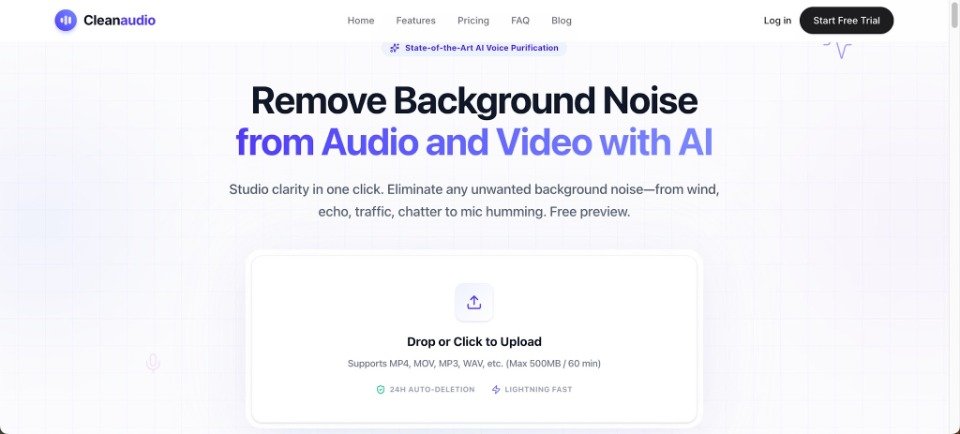
For people who want a simple browser-based option, a service such as CleanAudio can remove background noise from an existing audio or video recording.
The original file should be used where possible rather than a version that has already been heavily compressed. A better source gives an audio-processing tool more information to work with.
After processing, listen to a short section before deciding whether the result is an improvement. Compare the same words in the original and cleaned versions at roughly the same volume.
The important question is not whether the background has disappeared completely. It is whether the main voice has become easier to understand without introducing distracting changes.
Use the Preview to Judge the Result
A quieter recording is not automatically a better recording.
Listen carefully to softer words, sentence endings, breaths and pauses. Excessive processing can sometimes make speech sound unnatural or create an artificial, hollow or unstable quality.
For a family video, some room ambience may help preserve the feeling of the original event. In a travel clip, a certain amount of traffic or crowd noise can establish the setting.
The goal is therefore not silence. It is balance.
If the cleaned version makes the important speech clearer while retaining a natural connection to the scene, the repair may be useful. If the voice becomes noticeably distorted, returning to the original or using a lighter treatment may be preferable.
Know When Cleanup Is Not the Right Fix
Some audio problems cannot be solved effectively through background-noise reduction.
If a word is completely covered by another sound, there may not be enough information to recover it. Microphone clipping can also permanently affect parts of a recording. When two people speak over each other at a similar volume, simply reducing background noise will not necessarily separate their voices.
A speaker who is too quiet may present a different problem again. In that case, adjusting levels could be more relevant than focusing only on background noise.
Other options may include trimming a damaged section, adding captions, keeping a shorter version or replacing a line when a new recording is possible.
A useful question is whether the unwanted sound is around the speech or whether it has destroyed the speech itself. If the voice is still present, cleanup may be worth testing. If the information is missing, editing the structure of the video may be more practical.
Check the Repaired Video on Different Devices
Once an edited version is ready, watch the complete video rather than judging the audio in isolation.
A recording that sounds good through headphones may behave differently through a phone speaker, laptop or television.
Pay particular attention to the most difficult section. For an outdoor video, listen to the part with the strongest wind or traffic. For a family recording, check sections where several people are talking nearby.
Also listen to the beginning and end of the clip. A sudden change in sound between sections can sometimes be more noticeable than the original background noise.
Keeping both the original and edited versions is useful. The original preserves the untouched recording, while the cleaned version can be used when clearer speech is preferable.
Conclusion
A noisy soundtrack does not necessarily mean that a memorable video has to be abandoned.
Start by checking whether the important speech is still present. Identify the type of audio problem, keep a copy of the original and test cleanup on a short section before processing the entire recording.
The best result is not always the version with the least background noise. It is the version in which the important speech is easier to follow while the recording still feels natural.
When a once-only moment has good visuals but imperfect sound, taking a few minutes to assess the audio can be worthwhile before deciding that the video cannot be saved.







