


Every MCP tool definition gets injected into the model’s context on every request. Connect 5 servers with 30 tools each, and you’re burning tokens on 150 tool definitions before the model reads your prompt. The standard advice is to trim your tool list, but that trades capability for cost savings. Bifrost’s Code Mode takes a different approach: instead of exposing all tools directly, it gives the model four meta-tools to discover, read, and execute tools on demand through a sandboxed runtime. Same tools, same capability, 50%+ fewer tokens, 30-40% faster execution.
The Hidden Cost of MCP at Scale
Model Context Protocol solved a real problem. It gave AI agents a universal standard for connecting to external tools, from filesystems and databases to search APIs and CRMs. The ecosystem took off fast, with thousands of MCP servers available and major platforms adopting it as the default for agent-to-tool communication.
But MCP has a cost problem that most teams don’t notice until production.
The default execution model works like this: every tool from every connected MCP server gets serialised into the model’s context window on every single request. A typical tool definition runs 200+ tokens. If you’re running 10 MCP servers with 15 tools each, that’s 150 tool definitions, easily 30,000+ tokens, loaded before the model even sees your prompt.
At that scale, token cost is no longer a rounding error. It becomes the majority of your spend.
Then there’s the intermediate result problem. In a multi-step workflow, every tool call returns data that flows back through the model. The model reads the result, reasons about it, and decides what to call next. Each round trip adds tokens, adds latency, and pushes your context window closer to its limit. A five-step workflow means five inference passes plus the model parsing and synthesising each result through natural language.
Anthropic’s engineering team documented this exact problem, showing context usage dropping from 150,000 tokens to 2,000 for a Google Drive to Salesforce workflow when agents wrote code instead of calling tools directly.
Why “Trim Your Tools” Isn’t a Solution
The most common advice for managing MCP token costs is to reduce your tool count. Disconnect servers you don’t use frequently. Limit each agent to a subset of available tools.
This works on paper. In practice, it’s a false tradeoff. You’re giving up the capability to control cost.
Production AI agents need access to broad tool sets because real workflows are unpredictable. A customer support agent might need CRM lookup, order history, billing adjustments, and email tools all in the same conversation. A code review agent might need filesystem access, Git operations, linting, and documentation search. Stripping tools to save tokens means your agent fails silently when it hits a task it can’t handle.
The problem isn’t how many tools you have. It’s how they’re exposed to the model.
Code Mode: Let the Model Read What It Needs
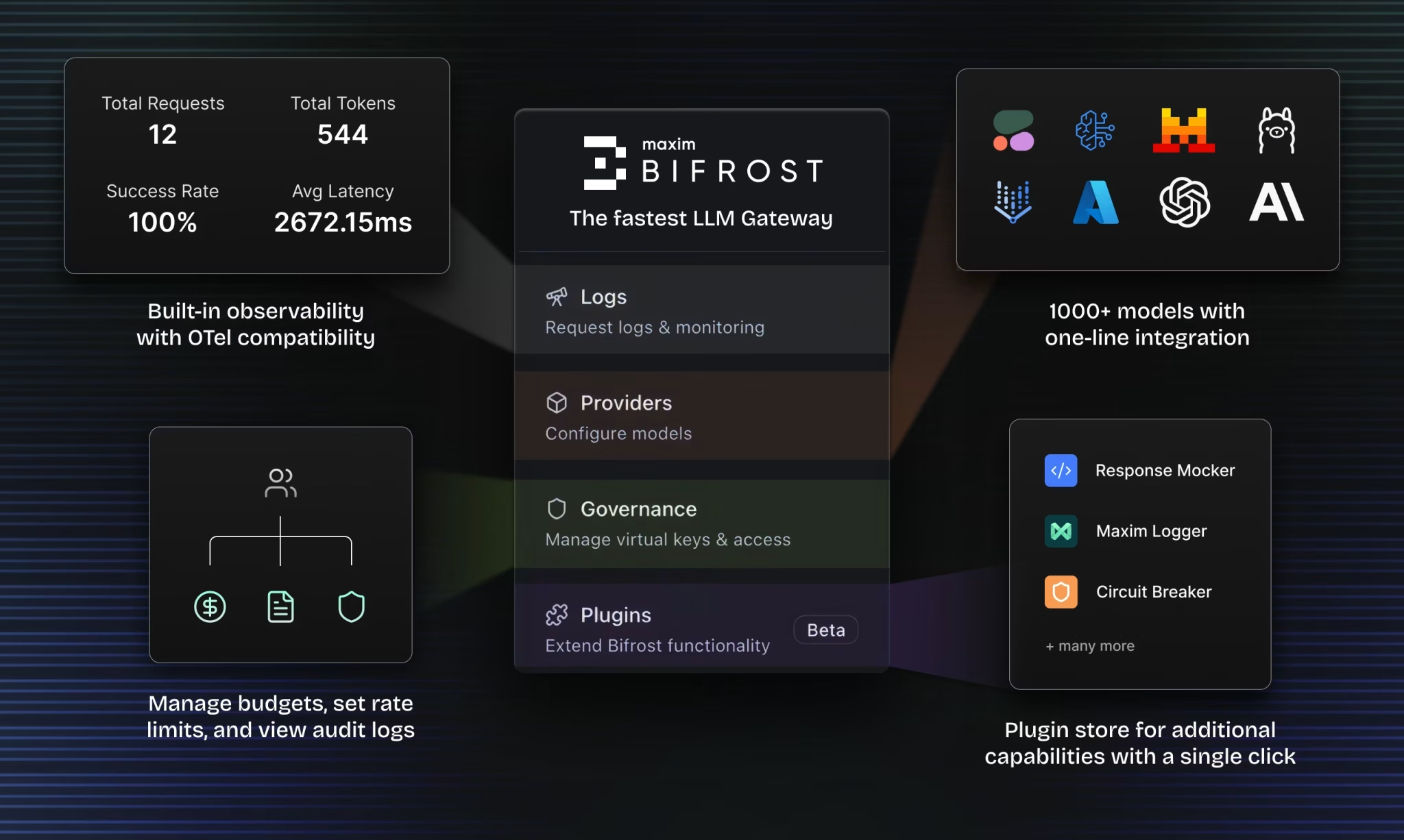
Bifrost, the open-source AI gateway by Maxim AI, built a different execution model called Code Mode that solves this at the infrastructure layer.
Instead of dumping every tool definition into context, Code Mode exposes your MCP servers as a virtual filesystem of lightweight Python stub files. The model gets four meta-tools to work with:
| Meta-tool | What it does |
| listToolFiles | Discover which servers and tools are available |
| readToolFile | Load Python function signatures for a specific server or tool |
| getToolDocs | Fetch detailed documentation for a specific tool before using it |
| executeToolCode | Run the orchestration script against live tool bindings |
The model reads only what it needs, writes a short Python script to orchestrate the tools, and Bifrost executes it in a sandboxed Starlark interpreter. The sandbox is intentionally constrained: no imports, no file I/O, no network access. Just tool calls and basic Python-like logic. This makes execution fast, deterministic, and safe to run automatically inside agent mode.
The context stays small regardless of how many MCP servers you have connected.
What This Looks Like in Practice
Take a multi-step e-commerce workflow: look up a customer, check their order history, apply a discount, send a confirmation.
Classic MCP flow: Every turn carries the full tool list. Every intermediate result (the customer record, the order history, the discount calculation) flows back through the model. The tokens stack up with each step.
Code Mode flow: AI writes a Starlark script that orchestrates the required tools. Bifrost runs it inside the Starlark sandbox, calling each tool in sequence. The model never sees the intermediate results. It only gets the final output. The full tool list never touches the context.
Same task. 50%+ reduction in cost. 30-40% faster.
How to Enable It
Code Mode is available in Bifrost v1.4.0 and above. Getting started takes minutes, not hours.
Step 1: Add your MCP servers through the Bifrost dashboard or config file. Bifrost supports STDIO, HTTP, and SSE connection types.
Step 2: Toggle Code Mode on in the client settings. No schema changes, no redeployment. From that point on, Bifrost exposes the four meta-tools instead of injecting every tool definition into context. Token usage drops immediately.
Step 3: Configure auto-execution for tools you trust. Read-only meta-tools (listToolFiles, readToolFile, getToolDocs) are always auto-executable. executeToolCode becomes auto-executable only when every tool the generated script calls is on your allowlist.
If you’re using Claude Code, Cursor, or any MCP client, you can connect it to Bifrost’s single /mcp endpoint through the Gateway URL. Every tool from every connected MCP server surfaces through that one connection, governed by virtual keys for scoped access control.
Beyond Token Savings
Code Mode is one piece of Bifrost’s MCP Gateway, which also includes virtual keys for per-tool access control, MCP Tool Groups for org-scale governance, full audit logging for every tool call, and per-tool cost tracking that sits alongside LLM token costs.
Before your agent ever calls a tool, it calls a model. That’s where Bifrost’s LLM gateway comes in. The same platform that governs your MCP traffic also handles provider routing, fallbacks, load balancing, rate limiting, spend controls, and unified key management across every major AI provider.
When your LLM calls and tool calls flow through the same gateway, you get a complete picture of every agent run: model tokens and tool costs together, under a single access control model, in one audit log.
Get started with Bifrost and cut your MCP token costs today.







