
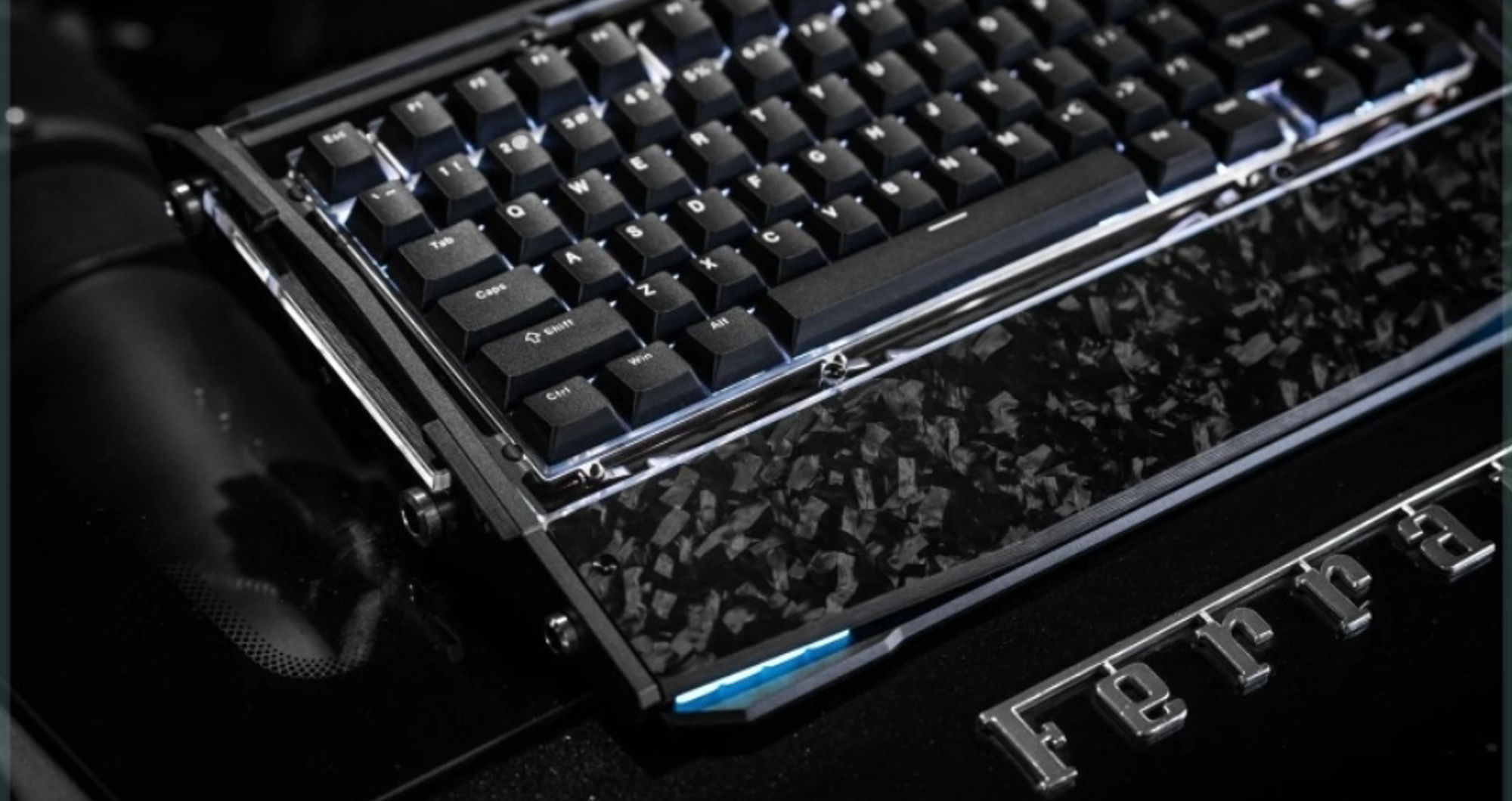

The real difference is how each keyboard registers a keypress. Most membrane keyboards use rubber domes and layered circuits, while mechanical keyboards place an individual switch under every key. That change affects typing feel, sound, durability, repair options, gaming features, and price. Mechanical is usually better for people who value clear feedback and customisation. Membrane is often better when low cost, quiet operation, and simplicity matter most.
How Do Membrane and Mechanical Keyboards Work?
Before comparing sound or performance, it helps to understand what happens under the keycap. Both designs send the same basic input to a computer, but they create that input in different ways. A well-designed gaming keyboard can make repeated inputs feel clearer and more consistent, and much of that experience begins with the switch mechanism.
Membrane Keyboard Design
Most membrane keyboards have several flexible circuit layers beneath the keys. A rubber dome sits under each keycap. When you press a key, the dome collapses and pushes the conductive layers together, completing the circuit and registering the input. The rubber dome then returns the key to its original position.
Because many keys share the same layered sheet, the design is inexpensive to produce and creates a softer landing. Many laptop-style scissor keyboards also use a dome or membrane contact underneath.
Mechanical Switch Design
A mechanical keyboard uses a separate switch for each key. A typical switch contains a housing, stem, spring, and metal contacts. Pressing the key moves the stem and spring until the contacts register the input. The key can activate before it reaches the very bottom of its travel.
Switch design changes the feedback. Linear switches move smoothly, tactile switches provide a bump, and clicky switches add an audible click. This is why mechanical keyboards can feel very different from each other.
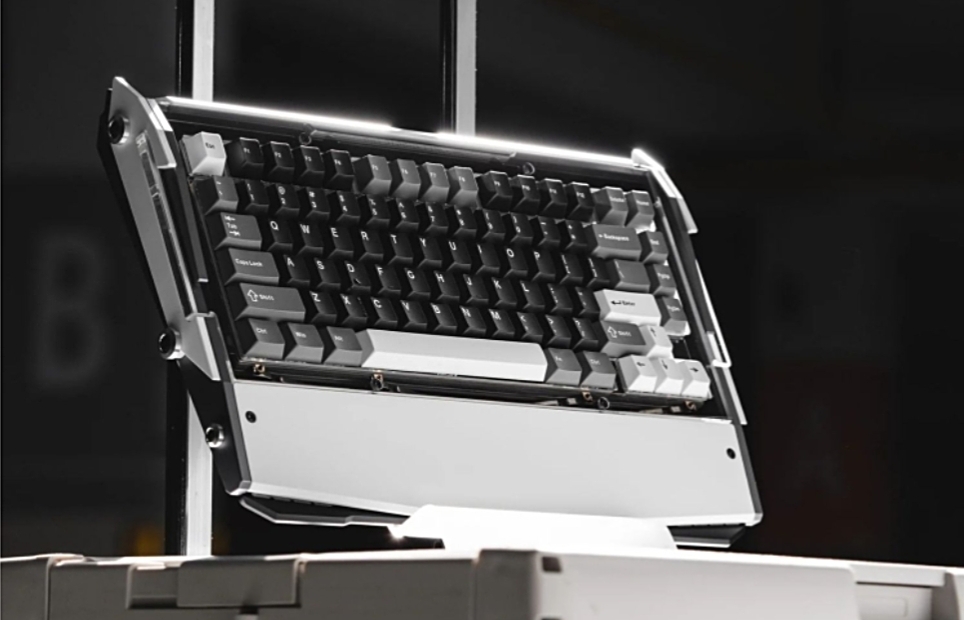
A mechanical keyboard uses individual switches beneath each key for a distinct typing feel and feedback.
How Do Membrane and Mechanical Keyboards Feel and Sound?
Membrane Typing Feel
The internal design becomes noticeable as soon as you type. Membrane keys usually feel soft and cushioned because the rubber dome compresses under the finger. It can be comfortable, but the exact activation point is often less clear, and the feel may become less consistent as the rubber ages.
Mechanical Typing Feel
Mechanical keys usually provide a more defined press. You can often feel where the input registers before the key reaches the bottom. Some people prefer this feedback, while others need time to adjust to the greater travel or firmer feel.
Noise Level
Membrane keyboards are generally quieter because the rubber dome softens the bottom of the press. Mechanical keyboards have a wider range of sounds. Clicky switches are intentionally loud, while linear, silent, and well-damped switches can be much quieter. The case, keycaps, stabilisers, plate, foam, and typing force also affect sound, so “mechanical” does not automatically mean “very loud.”
Membrane vs. Mechanical Keyboard Comparison Table
| Factor | Membrane keyboard | Mechanical keyboard |
| Input system | Rubber domes and layered circuits | Individual switch under each key |
| Typing feel | Soft and less defined | Clearer and available in many switch styles |
| Sound | Usually quieter | Ranges from quiet to deliberately clicky |
| Durability | Rubber domes may lose consistency over time | Switches are usually rated for more presses |
| Repairability | Often difficult to repair | Keycaps and sometimes switches can be replaced |
| Customisation | Limited | Broad choice of switches, keycaps, and parts |
| Gaming features | Fine for casual use; multiple-key input may be limited | Better multiple-key input and gaming firmware are more common |
| Price and weight | Usually cheaper, lighter, and slimmer | Usually more expensive, heavier, and taller |
How Do Membrane and Mechanical Keyboards Compare in Lifespan and Cost?
Durability and Repairability
Mechanical switches are commonly rated for tens of millions of presses, while membrane domes are usually rated for fewer. These ratings do not guarantee the life of the whole keyboard; its circuit board, cable, battery, and build quality also matter.
Repairability can make a larger practical difference than the rating itself. On a hot-swappable keyboard, switches can be removed without soldering, so a failed switch may be replaced on its own. Keycaps and stabilisers are also commonly replaceable. A membrane keyboard uses a shared internal sheet, so one failing key can be harder to repair economically.
Price and Long-Term Value
The trade-off is the initial price. Membrane keyboards are usually cheaper because they use fewer individual parts and simpler construction. Mechanical keyboards cost more, especially when they include an aluminum case, wireless connectivity, premium keycaps, or a custom mounting system. A membrane model can be the better value for light use, while a serviceable mechanical board may offer better long-term value for someone who types or plays every day.
Is a Mechanical or Membrane Keyboard Better for Gaming?
Gaming Performance
A mechanical keyboard is often the stronger choice for competitive gaming, but the switch alone does not make a player faster. Mechanical gaming models are more likely to include low-latency firmware, full N-key rollover, and consistent activation across repeated presses. N-key rollover means that the keyboard can register many keys pressed at the same time, which helps during movement and ability combinations.
Switch choice also matters. A light linear switch can feel fast and smooth, while a tactile switch gives clearer physical feedback. Very sensitive switches may cause accidental inputs for some users, so the fastest specification is not automatically the best fit.
Product Example
For users who want defined mechanical feedback without giving up wireless flexibility, the Dry Studio Black Diamond 75 V2 combines a 75% layout with wired, Bluetooth 5.1, and 2.4G connectivity. Its factory-lubed DR Rapid Ice switches use a 1.0 mm actuation point and are rated for more than 80 million presses. A hot-swappable PCB lets users change switches without soldering.
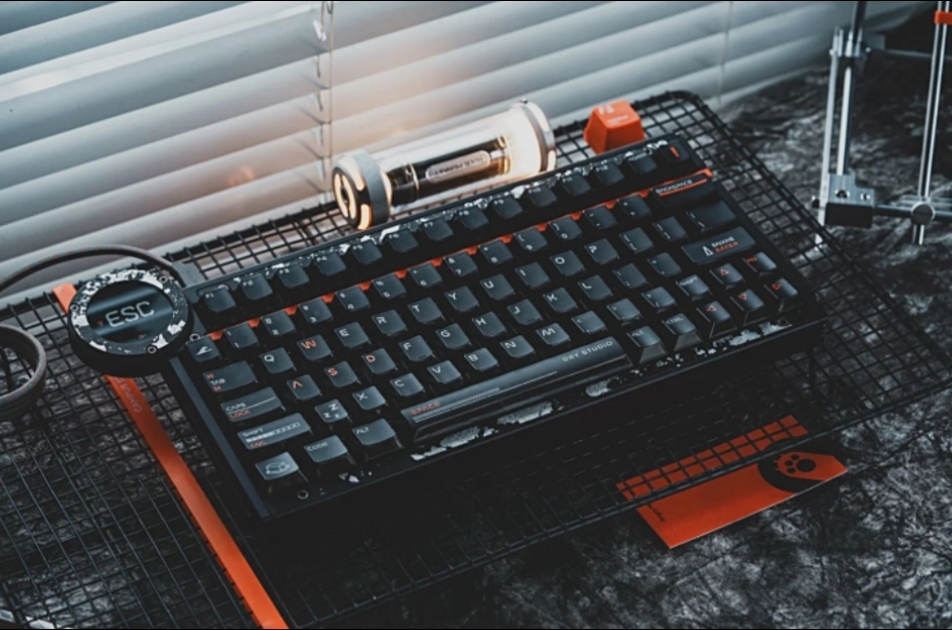
A mechanical keyboard designed to provide distinct key feedback for gaming and everyday typing.
Casual Gaming
A good membrane keyboard is still suitable for casual gaming. Judge latency, rollover, layout, and comfort together instead of assuming every mechanical keyboard is faster than every membrane model.
Is a Membrane or Mechanical Keyboard Better for Work and Typing?
Shared and Quiet Spaces
For a shared office, classroom, library, or home with other people nearby, a membrane keyboard is often the simpler choice. It is usually quiet, light, affordable, and ready to use without learning about switches. A slim membrane model can also be easier to carry and may feel more familiar to laptop users.
Long Typing Sessions
Mechanical keyboards make sense for writers, programmers, editors, and anyone who types for several hours a day and prefers clear feedback. They also offer more ways to adjust the experience. A quiet linear or silent tactile switch can work in an office, while clicky switches are more likely to disturb coworkers or appear clearly on calls.
Comfort and Desk Setup
Neither design guarantees comfort. Height, typing angle, wrist position, key weight, and desk setup also matter. A taller mechanical keyboard may benefit from a wrist rest. The best test is whether your hands remain relaxed during normal use.
How Should You Choose Between Membrane and Mechanical?
Membrane Priorities
Start with your main constraint. Choose a membrane keyboard if you want the lowest price, quieter typing, a lighter body, and a familiar plug-and-play experience. It is a practical option for basic office work, school, travel, shared rooms, and casual gaming.
Mechanical Priorities
Choose a mechanical keyboard if you care more about defined feedback, switch choice, durability, repairability, customisation, or competitive gaming features. If possible, try linear, tactile, and clicky switches before buying. The label “mechanical” tells you how the keyboard works, but the specific switch determines much of how it feels.
If you enjoy smoother presses and a more controlled sound, understanding factory-lubed vs hand-lubed switches can help you judge the out-of-box experience and decide whether further adjustment would be worthwhile.
Final Buying Checks
Finally, compare the whole keyboard rather than only the switch type. Check the layout, noise, key weight, connection options, rollover, build quality, repair options, and total price. A keyboard that matches your room, workload, and preferences is better than one chosen only because its mechanism seems more premium.
FAQ
What Are the Disadvantages of a Membrane Keyboard?
Membrane keyboards usually offer less defined feedback, fewer customisation options, and lower switch durability. Their shared internal layers are also harder to repair, so a single failed key may make replacing the whole keyboard more practical.
Is a Membrane Keyboard OK for Gaming?
Yes. A membrane keyboard is suitable for casual gaming and can include anti-ghosting or gaming controls. Mechanical models are more likely to provide full N-key rollover, consistent actuation, and low-latency performance for competitive play.
Which Lasts Longer, Mechanical or Membrane Keyboards?
Mechanical keyboards generally last longer. Their switches are commonly rated for tens of millions of presses and may be individually replaceable. Membrane domes usually have lower ratings and can become less consistent as the rubber ages.
Is a Membrane Keyboard Quiet?
Usually, yes. Rubber domes soften each keypress, so membrane keyboards tend to produce less noise than mechanical models. Silent mechanical switches can come close, while clicky switches remain noticeably louder in shared spaces.
Should I Get a Mechanical or Membrane Keyboard?
Choose membrane for quiet operation, low cost, light weight, and simple everyday use. Choose mechanical for clearer feedback, longer service life, customisation, repairability, or competitive gaming features. Comfort should make the final decision.
Conclusion
The real membrane vs mechanical keyboard difference is the input mechanism beneath each key. Membrane keyboards use soft domes and shared circuit layers, making them quieter, lighter, and cheaper. Mechanical keyboards use individual switches, giving users clearer feedback, more switch choices, easier repairs, and usually greater durability.
Choose membrane for simplicity, low noise, and low initial cost. Choose mechanical for a more defined feel, customisation, long-term serviceability, and gaming-focused features.







