
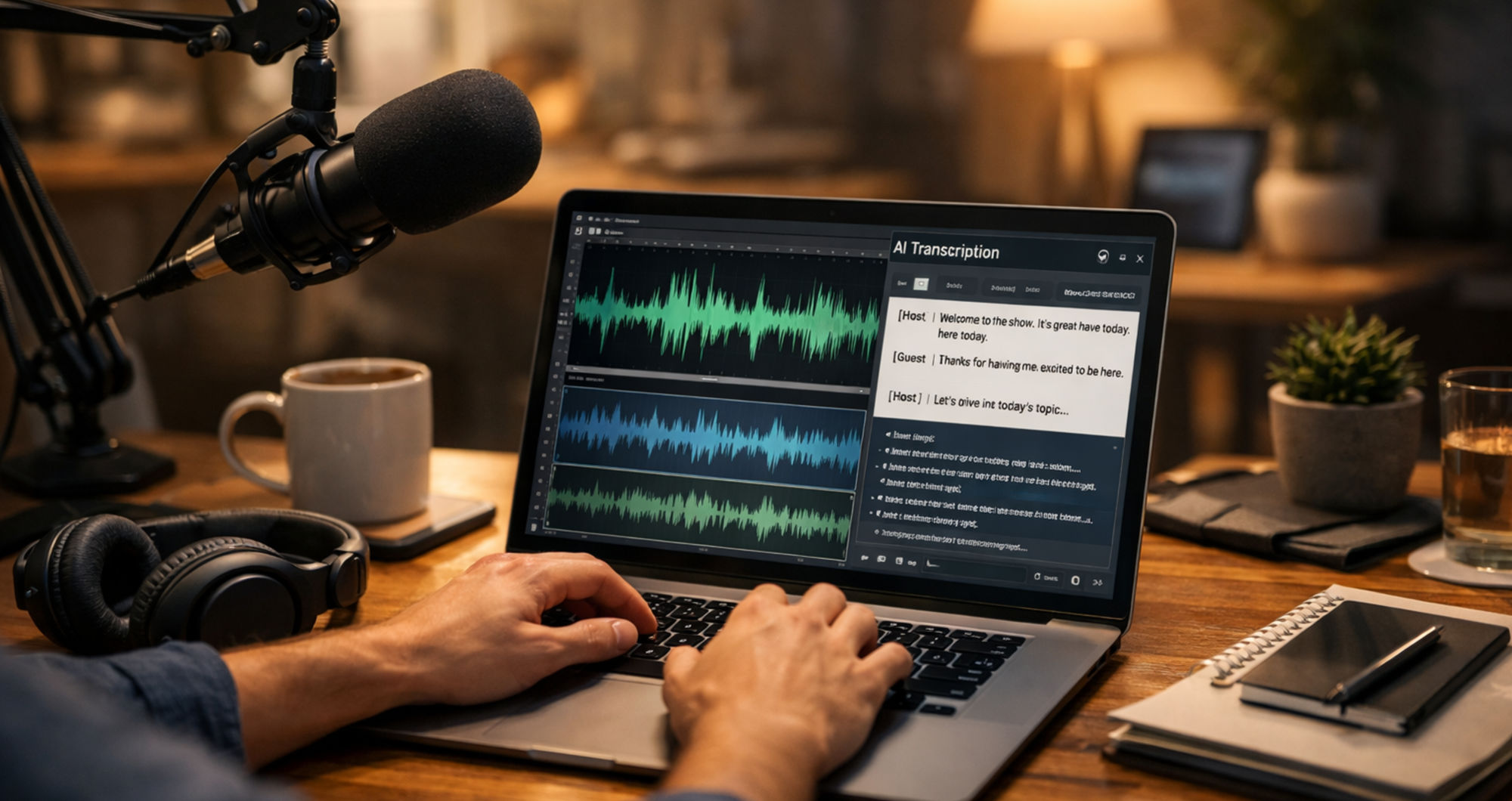

As a podcast creator, much of my time goes into planning episodes, recording conversations, and engaging with listeners. One task that consistently slowed down my workflow, however, was transcribing MP4 recordings. Each episode is saved as an MP4 file, and transcripts are necessary for multiple purposes, such as show notes, content repurposing, and accessibility.
Manually transcribing audio proved to be inefficient. On average, a 30-minute episode required nearly two hours of typing. This created a bottleneck, limiting the time available for content creation and audience growth. Over time, I explored several automated solutions to convert MP4 files into text, but most did not align well with the needs of a busy podcast workflow. Tools like Video Transcriber AI offered a more practical alternative and helped streamline the process.
Why Podcast Creators Can’t Live Without an MP4 to Text Tool
For podcast creators, transcription is not just optional—it plays a critical role in content distribution and discoverability. Using an MP4 to Text process allows creators to extract value from each episode beyond audio.
Transcripts support structured show notes, enabling listeners to quickly identify key insights, guest contributions, and referenced resources. They also make it easier to create short-form content for social platforms, helping extend reach. Additionally, transcripts improve accessibility for individuals with hearing impairments and enhance SEO when repurposed into blog content or newsletters.
Without automation, these benefits come at a significant time cost. A reliable transcription workflow helps reduce manual effort while maintaining content quality.
The MP4 to Text Tools That Failed My Podcast Workflow
Before settling on a workable solution, I tested several transcription tools, each with limitations that affected usability.
One tool required a monthly subscription that did not justify the value for independent creators. Another imposed strict limits on the number or duration of files, making it impractical for longer episodes. Some software-based options required installation and frequently struggled with larger MP4 files, leading to crashes or long processing times.
Accuracy was another recurring issue. In many cases, transcripts contained enough errors—misheard words, incorrect names, or missed context—that editing them took nearly as long as manual transcription. Other platforms had overly complex interfaces, increasing the learning curve and slowing down the workflow.
These challenges highlighted the need for a tool that balances simplicity, accuracy, and efficiency.
How I Found This MP4 to Text Tool for My Podcast
The shift came through a recommendation from another podcast creator during an online event. The suggestion was for a browser-based tool that required no installation and offered a straightforward interface.
Initially, expectations were low given past experiences. However, testing it with a short sample revealed a noticeably smoother process. The interface was minimal, with a clear upload function and no unnecessary steps. This simplicity reduced friction and made it easier to integrate into an existing workflow.
Using This MP4 to Text Tool in My Podcast Workflow
An effective transcription tool should integrate seamlessly into post-production without adding complexity. Below is a typical workflow that minimises effort while maximising output.
Step 1: Save the MP4 Podcast Recording
After recording and editing an episode, the final version is exported as an MP4 file. Organising files with consistent naming conventions (episode number, title, guest) helps streamline later steps, especially when managing multiple recordings.
Step 2: Upload the MP4 to the Tool
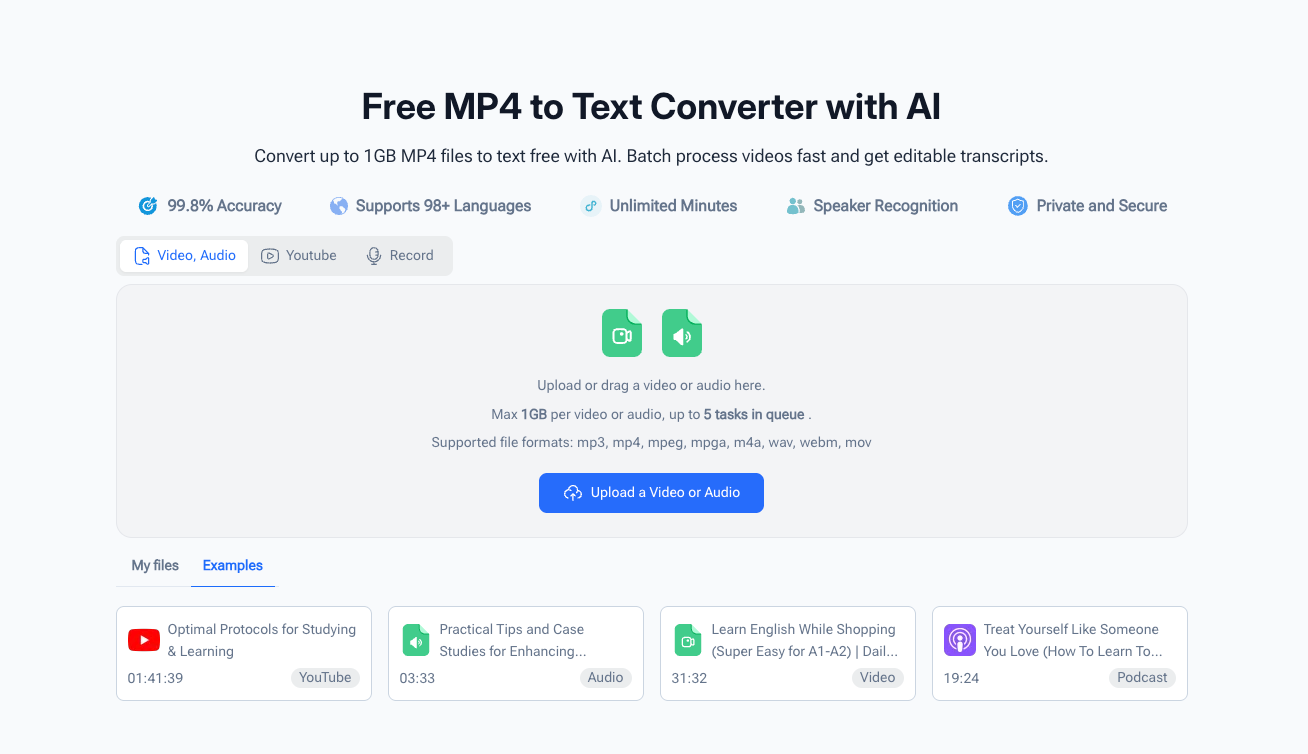
The next step involves uploading the file through a web interface. Since the process is browser-based, there is no need for installation or configuration. Larger files can typically be uploaded without requiring compression or splitting, which simplifies handling longer episodes.
Step 3: Wait for the MP4 to Text Conversion
Once uploaded, transcription begins automatically. Processing time varies depending on file length, but is generally faster than real-time playback. During this stage, creators can focus on parallel tasks such as drafting promotional content or planning future episodes.
Step 4: Edit the Transcript and Repurpose the Content
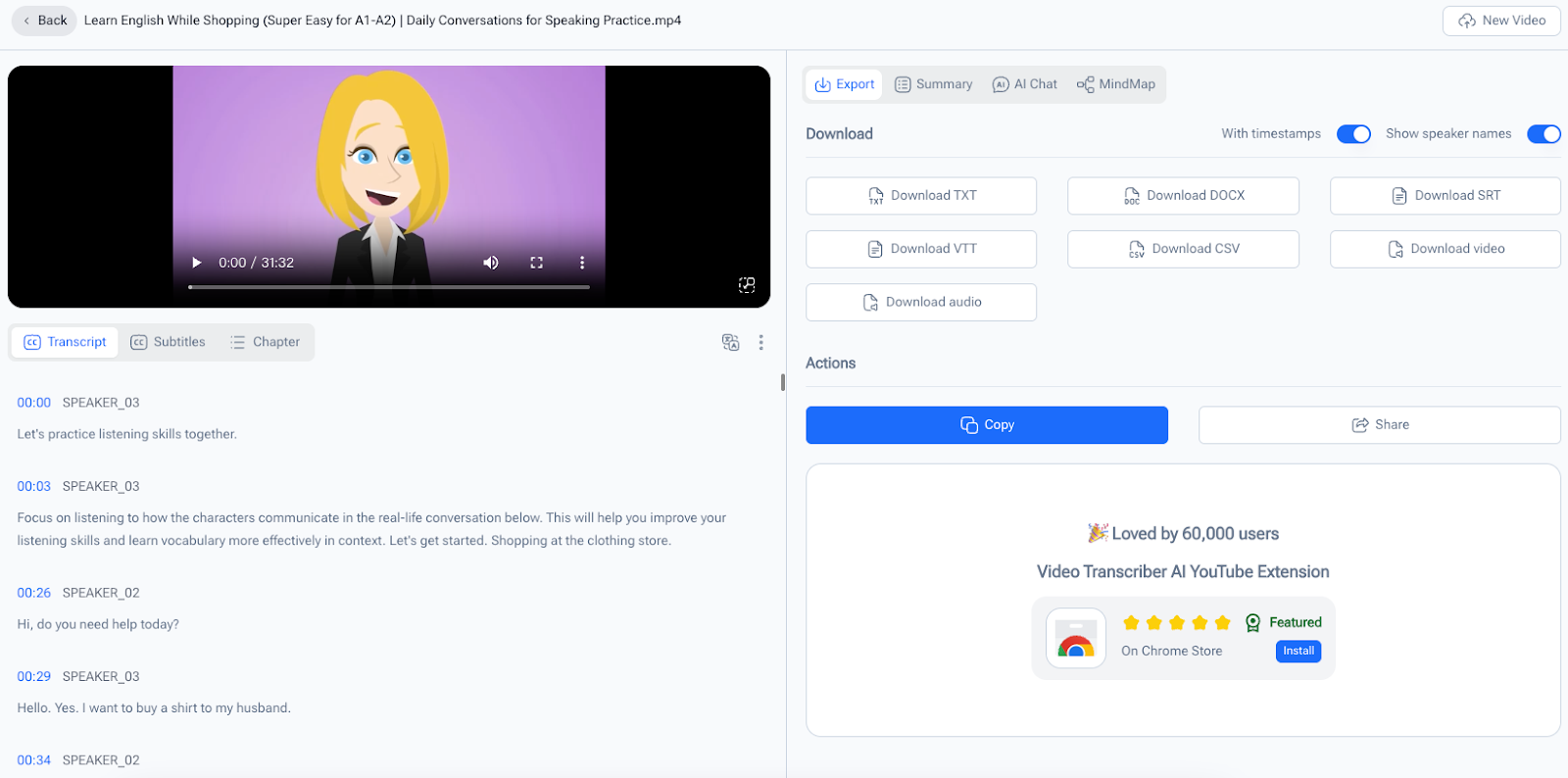
After processing, the transcript is reviewed for minor corrections. Even with automated tools, small adjustments may be necessary for clarity or formatting. Once finalized, the transcript can be repurposed into multiple content formats, including show notes, blog posts, and social media snippets.
This step significantly increases content output without requiring additional recording time.
Why This MP4 to Text Tool Is Perfect for Podcast Creators
Rather than focusing on a single feature, the value of a transcription tool lies in how well it supports a creator’s workflow. Several characteristics make such tools particularly useful.
It’s 100% Free with No Limits
Cost can be a barrier for independent creators. Tools that remove subscription requirements or usage limits provide greater flexibility, especially for those producing content regularly.
No Downloads or Sign-Ups (Perfect for Busy Creators)
Accessibility is essential. A browser-based solution allows creators to work from different devices and locations without setup delays. This is especially useful for remote interviews or travel-based recording schedules.
Accurate Transcripts for Podcast Conversations
Conversational audio presents unique challenges due to varying speech patterns, accents, and pacing. Tools that handle these variations effectively reduce editing time and improve overall content quality.
Speaker Identification for Guest Episodes
For interview-style podcasts, distinguishing between speakers is important for readability. Automated labelling simplifies transcript organisation and makes it easier to extract quotes or highlights.
Saves Time for What Matters Most
The most significant benefit is time efficiency. Reducing transcription from hours to minutes allows creators to allocate more time to high-impact activities such as content development, audience engagement, and distribution.
How This MP4 to Text Tool Changed My Podcast
Integrating an automated transcription process has streamlined post-production significantly. Tasks that were once time-intensive are now manageable within a shorter timeframe. This has enabled more consistent publishing, improved content quality, and better audience engagement through repurposed materials.
Final Thoughts for Fellow Podcast Creators
For podcast creators looking to optimise their workflow, transcription tools are no longer optional—they are a practical necessity. The ability to quickly convert audio into text supports content expansion, accessibility, and discoverability.
If you want to explore this approach, you can try a browser-based solution here: https://videotranscriber.ai/mp4-to-text
Ultimately, the goal is not just efficiency but sustainability. Reducing repetitive tasks allows creators to focus on producing meaningful content while maintaining a consistent publishing schedule.







