


Building your first app can take months. You solve a problem, make the screens work and finally reach a version you would be happy to show someone. Then comes a different question: how do you actually get it into people’s hands? That gap between a finished build and a public release is familiar to indie developers such as TheCozyDev, who share the process of building and shipping her own iOS apps. The last stretch involves decisions that are easy to overlook while you are focused on code.
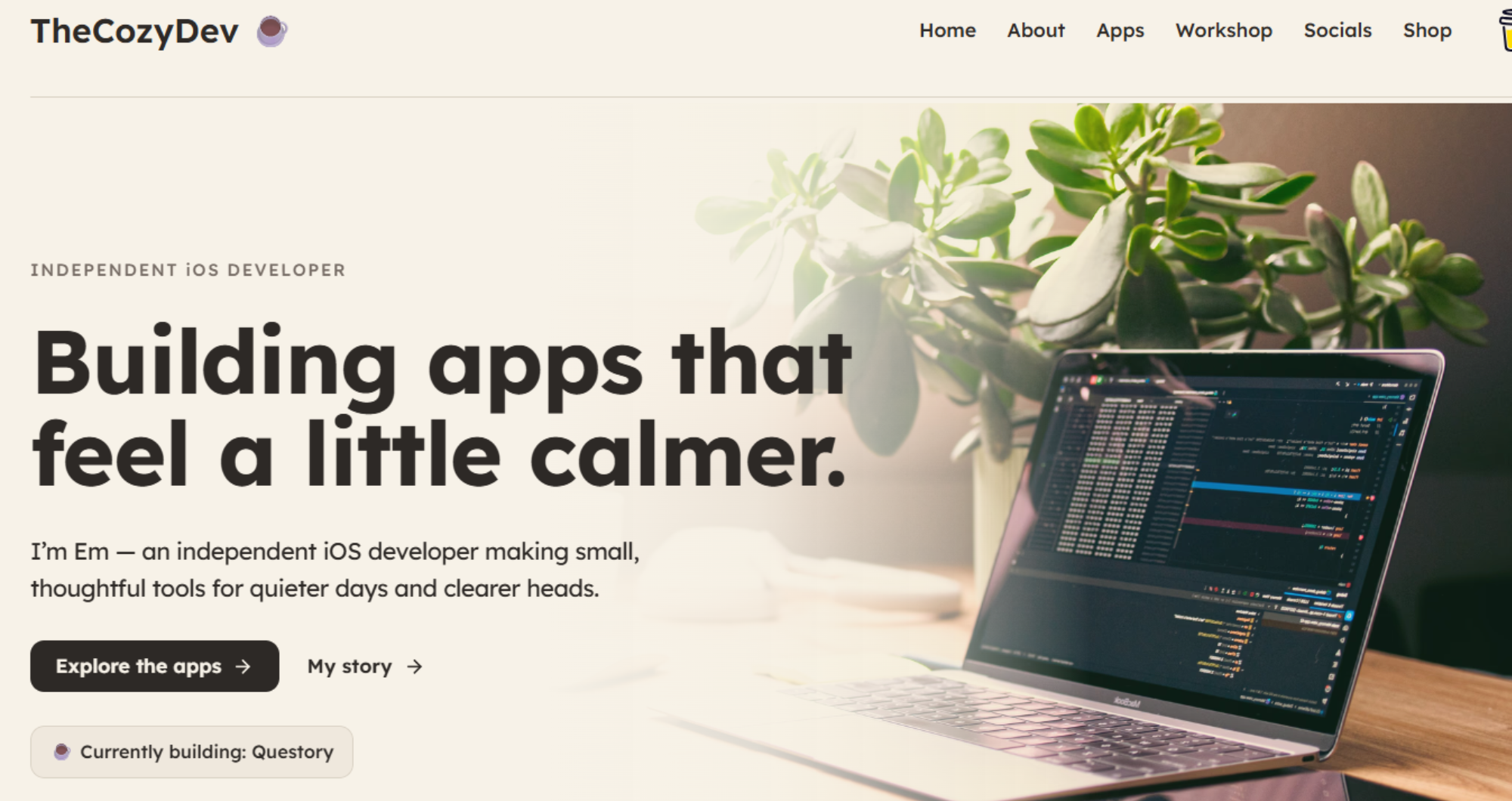
A finished build is only the beginning
“Done” means something different to a developer and a first-time user. You know which buttons to press, and which details still need polishing. Someone opening the app for the first time does not.
Before worrying about a launch date, give the app to a few people who have never seen it. Ask them to complete one ordinary task without explaining where to tap. Watch where they pause. A confusing permission request, an unclear first screen or a sign-in step that fails on another device can matter more than the feature you spent weeks perfecting.
Write down what they encounter, fix the problems that block basic use, and test again. The goal is not to remove every possible imperfection. It is to know that the version you submit does what its App Store page says it does.
TestFlight changes the conversation
Testing on your own phone tells you whether the app works for you. TestFlight lets you put a beta build in other people’s hands and collect feedback before release. That sounds straightforward, but it introduces another set of choices: who should test, what should they try, and how will you decide what to fix first?
Give testers a short task instead of asking whether they “like the app”. For example: “Set up your first focus session and tell me where you got stuck.” Specific feedback is easier to act on than a general thumbs-up. Keep a simple list of reported issues, the device involved, and whether each problem can be repeated.
Also leave time to make another build after testing. Feedback arriving the evening before your planned submission is useful only if you can respond to it.
Your store page must explain the app
Once the build is ready, you still need to prepare its App Store listing. The name, description, and screenshots are often a stranger’s first encounter with your work. You cannot assume they will understand the app from its icon or a list of features.
Start with one plain sentence: who is the app for, and what can they do with it? Use that sentence to guide the description. Then choose screenshots that show real parts of the experience in a sensible order. The first image should help someone recognize the app’s main purpose; later images can explain details.
Check the screenshots on the phone before uploading them. Text that looks clear on a large monitor may be unreadable at store size. Make sure the images match the build you intend to release, especially if you change the interface during testing. Apple says screenshots should visually communicate the app’s experience.
Privacy details deserve an early check
Privacy information is another part of shipping that cannot be left to the last minute. List the data the app collects, why it needs that data, and whether any third-party tools in the app handle it. Check the permissions a new user will see. If the app asks for access to something, the reason should be understandable at the moment the request appears.
Look at your support and privacy links too. Do they open? Do they describe the current app rather than an earlier idea? These are small checks, but discovering a broken page during submission is frustrating when you could have tested it beforehand. Apple also identifies broken links and incomplete information as common review issues.
If you are unsure how to answer a privacy question in App Store Connect, stop and check the actual behavior of the app and its services. Guessing because you want to finish the form quickly can create a bigger problem later.
Submission is a process, not one button
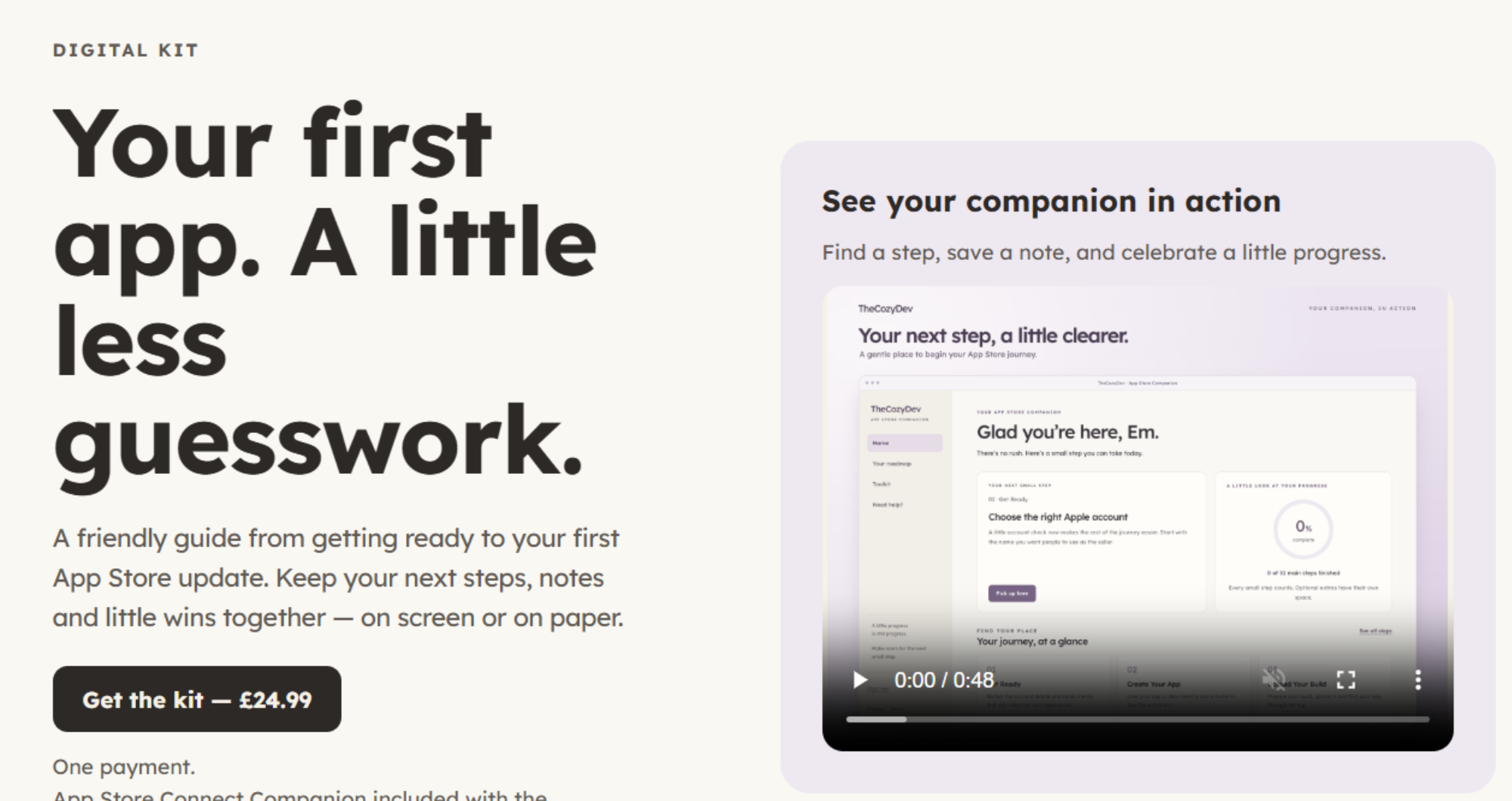
App Store Connect brings the pieces together: the build, listing, screenshots, privacy information and review details. Give yourself an uninterrupted session to go through each field, then return with fresh eyes for a final check. Confirm that the selected build is the one your testers used, and that any account a reviewer needs can be accessed. Apple requires the relevant metadata and a selected build before submission.
A rejection can feel personal after months of work, but it is better treated as a specific issue to resolve. Read the message carefully. Reproduce the problem if you can, make the necessary change, and explain what you changed when responding. Keep a record of the fix, so it does not slip into the next build.
This is where a checklist earns its place. Ship Your First App Kit was created after TheCozyDev went through the App Store process herself. Its guide and companion web app cover the steps from preparing a first iOS app for submission through launch and the first update. You can make your own checklist too; what matters is having one place to track what is done and what still needs attention.
Going live creates a new set of jobs
Approval is a milestone, but it is not the end of the work. Open the live store page and check it as a new visitor would. Install the public version. Make sure support contact details work and that you have a way to hear about problems from early users.
You do not need a huge launch campaign to learn something. Share the app with people who might genuinely use it, explain the problem it solves, and notice the questions they ask. If several people cannot figure out the same step, that may tell you more than a download count does.
Plan the first update around what you learn rather than a long wish list. Fix a recurring problem, clarify a confusing screen or improve the part of the app people already value. A small, useful update is a good continuation of the launch.
Shipping feels harder than building because the work changes shape. Instead of solving one technical problem at a time, you must test, explain, document, submit, and respond to real people. Break those tasks into steps, allow room for a second attempt, and your first release becomes less mysterious. The app you built deserves that final stretch of care.
Feature image by Pexels







