


Have you ever downloaded a RAR file and couldn’t open it on your Windows computer? Maybe you saw an error or had to search for a separate app just to get the file open. It can be frustrating. There are plenty of tools in the market, such as WinRAR and 7-Zip, to open RAR files. They’re popular for some reasons. But, at the same time, they have some drawbacks such as
- These tools can feel a bit outdated
- Complicated for beginners
- Packed with ads, especially the free versions
If you’re someone who just wants a simple, fast, and ad-free way to open RAR files, you might find these tools a bit frustrating. That’s where WMaster ZipKing comes in.
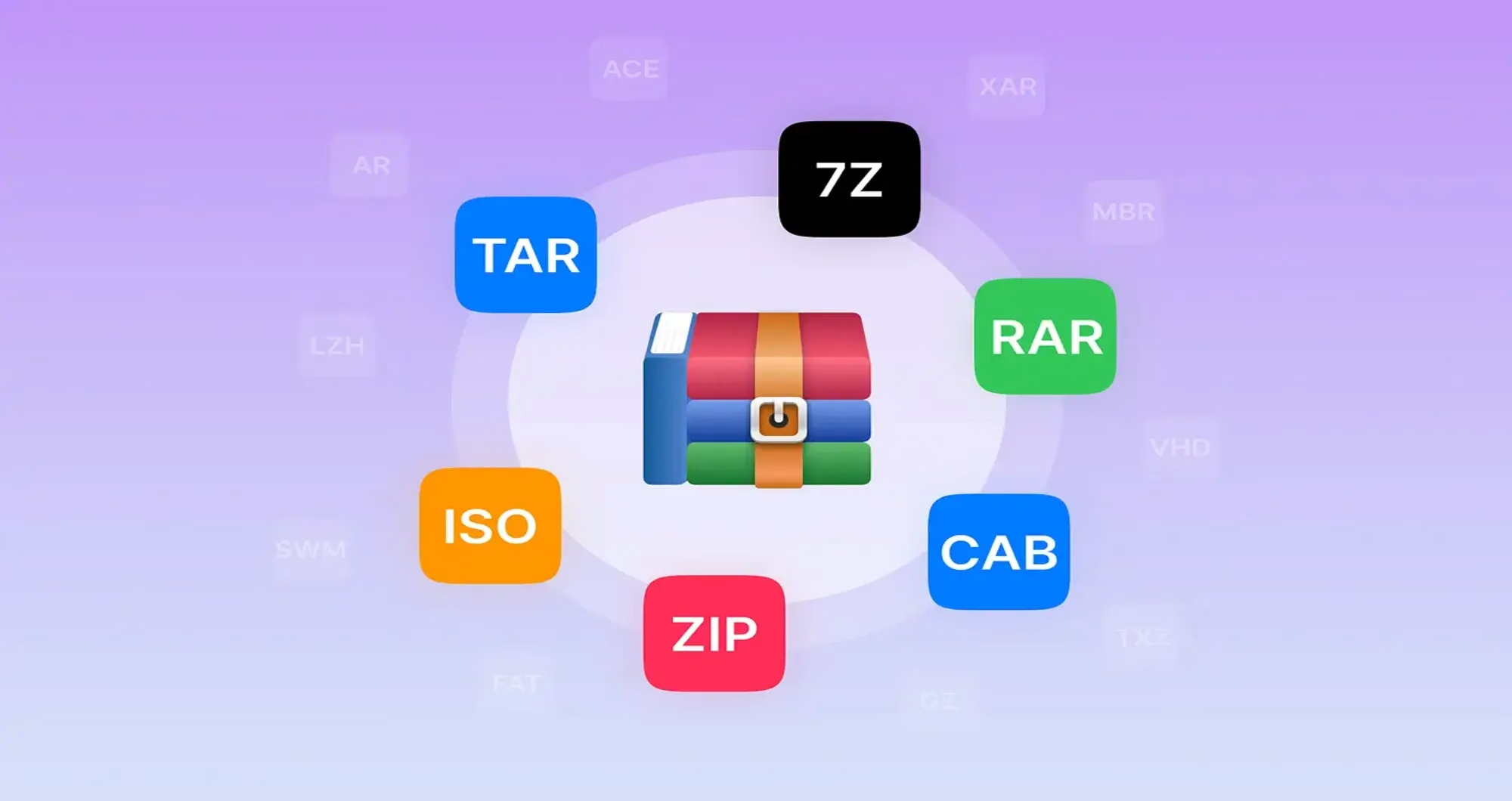
Drawbacks to other tools and an ultimate solution WMaster ZipKing
Drawbacks of 7-Zip
- The UI looks basic and old-fashioned, which may feel confusing or unpolished for new users.
- While it can extract RAR files, it can’t create them, limiting its use for users who work with RAR archives frequently.
- Compared to other tools, 7-Zip doesn’t support as many compressed file formats.
- If an archive is corrupted, 7-Zip lacks tools to fix or partially recover the files.
- It’s great for open-source fans, but there’s no advanced paid version for businesses that need premium support.
- The options and terminologies can overwhelm a new user who is not familiar with the interface.
WinRAR
- WinRAR gives a free trial when you start using the software, but after some time, you have to purchase a subscription plan to use all the features.
- It does not support many formats like WMaster ZipKing.
- Its design seems too complicated, and the interface is not easy to navigate.
- Its design also looks old and outdated. This might not be a great option for younger or casual users.
- Also, compared to tools like 7-Zip or WMaster ZipKing, it’s not as good at shrinking large files like videos or photos.
The solution to all of these problems: WMaster ZipKing
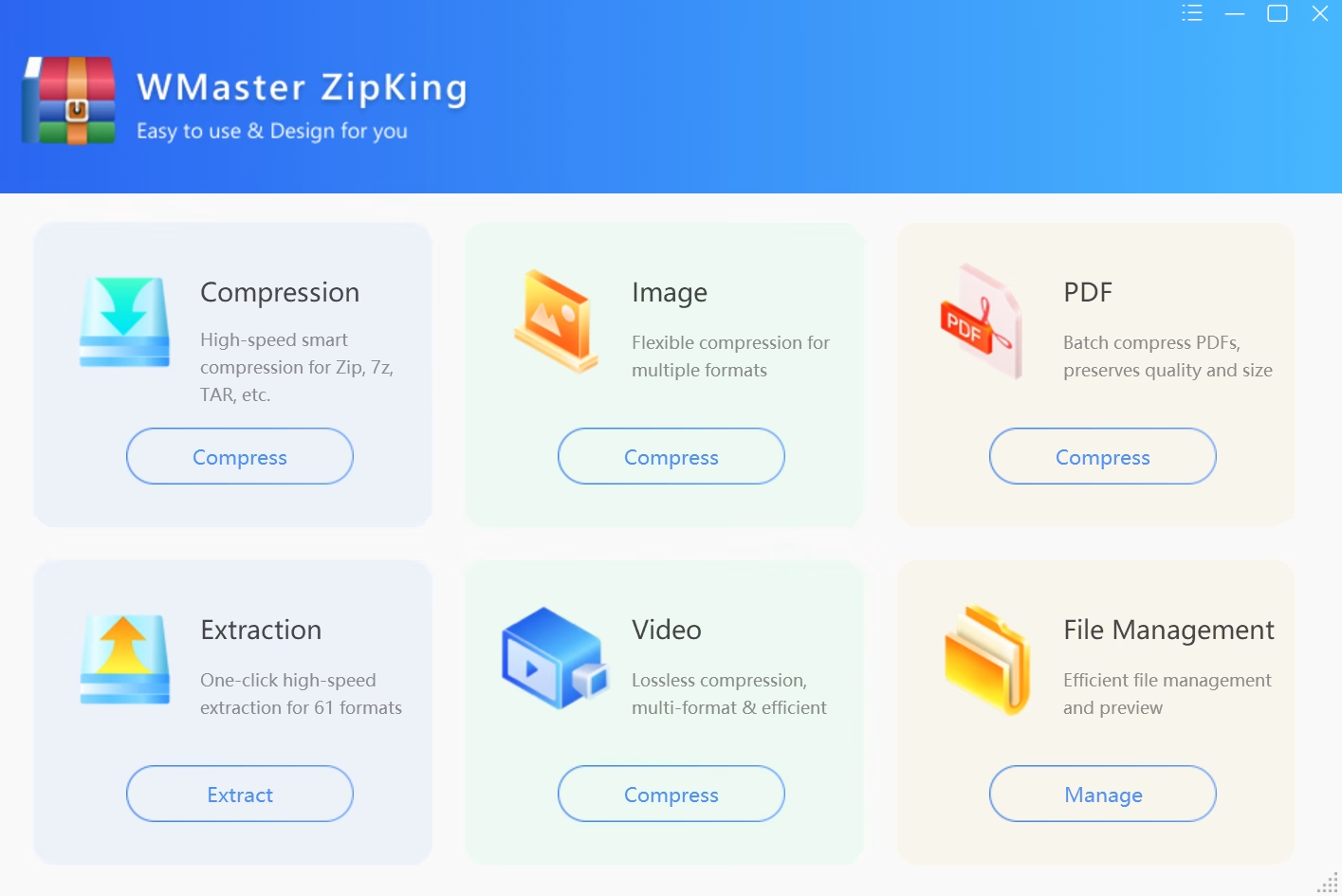
WMaster ZipKing is the solution to multiple problems that users are facing frequently. It is designed with the simplest interface, so even a non-tech person can use it by following the simple steps. This AI-powered tool can be used for file compression and extraction.
Moreover, WMaster ZipKing makes it quick, safe, and easy to open RAR files on Windows, even for beginners. It supports more than 64 file formats like RAR, ZIP, 7z, TAR, and others. So, you don’t need to install different tools for each file type. WMaster ZipKing does it all in one place.
Why Windows users need a better RAR file opener
A RAR file opener is a must-have for all users. It makes the process simple and easy to open the files.
Ease of use
Many Windows users find traditional tools like WinRAR and 7-Zip too technical. They have complex menus, outdated design, and unclear settings. Therefore, a beginner felt overwhelmed while using it for the first time. WMaster ZipKing changes that by offering a clean, modern interface. Everyone can use it with a few clicks.
Format compatibility
RAR files aren’t natively supported by Windows. Even reliable tools like 7-Zip can fail with newer formats. WMaster ZipKing is a file extractor which is to recognises and extracts over 64 archive types, including all major and emerging formats. This means you no longer need separate software for different file types.
Speed and bulk processing
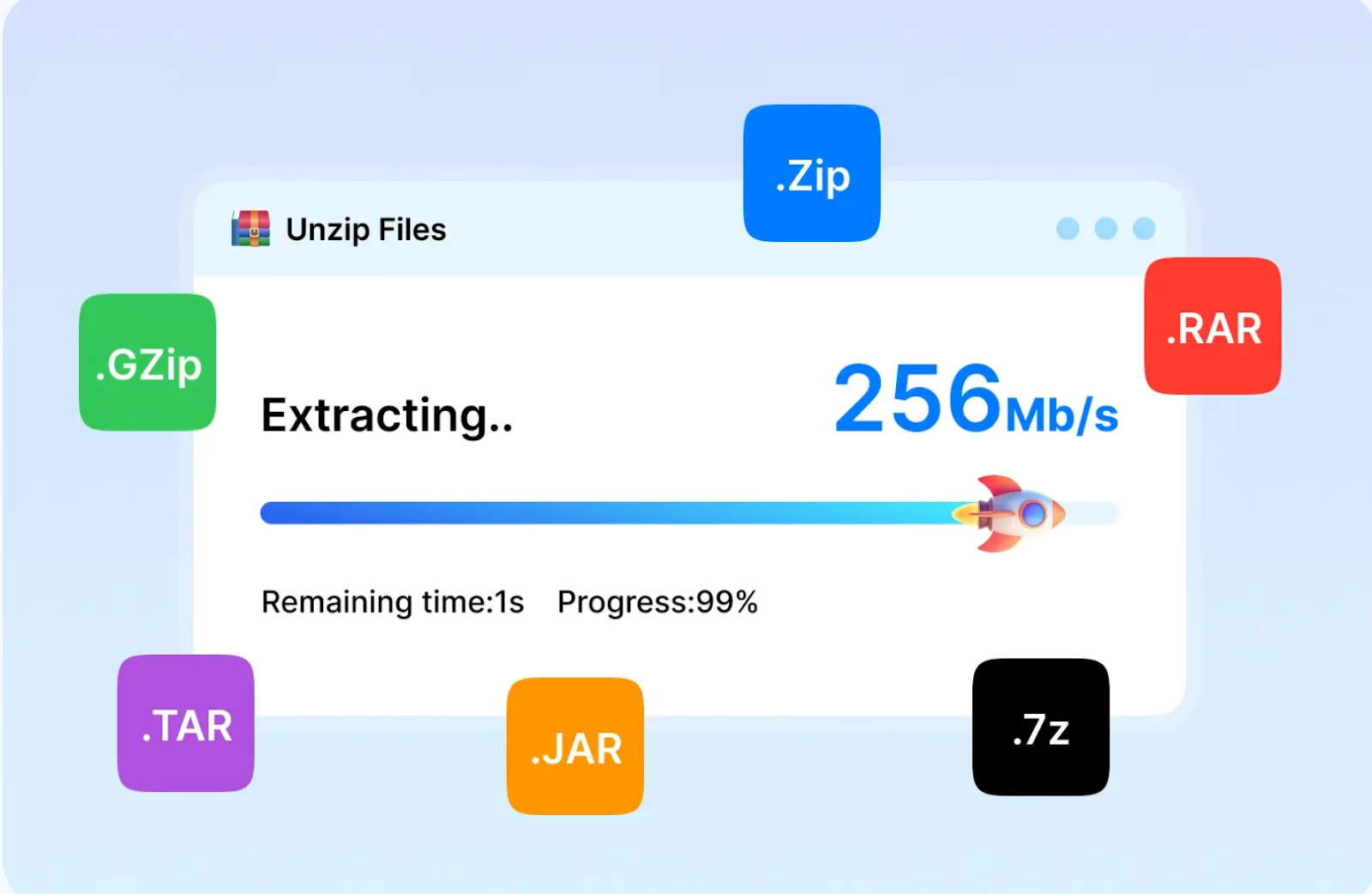
Opening a single compressed file might seem fast on older tools. However, handling large files or multiple gigabytes can slow down your system or computer. WMaster ZipKing is optimised for speed. It uses smart processing to extract files quickly without freezing your PC. This software does all of these functions without compromising the quality.
Security and encryption
When handling private or work-related files, security matters. Tools like 7-Zip allow encryption, but the process can be tricky for everyday users. WMaster ZipKing makes it effortless. You can protect your archive or encrypt sensitive content with built-in AES-256. It’s the most reliable way to keep your files safe.
Who should use WMaster ZipKing?
WMaster ZipKing can be used by everyone, whether you are a tech person or a non-tech person.
Beginners & non-technical users
If you’re not good with tech, most file openers can feel confusing. WMaster ZipKing makes it super easy. Just drag the file, drop it in, and click once it’s done. There are no tricky buttons or complicated menus. It’s perfect for anyone who wants a tool that just works without needing to learn anything first. Even if it’s your first time opening a RAR file, WMaster ZipKing will make it simple.
Office professionals
Office workers often send documents, reports, and slides. These files can be large and slow to email. WMaster ZipKing helps you shrink them quickly, so they’re easier to send and store. This software saves your time and keeps your work organised. It’s a great tool for anyone working with a lot of files every day.
Creators & media workers
Media workers often work with large files, which include photos, videos, or music files. WMaster ZipKing lets you compress lots of them at once without losing quality. It’s a great tool for YouTubers, photographers, or designers. Usually, they want to save space or send files to clients faster.
Security-minded users
Some private files need extra security. These documents may include work documents or personal records. WMaster ZipKing keeps all these files safe and secure with strong password protection. It uses AES‑256 encryption, which is one of the best ways to keep files secure. You just set a password when you zip the file. Then, no one else can open it without the password. It’s simple, quick, and keeps your stuff safe.
Small teams or freelancers
If you run a small business or work on your own, you don’t have time to use five different tools for one job. WMaster ZipKing does it all: open files, zip folders, split big files, and add passwords. Everything is in one place, and it’s easy to use.
Conclusion
If you’re looking for the easiest and fastest RAR file opener for Windows users in 2025, WMaster ZipKing should be on your list. It combines,
- Powerful AI file compressor
- Broad format support
- Password‑protected security
- A clean, intuitive interface
It’s a perfect time to say goodbye to nag‑screens, multiple apps, and outdated features. Download WMaster ZipKing today to enjoy all the premium features without any fees (this offer is for a limited time).
Feature Image by This_is_Engineering from Pixabay