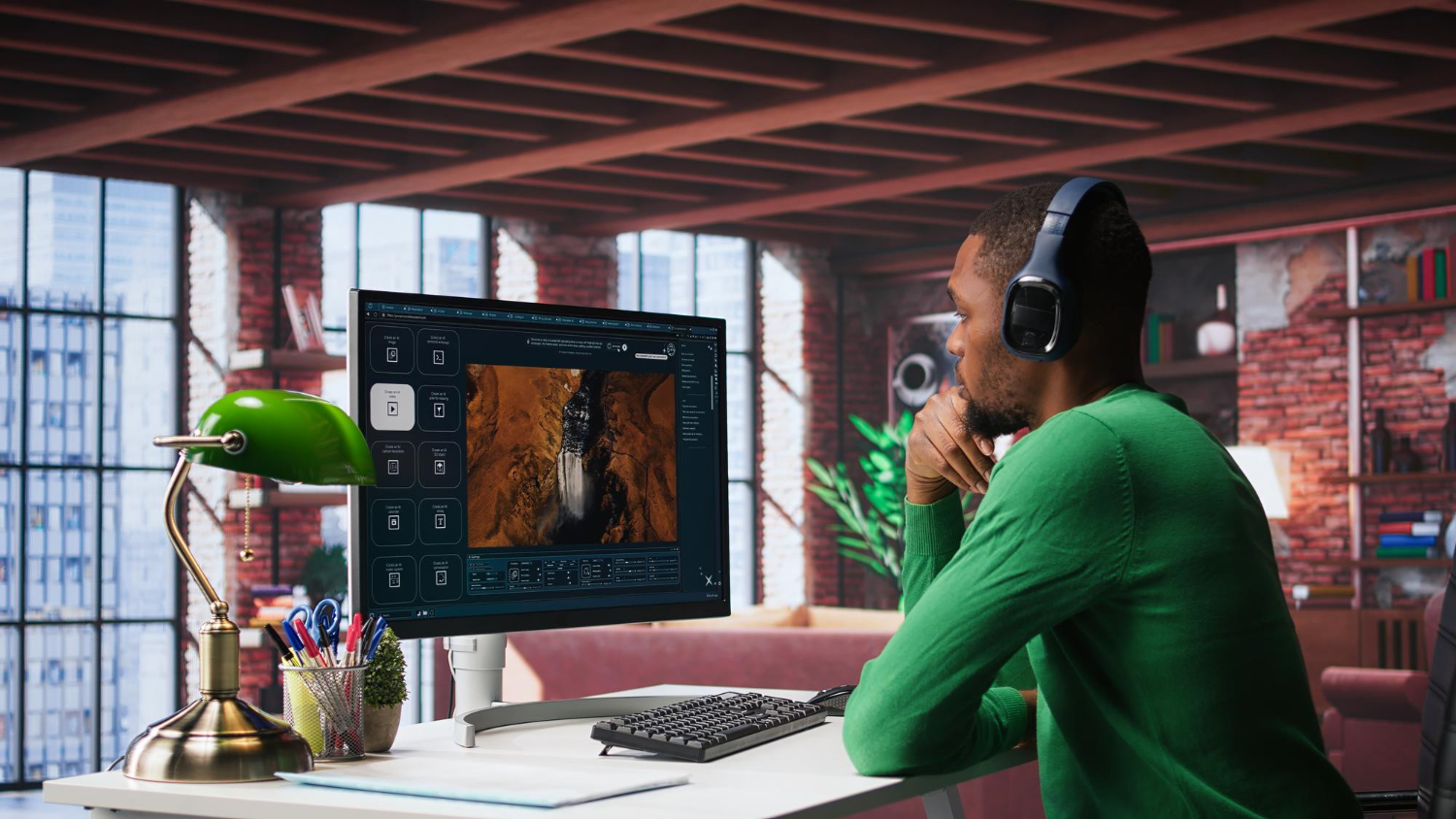

Any list of the best photo editors with AI has a short shelf life. Models are updated quietly, features move between plans, and a tool that struggled with portraits in spring can handle them well by autumn. A ranking is a photograph of one moment, and by the time you read it, the scene may already have changed.
What does not age is the method. A person who knows how to test an editor can ignore most of the noise around launches and judge a new tool in under an hour. That skill is worth more than any single recommendation, and it applies equally well in 2026 and 2027.
This guide sets out a testing routine that treats an AI editor like any other piece of equipment: measured on your own material, with notes, and repeated when conditions change.
Decide What a Good Result Means Before You Start
Testing without a standard produces opinions, not evidence. Before opening any editor, write down what you want from it in one or two sentences. “Remove small distractions from holiday photos without changing faces” is a useful standard. “Make my photos better” is not.
Add a limit for what must never happen. For a family archive, it might be altered facial features. For product images, it might be a changed logo or label. For news and documentary work, it might be any generated content at all. A tool that breaks the limit once is disqualified for that purpose, however impressive its other results.
Build a Shortlist Without Starting From Zero
Four or five candidates are enough, and there is no need to discover them by trial and error. A hands-on roundup of the best AI image editing tools can narrow the field quickly, particularly when it groups options by purpose, such as an all-in-one editor, a design app, a professional suite, a quick experiment tool and a human service.
Treat that kind of page as a map of the territory, not a verdict. Pick one candidate from each category that matches your needs, and then confirm its performance with your own files. Someone else’s favourite may be built around a workflow that is nothing like yours, and a recommendation made months ago may not reflect the current version.
Use the Same Input and the Same Words Every Time
Fairness is the foundation of a useful comparison. Choose three source photographs and keep them identical across every editor. If tools accept written instructions, copy and paste the same sentence into each, rather than rephrasing it to suit each interface.
Keep the photographs varied but ordinary: one taken in poor light, one with a busy background, and one that contains a person. They should reflect what you edit every week, not images chosen because they make the process look easy. Name the output files after the tool and the date, so that nothing becomes confused when you compare them later.
Run Each Edit Three Times
A single result tells you very little, because AI editors are not fully predictable. The same instruction can produce a clean fix once and a distorted one the next time. Run each edit three times and note how much the results differ.
Consistency matters more than the best outcome. If one attempt in three is excellent and the others are unusable, the tool will cost you time on every real job, since you cannot know in advance which attempt you will get. A tool that gives a good, slightly less spectacular result every time is easier to plan around.
Compare Results Without Knowing Which Tool Made Them
Familiarity with a brand can quietly influence what you see. A simple correction is to ask a friend or colleague to view the unlabelled outputs and choose between them. Do not explain what each one tried to do. Ask which looks most natural, and which looks most likely to have been edited.
People are often more sensitive to artefacts than the person who made the edit. Smooth patches, repeated textures and subtly altered faces register with a fresh observer within seconds. If your tester notices a problem you missed, that is useful data about how others will see the same picture.
Count the Rework, Not Just the Result
Quality is only half of the cost. Keep a simple record of how many attempts each tool needed and how long you spent before you had something you would actually use. A tool that produces a flawless image after six tries and ten minutes may be less practical than one that gives an acceptable result in two.
Include the steps outside the editor. How long did uploading and downloading take? Did the export keep the size and format you needed? Were you able to compare before and after without leaving the page? These small frictions add up over a year of use.
Check the Terms and the Paper Trail
Output quality is easy to see, while terms of use are easy to ignore. Read what the provider says about how uploaded images are stored, whether they may be used to improve models, and how you can have them deleted. Look at the limits that apply to free use, and whether results carry a visible mark.
For anything commercial, confirm that you are allowed to use the output for your purpose. Also record whether the editor adds metadata that identifies an image as AI-edited, since some platforms and clients now expect disclosure.
Keep a Decision Log and Schedule a Retest
Write down the date, the tool and its version if one is shown, the three test photographs, the instructions used and your scores. A single page is enough. When a tool is updated, or a new one appears, you can repeat exactly the same test and compare the new results with the old ones rather than relying on memory.
Plan to retest every six months, and sooner if a tool you depend on announces a major model change. That interval is long enough to avoid constant switching and short enough to catch real improvements.
A Short Routine You Can Reuse
The whole process fits into one afternoon. Define the standard and the limit, choose a shortlist of four, test three photographs with identical wording, run each edit three times, have someone else judge the outputs blind, and add up the rework. The tool that wins is rarely the one with the most striking single image. It is the one that gives acceptable results most often, respects your limits and leaves you in control of the original file.