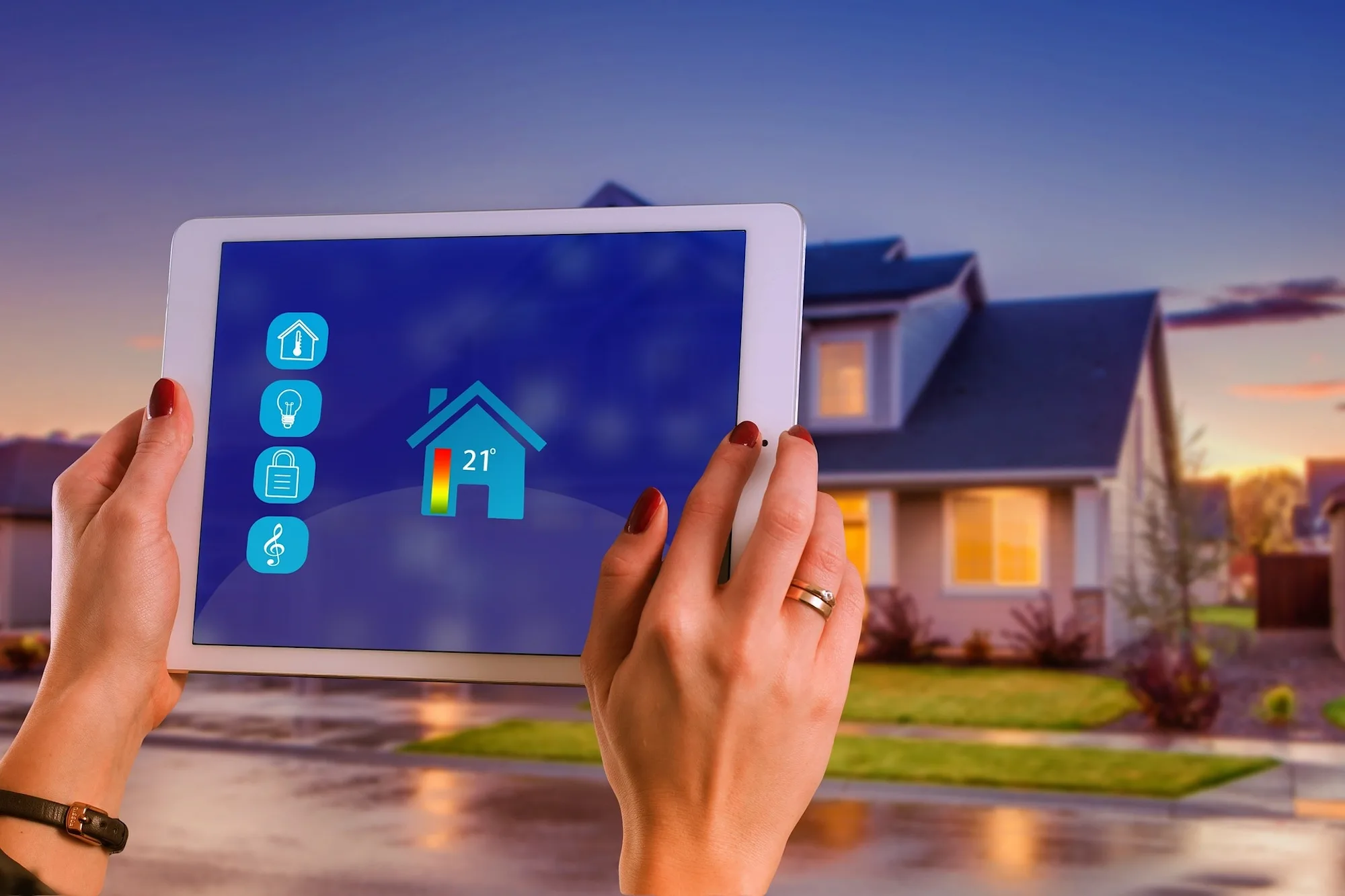

Smart home appliances offer convenience, automation, and enhanced control over household functions, but they’re not without their challenges. Common issues like connectivity problems, unresponsive devices, and software glitches can disrupt the seamless experience these gadgets are designed to provide. Understanding these common problems and knowing how to fix them is essential for maintaining an efficient smart home.
Whether it’s resolving network issues, updating software, or troubleshooting sensors, a few simple steps can often restore your devices to optimal performance, ensuring your smart home runs smoothly and reliably. For example, addressing a thermostat’s “Wait” message often requires specific troubleshooting steps to ensure your heating or cooling system operates efficiently.
Connectivity Problems
Connectivity issues are common with smart home appliances, often caused by weak Wi-Fi signals or network interference. To resolve this, ensure your router is placed centrally in your home and is free from obstructions. You may need to reset the device or the router to re-establish the connection. Using a Wi-Fi extender can also improve signal strength in areas with poor coverage. Additionally, make sure that your devices are on the same network and check for any firmware updates that could improve connectivity.
Device Not Responding
When a smart home device stops responding, it’s often due to a temporary glitch or a power issue. Start by checking the power source and ensuring the device is plugged in or has sufficient battery life. A simple restart or power cycle can often fix the problem. If the issue persists, try resetting the device to its factory settings and reconnecting it to your network. Also, ensure that your device’s firmware is up-to-date, as outdated software can cause responsiveness issues.
App Crashes
App crashes are frustrating but common with smart home systems, usually due to software bugs or compatibility issues. First, ensure that you’re using the latest version of the app by checking for updates in your app store. If the app continues to crash, try clearing the cache or reinstalling it. Additionally, check for compatibility with your smartphone’s operating system, as some updates might cause conflicts. If problems persist, contacting the app’s support team may help resolve any underlying issues.
Voice Command Failures
Voice command failures can stem from poor microphone sensitivity, network issues, or unrecognised commands. Ensure your smart assistant device is placed in a quiet area where it can clearly hear commands. Speak clearly and use the correct syntax or phrases for commands. If the device doesn’t respond, check the network connection and ensure the smart home appliance is correctly linked to your voice assistant. Restarting the device or re-linking it to the voice assistant app can also help resolve the issue.
Software Updates Issues
Software updates for smart home devices can sometimes fail, leading to malfunctions or unresponsive devices. If an update fails, first check your internet connection, as a stable connection is essential for downloading and installing updates. Restart the device and try updating it again. If the problem persists, try updating the device through a different method, such as using a computer or another mobile device. Ensure that your device has enough battery life or is connected to a power source during the update process to prevent interruptions.
Inconsistent Automation
Inconsistent automation in smart home devices can be caused by fluctuating Wi-Fi signals, incorrect settings, or conflicting schedules. To fix this, ensure your network is stable and devices are within range. Review automation rules and schedules in your app, making sure there are no overlapping or contradictory commands. It’s also a good idea to update your device’s firmware, as software bugs can cause automation issues. If problems persist, resetting the automation rules and reprogramming them might resolve the inconsistencies.
Sensor Malfunctions
Sensor malfunctions can lead to inaccurate readings or unresponsive smart home devices. Check if the sensor is clean and free from obstructions that could interfere with its operation. Ensure the sensor is properly installed and aligned according to the manufacturer’s instructions. Low battery power can also cause sensor issues, so replacing the batteries might help. If the problem persists, try resetting the sensor or re-syncing it with your smart home hub. Firmware updates may also resolve any ongoing issues.
Overheating Devices
Overheating in smart home devices is typically caused by poor ventilation, excessive usage, or faulty hardware. Ensure that devices have adequate airflow and are not placed near heat sources. Regularly clean vents and dust buildup to improve cooling. If a device frequently overheats, consider reducing its workload or usage duration. Persistent overheating may indicate a hardware issue, in which case contacting the manufacturer for a replacement or repair is advisable. It’s also important to ensure the device’s firmware is updated, as some updates address thermal management.
Battery Drain
Excessive battery drain in smart home devices can result from frequent usage, poor battery quality, or improper power settings. To address this, use high-quality, rechargeable batteries, and ensure the device’s power settings are optimised for energy efficiency. Reducing the frequency of updates or alerts can also conserve battery life. If a device drains battery power unusually fast, check for software updates that might improve battery management. Additionally, avoid placing devices in areas with poor signal, as they may use more power to maintain a connection.
Compatibility Conflicts
Compatibility conflicts arise when smart home devices or apps are not fully compatible with each other or with your existing network. To prevent this, ensure all devices and apps are from the same ecosystem or support a common platform, like Google Home or Amazon Alexa. Regularly check for software updates, as manufacturers often release patches to improve compatibility. If conflicts persist, consider using a third-party hub that bridges different systems. Researching device compatibility before purchasing can also help avoid these issues.
Smart home appliances offer great convenience but can face issues. Addressing connectivity, compatibility, performance, security, and maintenance concerns ensures smooth operation. Regular updates and troubleshooting keep your system efficient. If you encounter problems with the Kasa Smart Bulb, knowing common solutions can enhance your smart home experience further.
Smart home appliances offer great convenience but can face issues. Addressing connectivity, compatibility, performance, security, and maintenance concerns ensures smooth operation. Regular updates and troubleshooting keep your system efficient. If you encounter problems with the Kasa Smart Bulb, knowing common solutions can enhance your smart home experience further.
Feature Image by Gerd Altmann from Pixabay