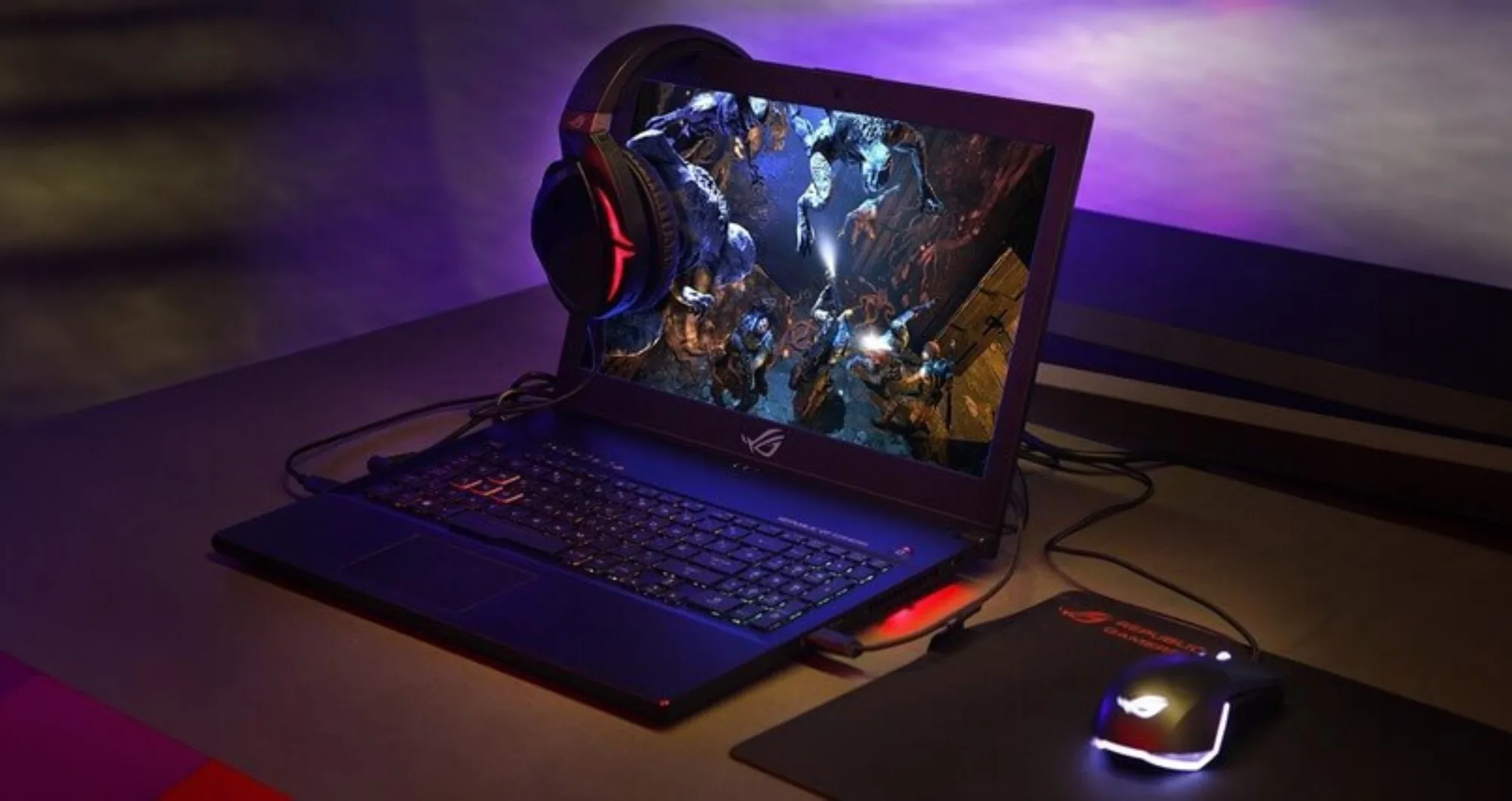

A professional esports athlete and gamer can only do with a fast and powerful computer – in this material, we will tell you how to choose a gaming laptop.
How is a gaming laptop different from a regular laptop in 2024?
Many modern games have high system requirements – only some laptops can handle such a load. Therefore, gamers use devices designed specifically for gaming. They differ from ordinary ones both in design and technical characteristics.
Design
Classic laptops are minimalistic, without bright details. Gaming models have a futuristic design, are more massive and heavier, and are equipped with additional customizable lighting.
Specifications
All laptops can perform basic tasks. However, to run most new games, the gadget must be productive and fast – you will need a discrete video card with a powerful graphics processor, a screen with an optimal refresh rate, a reliable cooling system, and a large amount of RAM.
Advantages and disadvantages of gaming laptops
Advantages
- Unique design – among gaming laptops, many models have colored bodies, backlighting, and exciting graphics.
- Portability – the gadget can be taken with you and used anywhere
- High power – even demanding games run
- Versatility – the laptop is suitable for games and work
Flaws
- High cost – the price of gaming laptops is much higher than regular ones
- Noise – robust cooling systems create it
- Low autonomy – under high load, the computer will not be able to work for a long time and will.
How do you choose a laptop for gaming?
An ideal gaming laptop should work quickly, not freeze, and not let the gamer down at critical moments. We tell you what you should pay attention to.
Processor
Affects laptop performance. There are several important parameters by which you can choose the appropriate one:
- Manufacturer: Intel or AMD. Processors from both companies perform well in games.
- Series – indicates the technical capabilities of the device. The higher the number in the series, the more complex tasks the laptop can perform.
Intel’s processor series is Core i3, i5, i7, etc. AMD has Ryzen 3, Ryzen 5, Ryzen 7, Ryzen 9.
- Generation – the processor’s name immediately follows the series and indicates the year of its release. Intel’s newest generations are currently 12 and 13, AMD’s are 7.
- Model — determines the chip’s power in the device line (models with more significant numbers have higher power).
Intel Core i5, i7, i9 processors, and AMD Ryzen 5, 7, and 9 best suit games with high system requirements. Need to be recharged.
Video card
The most crucial element of a gaming laptop is responsible for graphics quality. Most models have video cards from two brands: AMD and NVIDIA.
NVIDIA
NVIDIA produces several video cards, but the RTX line is best suited for gaming – these cards are energy-efficient and support ray tracing technology.
Each generation of NVIDIA video cards has several versions that differ in capabilities and power – for example, RTX 3050, 3060, 3070, 3080, 3090. Some also have a Ti prefix, which denotes improved performance.
For modern games, it is better to use the GeForce RTX 3060, GeForce RTX 3070, or the latest 40th generation versions – they were introduced in 2023.
AMD
The company produces video cards in the Radeon RX series. Their main advantage is lower cost (compared to NVIDIA). At the same time, AMD cards cope well with the load and perform well in games – even at high graphics settings.
Until recently, the best options for video games were the Radeon RX 6700 XT and Radeon RX 6900 XT, but the company has expanded its line of devices with the launch of the latest Radeon RX 7000 series.
RAM
Affects the speed of various applications on the computer. For games to be played correctly and without stuttering, it is better to choose a model with RAM of 16 GB or more.
Storage
System files, drivers, and basic applications take up quite a lot of space on the SSD drive. If you add “heavy” games to them, the entire memory limit can quickly be exhausted. Therefore, active gamers should not consider laptops with less than 512 GB memory capacity. More is even better.
Screen: resolution, diagonal, matrix type, refresh rate, and response time
A good screen will allow you to enjoy the game and gain an advantage over your opponents.
Permission
Affects the clarity and detail of the picture. In laptops, you can find three types of resolution:
Full HD (1920×1080 pixels)
QuadHD/2K (2560×1440 pixels)
Ultra HD/4K (3840×2160 pixels)
In most cases, Full HD resolution is sufficient. Others can be considered if the computer has a productive and potent video card.
Diagonal
Among gaming laptops, the most common models are those with a diagonal of 15 and 17 inches. If you rarely take your computer, you can think about a larger diagonal – playing on such screens is more comfortable.
If the mobility of your gadget is essential to you, it is better to purchase a laptop with a diagonal of 15 inches or slightly smaller – it will easily fit into a bag or backpack.
Matrix type
There are several of them: IPS, TN, OLED, and VA.
The IPS matrix has good viewing angles and color reproduction, the TN matrix has a short response time, and the VA matrix has excellent contrast. OLED matrices with rich colors have yet to become so familiar.
In terms of price/quality ratio, IPS is the best game option.
Update frequency
The high refresh rate allows fast movements to be displayed realistically on the screen – without delays or sudden jumps.
For new demanding games, it is better to choose laptops with a refresh rate of at least 144 Hz; for older games, you can limit yourself to less.
Response time
This is the time during which a color pixel manages to change colors. The smaller it is, the better dynamic scenes will look on the screen – there are many of these in games.
The optimal indicator for gaming laptops is 1-5 ms.
Cooling system
A productive laptop with a video card can only exist with a reliable cooling system – otherwise, breakdowns are inevitable.
Please pay attention to the system’s configuration: It must have powerful coolers, air ducts to supply and remove hot air, and unique grilles for cooling the gadget’s components.
Brand
Many brands make excellent laptops for gaming, but the most popular ones are MSI, ASUS (ROG line), Acer (Predator line), and Gigabyte (AORUS line). Focus on technical characteristics and personal preferences – the device’s design is also essential.
Conclusion
A gaming laptop is a serious investment, so you should choose one.
We recommend doing this:
- Determine your purchasing budget – this will help narrow the options and eliminate unnecessary ones significantly.
- Consider the computer’s requirements; if you want to play new games, it is better to look at the most productive models.
- Read reviews – the advantages and disadvantages of some laptops are not apparent at first glance, so it is helpful to read other people’s experiences.