
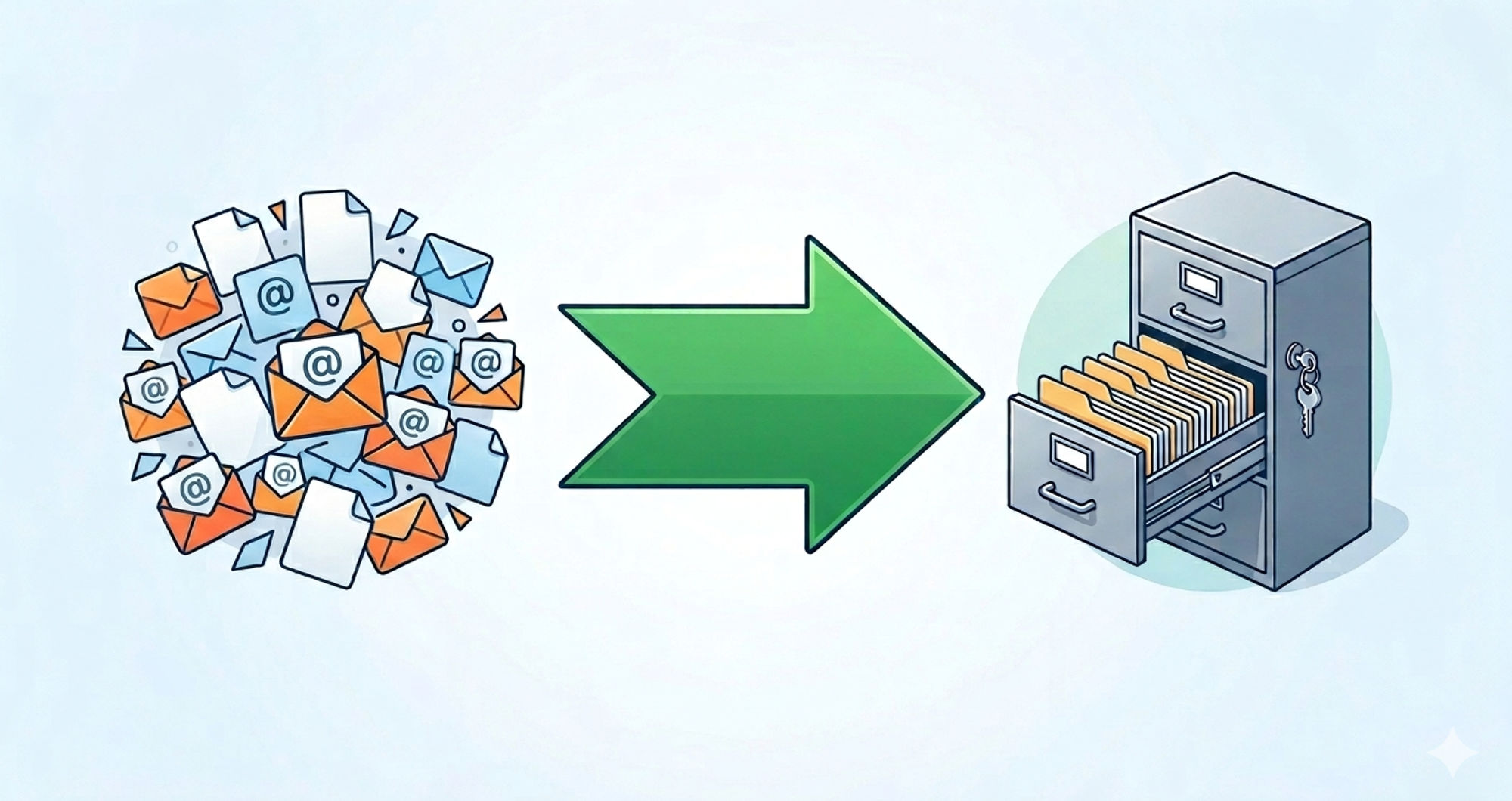

Imagine walking into your office and finding ten thousand loose pieces of paper scattered across the floor. You have to pick them up, organise them by date, paperclip the attachments, and shove them into a locked filing cabinet. Just thinking about it causes an instant headache.
In the digital world, this exact scenario happens when you try to migrate a massive folder of EML files into Microsoft Outlook.
When you transition from older email clients like Windows Live Mail, Mozilla Thunderbird, or Apple Mail over to the corporate standard of Microsoft Outlook, you hit a massive architectural roadblock. Outlook does not want your loose files; it wants a neat, structured database. To bridge this frustrating gap without losing your mind or your data, you need a dedicated EML to PST converter.
As an IT professional or a smart business owner, you need facts and logical solutions, not confusing tech jargon. Let us break down exactly why these files clash, why manual dragging-and-dropping usually ends in tears, and how to choose the right software to protect your digital paper trail.
The Core Logic: Why EML and PST Speak Different Languages
To understand why you need specialised software, you first need to understand the physics of how your computer stores these messages. They might both contain emails, but they operate on fundamentally different logic.
The EML Format (The Loose Paper)
EML stands for “Electronic Mail.” It represents a highly standardised, universally accepted file format for saving a single email. If you drag one email out of your inbox and drop it onto your desktop, it creates an EML file. It contains the message text, the sender details, and the attachments for that one specific communication. It is simple, but managing 50,000 of them becomes a logistical nightmare.
The PST Format (The Filing Cabinet)
Microsoft engineered the PST (Personal Storage Table) specifically for Outlook. A PST file does not just hold one email; it acts as a complex, relational database. It stores your entire inbox, your sent folder, your calendar events, your contacts, and your task lists inside one heavy-duty, encrypted file.
Because Outlook relies on this complex database structure, it handles loose EML files very poorly. If you try to force them together without an EML to PST converter, the system frequently freezes or crashes.
The Danger of the “Manual Migration” Myth
If you search online forums, you will inevitably find amateur advice suggesting you can manually drag and drop EML files directly into an open Outlook window. While this might work for three or four emails, using this method for a corporate migration invites absolute disaster.
When you attempt a manual transfer with thousands of messages, several critical failures almost always occur:
- Outlook Freezes: The Outlook application cannot process 10,000 individual file commands simultaneously. The program will stall, freeze, and eventually crash, leaving you with a half-finished migration and corrupted data.
- Loss of Folder Structure: When you drag files, you completely destroy your organisational hierarchy. That meticulously organised client folder system you spent five years building collapses into one giant, chaotic pile.
- Stripped Metadata: Manual transfers frequently strip the hidden metadata from your files. This includes the exact time, date, sender, and recipient routing information. In the corporate world, stripped metadata destroys the legal validity of an email during a compliance audit.
What Does an EML to PST Converter Actually Do?
When you invest in proper conversion software, you remove the human error and the application crashes from the equation entirely.
A high-quality EML to PST converter operates like an automated filing clerk. The software scans your folders of loose EML files and reads the hidden code inside them. It carefully extracts the text, the header information, and the heavy attachments. Then, it constructs a brand new, healthy PST database from scratch and neatly organises your emails inside it.
Once the software finishes compiling the database, you simply open that single PST file in Outlook. Your emails appear instantly, exactly as they did in your old system.
Essential Features to Demand in Your Software
You must look past flashy marketing and examine the actual software engine. A high-quality tool must handle heavy corporate workloads without stalling. Do not settle for basic, unproven utilities. Demand these specific, non-negotiable features from your software provider:
1. True Batch Processing Capabilities
If you manage an office with dozens of employees, you cannot convert files one by one. Professional tools allow you to select an entire master directory containing thousands of EML files. The software should utilise your computer’s full multi-core processing power to stitch them together rapidly, saving you hours of tedious waiting.
2. Flawless Folder Hierarchy Retention
A good tool respects your organisational habits. If you have your EML files sorted into specific Windows folders (like “2025 Invoices” or “Project Alpha”), the EML to PST converter must read those folder names and recreate that exact folder structure inside the new PST file.
3. Attachment Safety and Encoding
Legacy email systems often handle attachments weirdly. The converter must feature smart extraction techniques. It needs to safely identify the PDF, JPEG, or Excel attachments embedded in the EML code and encode them perfectly into the PST file so they open flawlessly in Outlook.
The Security Imperative: Keep Your Data Offline
Email contains your company’s most sensitive, guarded information. It holds employee tax forms, proprietary business strategies, and confidential client contracts. Therefore, the software you choose must prioritise absolute security above all else.
When searching for a solution, you will see dozens of free “online converters” that ask you to upload your EML files to their remote servers via a web browser. Never do this. Uploading corporate communications to an unverified, third-party website creates a massive data breach risk. It also violates strict data privacy frameworks like the General Data Protection Regulation (GDPR) and the Health Insurance Portability and Accountability Act (HIPAA).
Always choose downloadable, desktop-based software. Desktop tools process the files locally on your own hard drive. Your sensitive data never connects to the internet, ensuring you remain fully compliant with corporate data protection laws.
Conclusion: Make the Logical Choice for Your Data
Migrating your digital communications does not have to cause an enormous headache. The friction only occurs when you use the wrong tools for the job.
Transitioning from loose files to a structured database requires precision. An EML to PST converter provides the exact technical bridge you need to cross that gap safely. By investing in a dedicated, secure tool that offers batch processing, hierarchy retention, and offline security, you eliminate the risk of data loss and application crashes.
Treat your emails like the valuable business assets they truly are. Skip the dangerous manual workarounds, apply proper technical logic, and execute your email migration flawlessly.