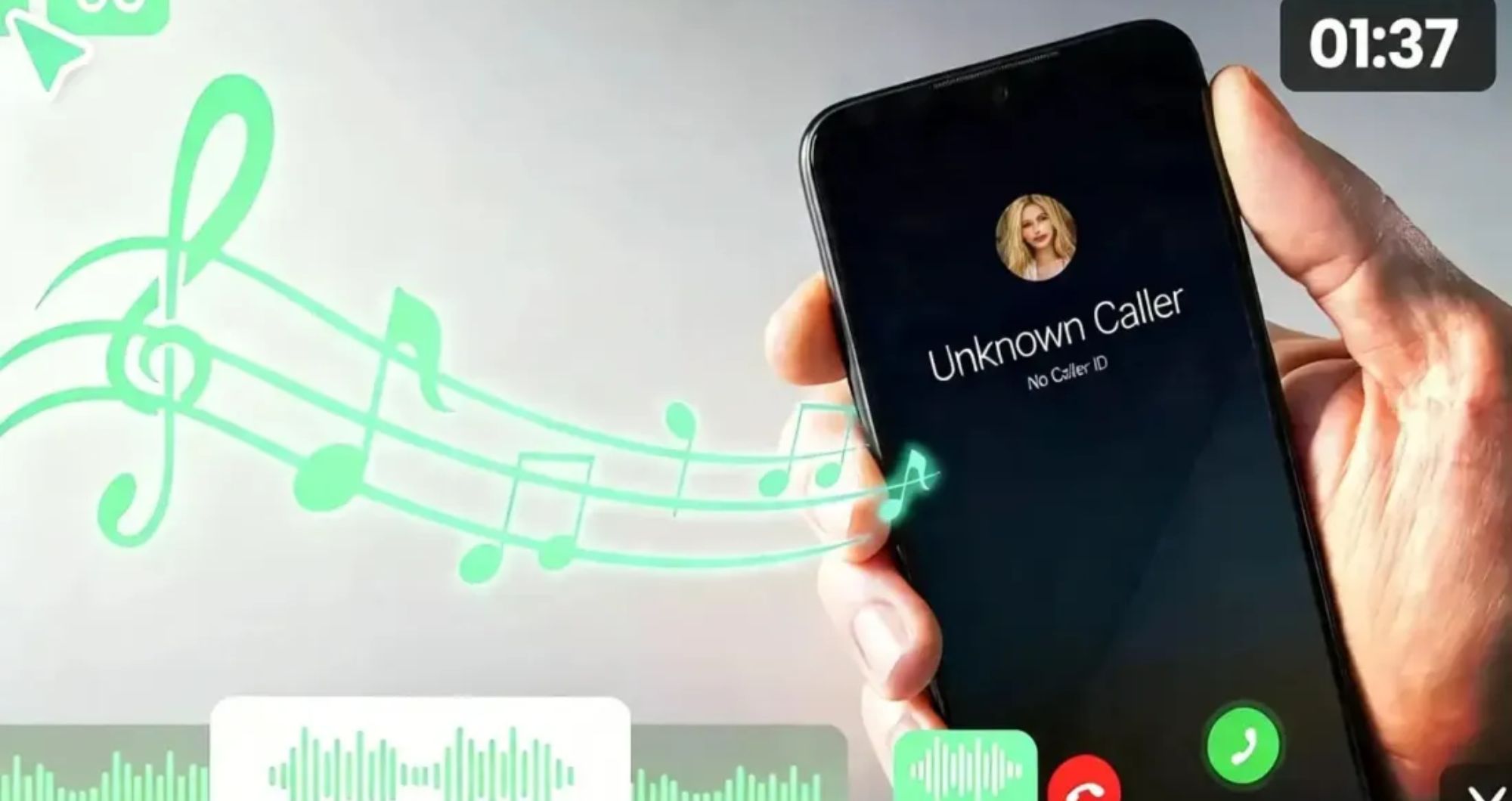

A majority of smartphones are supplied with a set of default ringtones and alerts. Although these presets are convenient, they usually sound just like everyone else’s. One can easily hear a ringtone somewhere and see a number of people at once trying to get their phones.
That is why people are opting to use custom sounds instead. A personalised ringtone will make your phone appear more personal and will allow you to know who called you and what notices you immediately. Be it your favourite song, a catchy voice recording, or a brief audio clip, custom sounds are like a personal touch to normal phone usage.
With current online applications, it is now simpler than ever to make your own ringtones. No more sophisticated editing software or technical expertise is required to tailor the sounds of your phone.
What Is a Ringtone Maker and How Does It Work?
A ringtone maker is a program that enables users to convert audio files into their own ringtones and notification sounds. You can choose a particular part of the song and save it as a ringtone that can best fit your device instead of using the whole song.
It is an easy process. Users simply upload an audio file, select the section that they would like to retain, cut the clip to the length that they prefer, and export the completed ringtone. The majority of the tools also have preview functionality so that one can listen to the sound and then download it.
One of the biggest advantages of online ringtone makers is convenience. It is all in-browser, so no software or complex editing techniques are needed. Users are able to produce customised ringtones within a few minutes, even for first-time users.
Picking the Ideal Audio for a Cellphone
When you select an audio clip, the quality of a ringtone is usually determined. The correct sound may transform notifications into pleasant surprises and make them easier to identify.
Most people take the most well-known section of a favourite song, which could be a catchy chorus or some unforgettable instrumental section. These videos will typically be easy to recognise when the phone rings.
Another trending alternative is voice recordings. Other users are customising their own alerts by using recordings by their family members, friends or even their own voices. This brings a touch of originality that could not be delivered by ordinary phone sounds.
Custom alerts can also be in the form of short podcast clips, inspirational quotes, and sound effects. The key is choosing audio that is clear, easy to hear, and not too long. An easy-to-understand and familiar sound is not always a bad thing.
With the choice of the appropriate clip, users are able to create custom phone ringtones that depict their personality and are yet functional in their daily life.
Create Your Own Phone Ringtones in Minutes
The process of creating a custom ringtone is quite simple and requires several simple steps.
Step 1: Post Your Audio File
Begin by picking a song, recording or audio clip that you would like to use as a ringtone.
Step 2: Select the preferred part
Play the audio and select which section could be a good ringtone. The majority of users like a catchy chorus, instrumental hook, or brief voice clip.
Step 3: Cut the Audio
Select the editing controls to delete the parts you do not desire and retain the one you want to listen to when your phone rings.
Step 4: Preview the Ringtone
Test the edited clip, making sure it plays well and at the correct time.
Step 5: Download and Save
When you are happy with the output, you can export the file and incorporate it into your phone as a ringtone or notification sound.
The basic workflow enables anybody to produce the personalised sounds of a phone without having to be an editor.
Production of Unique Notification Sounds and Mobile Alerts
Custom audio isn’t limited to incoming calls. Notification sounds are also personalised by many users regarding messages, emails, reminders, and apps.
Different kinds of alerts can be distinguished by means of short notification tones. To illustrate, a business email can be written in one tone, whereas personal messages can be written in a different tone. This facilitates easier detection of notifications without referring to the screen.
Other users also set personal sounds for key contacts. You can set a special ringtone to your family members or close friends so that you can always know who is calling.
You can even trim mobile notifications based on audio snippets of short audio files, sound effects, or even instrumental pieces. The sound of a notification is generally rather short, and straightforward clips should work.
The alerts, which are personalised, not only help in enhancing organisation but also make day-to-day phone use more favourable.
Conclusion
The default phone sounds can be very convenient, but they hardly ever help to reflect your personal style. By making your own ringtones and notifications, you can make your device seem more personal and enhance your experience with managing calls and notifications.
A ringtone producer makes it all a lot easier, as they allow users to choose, edit, and export their preferred audio bites within a few clicks. It could be custom phone ringtones, a favourite song, or reduced mobile notifications, but way more than wishing to customise the phone, modern browser-based tools currently make it speedy and simple.
The correct audio clip and a few minutes of editing time will enable you to substitute the generic presets with genuinely yours.